32
$QVZHULQJPDFKLQH 8OWUD5DQJH
7XUQLQJDQVZHULQJPDFKLQHRQRII
If the answering machine is on, the message counter on the
base and the icon on the handset will light up and the machine
will automatically pick up the line after a number of rings (see “11.5
Setting number of rings”).
2QWKHEDVH
• Press to switch on the answering machine. The Message
counter will be turned on.
• Press to switch off the answering machine. The Message
counter will be turned off.
2QWKHKDQGVHW
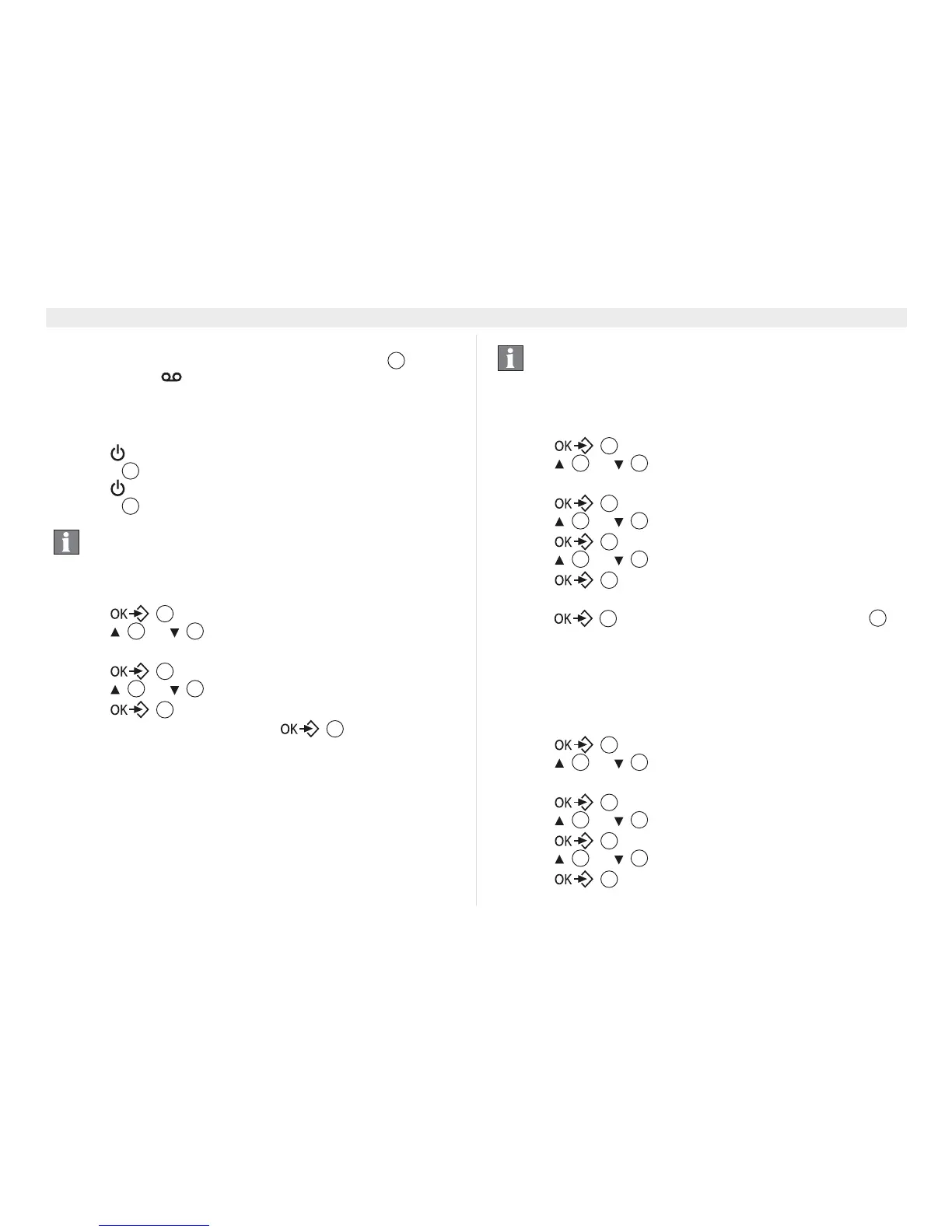
1. Press .
2. Press or repeatedly, select ‘$16:(5
0$&+,1(’.
3. Press to confirm.
4. Press or repeatedly, select ‘$16:(5212))’.
5. Press to confirm.
6. Select ‘21’ or ‘2))’ and confirm .
6HWWLQJQXPEHURIULQJV
The number of rings after which the answering machine will
answer calls can be set from
3 - 8 and ‘72//6$9(5’.
In toll saver mode, the machine will answer after 6 rings, if there
are no new messages, and after 2 rings if there are new messages.
1. Press .
2. Press or repeatedly, select ‘$16:(5
0$&+,1(’.
3. Press to confirm.
4. Press or repeatedly, select ‘6(77,1*6’.
5. Press to confirm.
6. Press or repeatedly, select ‘5,1*'(/$<’.
7. Press to confirm.
8. Select the amount of rings (3-8 or ‘72//6$9(5’).
9. Press to confirm your selection or press (6& to
leave the menu.
&KDQJLQJWKHODQJXDJHRIWKHDQVZHULQJ
PDFKLQH
The language of the default OGM can be set, there are 9
languages possible:
1. Press .
2. Press or repeatedly, select ‘$16:(5
0$&+,1(’.
3. Press to confirm.
4. Press or repeatedly, select ‘6(77,1*6’.
5. Press to confirm.
6. Press or repeatedly, select ‘/$1*8$*(’.
7. Press to confirm.
Even if the answering machine is off, the machine will
automatically pick up after 10 rings in order to enable
remote activation (see “11.12 Remote operation”).
23
23
23
17
4 15
17
4 15
17
17
If there are no new messages and you call your machine
to check your messages remotely (see “11.12 Remote
operation”), you can hang up after the second ring. You
do not need to pay connection fees and you know that
you do not have any new messages.
17
4 15
17
4 15
17
4 15
17
17
3















 To Next Page