33
8OWUD5DQJH
(1*/,6+
8. Press or repeatedly to select the language and
confirm .
7XUQLQJRQWKHUHPRWHDFFHVV
The user can check and control the answering machine by calling
from an outside line and entering the remote access code (see
also “11.12 Remote operation”). Remote access function can be
activated/deactivated:
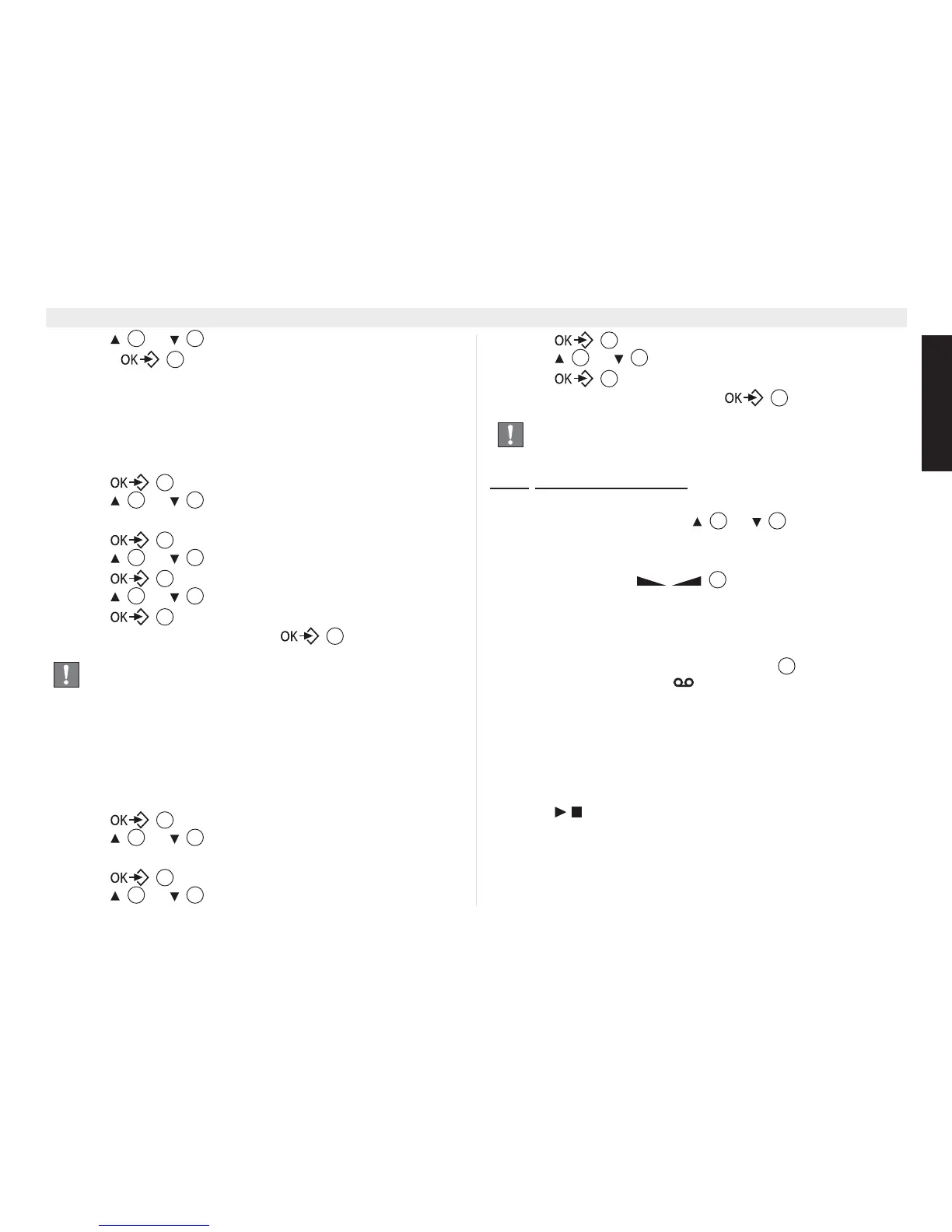
1. Press .
2. Press or repeatedly, select ‘$16:(5
0$&+,1(’.
3. Press to confirm.
4. Press or repeatedly, select ‘6(77,1*6’.
5. Press to confirm.
6. Press or repeatedly, select ‘5(027($&&(66’.
7. Press to confirm.
8. Select ‘21’ or ‘2))’ and confirm .
&DOOVFUHHQLQJ
During recording incoming messages, the caller’s voice can be
monitored on the base speaker and handsfree speaker of the
handset. To hear this on the handset you have to turn this function
on:
1. Press .
2. Press or repeatedly, select ‘$16:(5
0$&+,1(’.
3. Press to confirm.
4. Press or repeatedly, select ‘6(77,1*6’.
5. Press to confirm.
6. Press or repeatedly, select ‘&$//6&5((1’.
7. Press to confirm.
8. Select ‘21’ or ‘2))’ and confirm .
11.8.1
Call screening volume
2Q+DQGVHW
During call screening press the or repeatedly to set
the volume on the handset.
2Q%DVH
Press the volume keys during call screening on the
base.
3OD\EDFNRIUHFRUGHGPHVVDJHV
When there are new messages recorded, the amount of new
messages will blink on the base LED display . On the handset
the answering machine icon will blink and the amount of new
messages will be shown at the right lower corner. ‘1(:
0(66$*(’ will also appear on the screen.
When all messages are played back and there are no new
messages the blinking on the base and handset will stop and the
message counter will show the total amount of messages.
7RSOD\EDFNWKHPHVVDJHVRQWKHEDVH
1. Press on the base in standby mode.
• The messages are played one at a time. If there are new
messages, only the new messages (those that have not been
heard) are played.
2. During playback, you can:
When the answering machine is set off and the remote
access on, the answering machine will seize the line after
10 rings to be able to control it remotely.
4 15
17
17
4 15
17
4 15
17
4 15
17
17
17
4 15
17
4 15
After a repeater only 2 handsets can have call screening
function, the other handsets will show ‘5(&25',1*’ on
the screen.
17
4 15
17
17
4 15
19
23















 To Next Page