34
$QVZHULQJPDFKLQH 8OWUD5DQJH
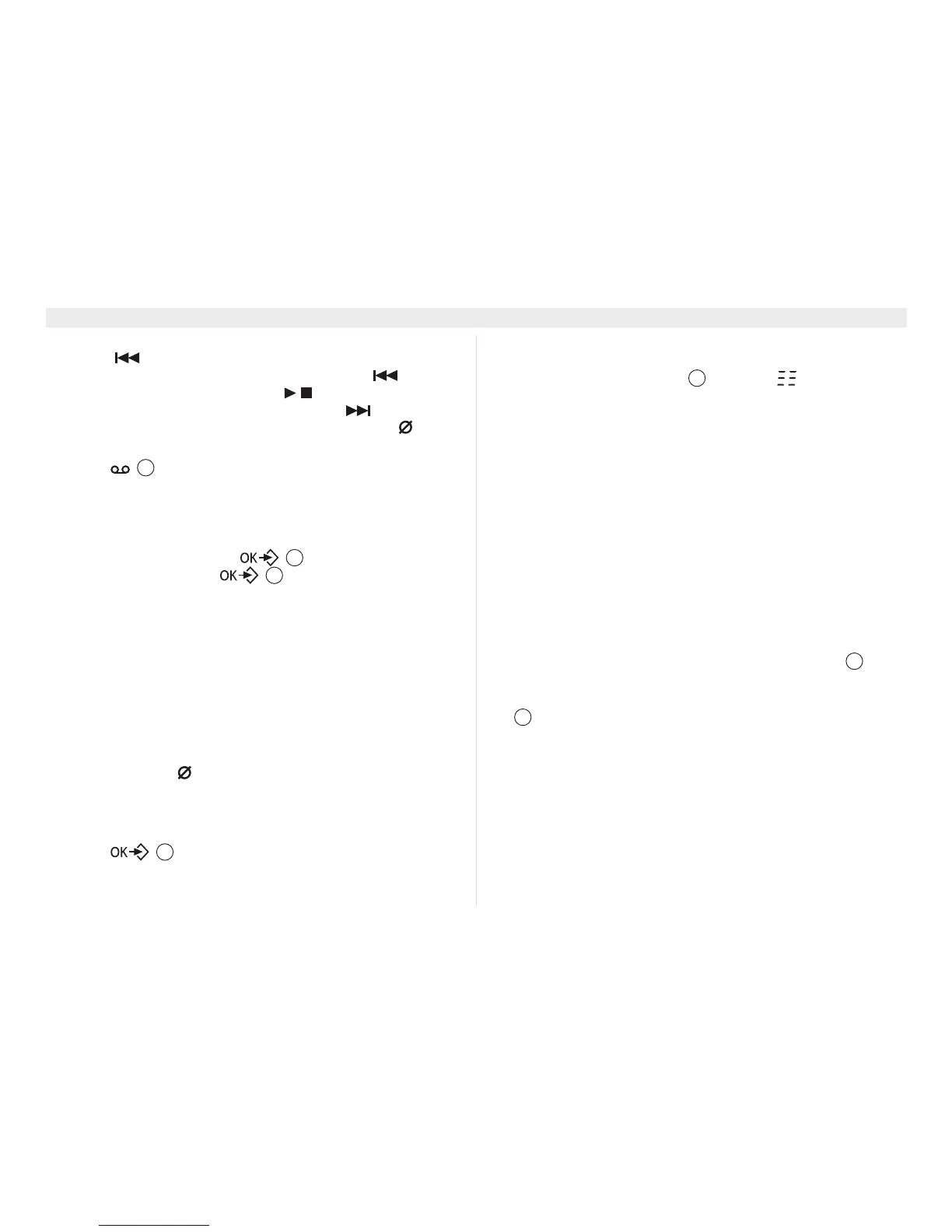
– go to the beginning of the current message by pressing
once.
– go to the previous message by pressing twice.
– stop playback by pressing .
– go to the next message by pressing .
– to delete the current played message, press .
7RSOD\EDFNWKHPHVVDJHVRQWKHKDQGVHW
1. Press on the handset:
• When you have new messages, the first messages will be
played.
• When you have no new messages you will enter the
‘$16:(50$&+,1(’ menu.
Select ‘3/$<’ and confirm .
2. During playback, press and select:
–‘5(3($7’ to repeat current message.
–‘35(9,286’ to go to the previous message.
–‘1(;7’ to go to the next message.
–‘'(/(7(’ to delete the current played message.
(UDVLQJDOOPHVVDJHV
One can also erase all heard messages at one time. This erases
only the messages that have already been heard. New messages
are not erased.
2QWKHEDVH
1. Press the delete key for more than 2 seconds.
• A confirmation tone will be heard.
2QWKHKDQGVHW
1. Select ‘'(/(7($//’ in the ‘$16:(50$&+,1(’ menu.
2. Press to confirm.
0HPRU\IXOO
If the memory is full, ‘0(025<)8//’ will appear on the handset
display. The base LED display will show ‘ ’ blinking when it
is on and answer record mode is set. If the answering machine is
turned on and a call comes in, the machine will automatically play
answering only outgoing message.
1. Erase all the messages after listening to them.
• The memory is free again.
5HPRWHRSHUDWLRQ
The answering machine can only be operated remotely using a
phone equipped with DTMF (Dual Tone Multi-Frequency, or tone
dialling). To be able to operate the answering machine remotely
you have to turn on the remote access (see “11.7 Turning on the
remote access”).
1. Call your machine.
• The answering machine picks up the line, you hear the
outgoing message and a beep.
2. While the outgoing message is played, slowly dial
followed by the base PIN code (default 0000).
• You will hear a short beep for confirmation. The LED counter
on the base will show ‘’ blinking and ‘5(027($&&(66’
appear on the handset(s) display.
• In case there are new messages, playback will start
immediately.
3. If there are no new messages the base will go to command
waiting mode:
&RPPDQGZDLWLQJPRGH
• Press ‘2’ (listen to messages). The answer machine will play
the messages.
During playback, you have the following options:
2
17
17
17
23
8
23















 To Next Page