18 FC-600 Field Computer Owner’s Manual
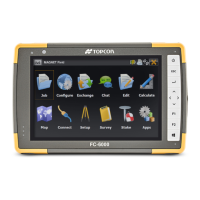
LED Activity Indicators
LED activity indicators are located on the keypad underneath the
power button.
Red LED on the right (associated with power adapter):
Blinking: AC adapter is plugged in, and the battery is charging
Solid: AC adapter is plugged in, and the battery is full (not
charging)
Green LED on the left (associated with shift functions):
Solid: When you press the shift key, the green LED lights up
and stays on until another key is pressed. If the shift function is
locked, the green LED stays on.
Blue LED on the left (associated with notifications):
The blue LED is available for notifications as controlled by
individual apps.
Data Storage Options
Flash Data Storage
The FC-600 has 16 GB of internal flash data storage. Go to Settings
> Storage to see how much storage is available, and how it is being
used (storing Apps or Images, for example).
SD/SDXC Card
The FC-600 has a slot for a micro SD/SDXC card located in the
battery compartment. To insert or remove a card, follow these
steps:
1. Power o the handheld by holding the power button until the
Power menu appears and selecting Power O.
CAUTION: Power-o the FC-600 before removing the battery.
If you remove the battery without powering-o the handheld,
you may damage the handheld and/or lose data.
!



 To Next Page