32
PREPARATIONS
Setting of CF CARD
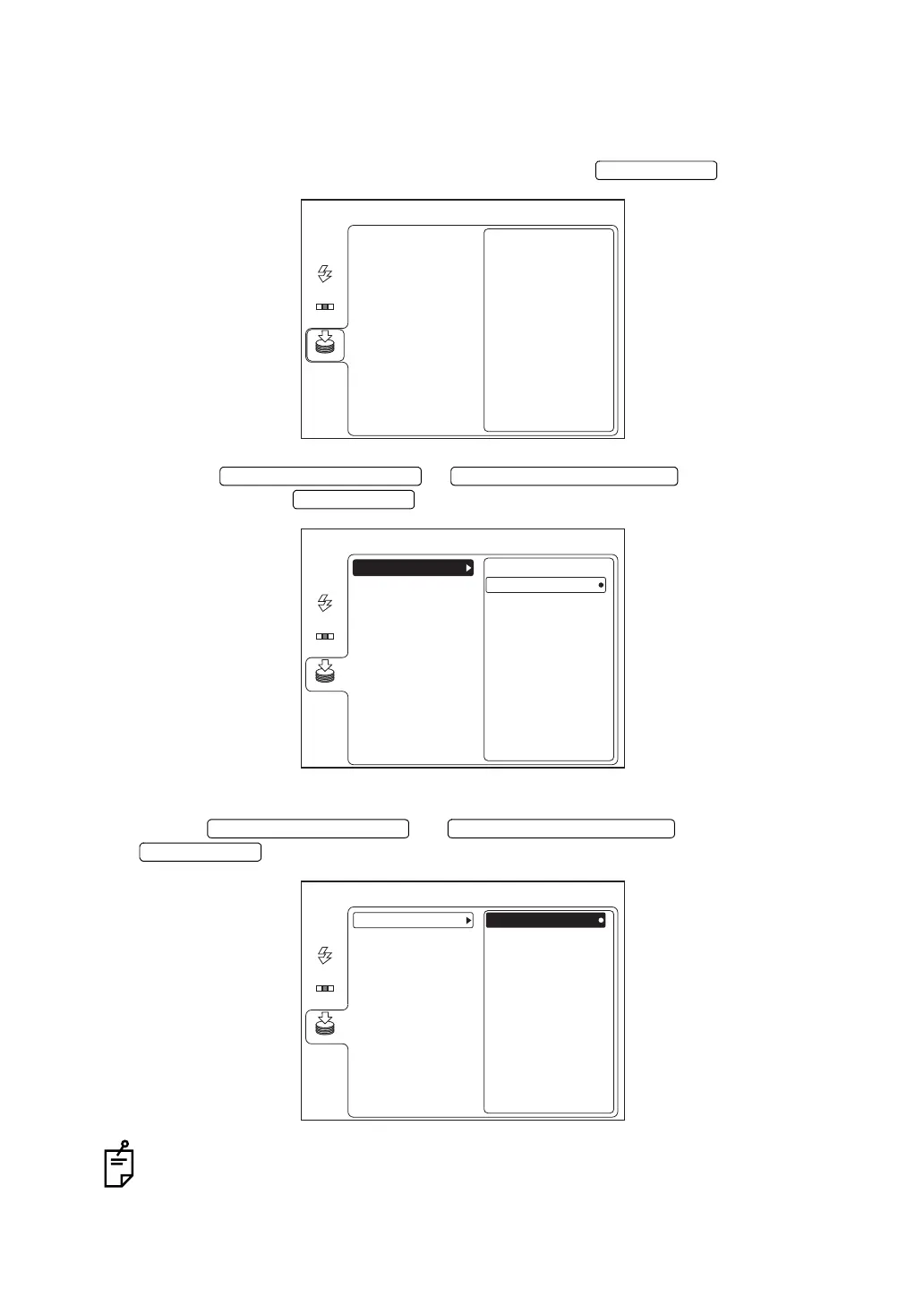
Set ON/OFF for storing data into the CF CARD. For installing/removing the CF CARD, refer to
page 20.
1 On the "MENU" screen, select "MEMORY" and press the .
2 Press the or to select "CF CARD"
and then press the .
3 Select "ON" (to store data in CF CARD) or "OFF" (not to store data in CF CARD) by press-
ing the or and then press the
.
As more and more data is recorded on CF CARD, it takes a longer time to display the
Monitor screen since the power of the instrument was ON.
ENTER SWITCH
MENU
USB MEMORY
AUTO
FLASH
MEMORY
CF CARD
FIXATION
UPWARD CURSOR SWITCH DOWNWARD CURSOR SWITCH
ENTER SWITCH
MENU
ON
OFF
FORMAT
USB MEMORY
AUTO
FLASH
MEMORY
CF CARD
FIXATION
UPWARD CURSOR SWITCH DOWNWARD CURSOR SWITCH
ENTER SWITCH
MENU
ON
OFF
FORMAT
USB MEMORY
AUTO
FLASH
MEMORY
CF CARD
FIXATION


 To Next Page
 Loading...

