SECTION 4 TEST THROUGH
THE TEST BUTTON
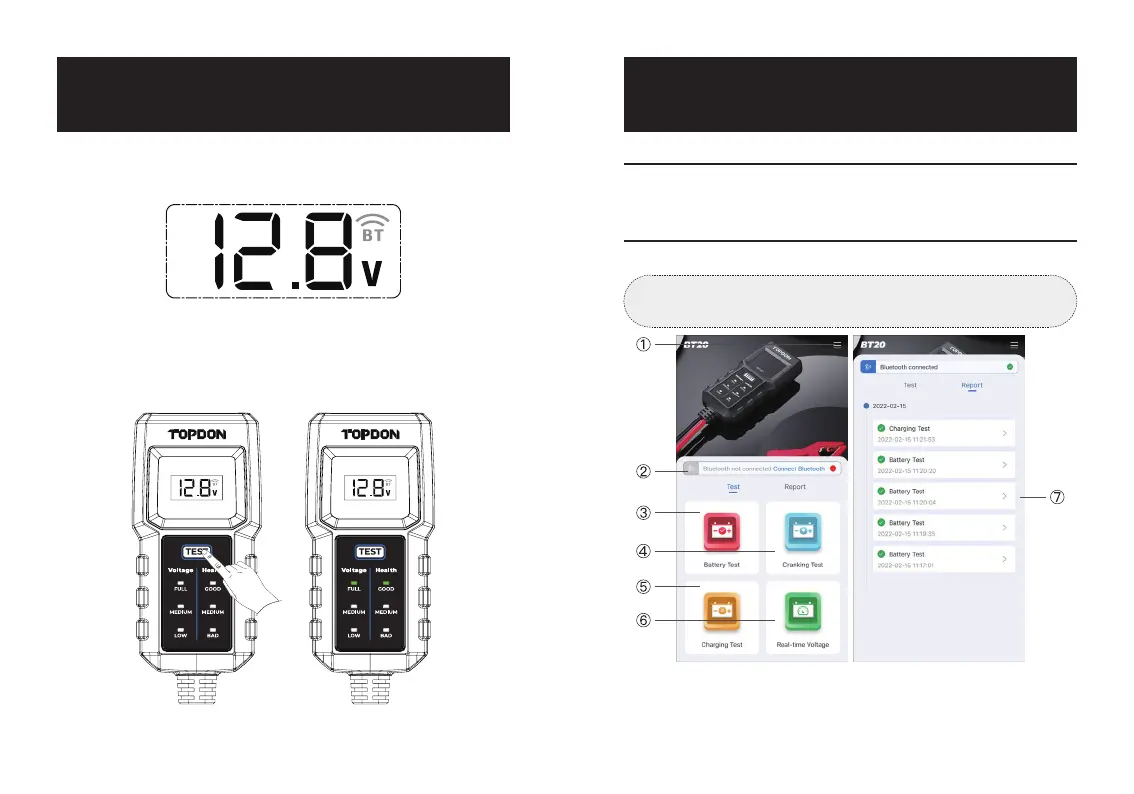
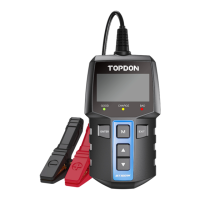
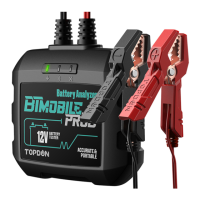
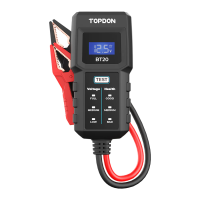
Soon after the battery tester is powered on, the real-time voltage
of the battery will be displayed on the screen, and the Bluetooth
icon will ash.
Press the Test Button, and wait for several seconds. The
corresponding Battery Voltage Indicator (FULL / MEDIUM / LOW)
and Battery Health Indicator (GOOD / MEDIUM / BAD) will light
up to show the test result.
Figure 4.1.1
Figure 4.2.1
BT20BT20 BT20BT20
SECTION 5 TEST THROUGH
THE APP BT20
App Downloading and Installation
Home Page
Search "BT20" in the App Store™ or Google Play™, download,
and install it to your mobile device.
Launch the App "BT20" to enter the home page.
①
Settings
· Tap [Language] to select your preferred language.
· Tap [Login] to set up your account. (If you would not like to
Tip:
Please allow the App to access your Network and Bluetooth.
Figure 5.2.1
EN I 13EN I 12


 To Next Page