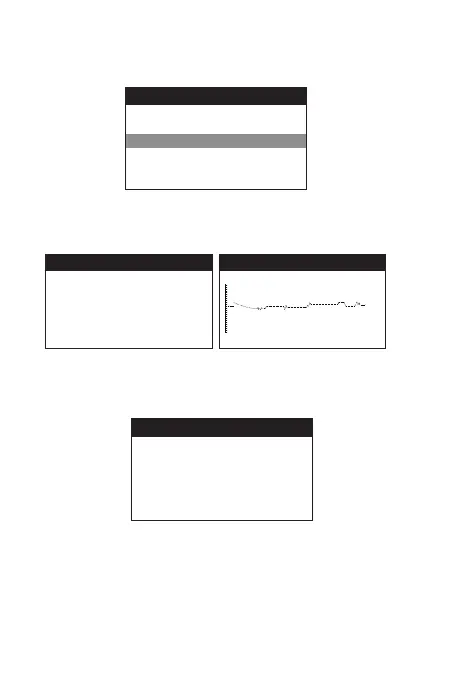
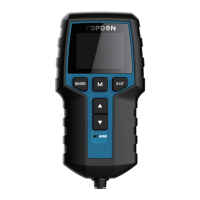
2) The device will jump to main menu automatically
after 3 seconds, then select "CHARGING TEST".
3) Press "ENTER" to enter the "RIPPLE TEST" interface.
4) Press "ENTER" again, or wait for a few seconds to enter
the "CHARGING TEST" interface.
5) The tester prompts the operator to "Increase RPM to
2500r/min and keep it 5 seconds". Press "ENTER" to
get the test result:
MAIN MENU
BATTERY TEST
CRANKING TEST
CHARGING TEST
REVIEW DATA
LANGUAGE
ABOUT
CRARGING TEST
PLEASE START ENGINE, PRESS
ENTER TO CONTINUE.
RIPPLE TEST
12.98V
CHARGING TEST
INCREASE SPEED TO
2500 R/MIN , KEEP IT
FOR 5 SECONDS . PRESS
ENTER TO CONTINUE


 To Next Page