HOW TO USE
The engine and all other accessory loads must be OFF
in order to have accurate results. Turn on the vehicle
headlamps for 2~3 minutes until the battery voltage
drops back to normal value if the battery is just fully
charged.
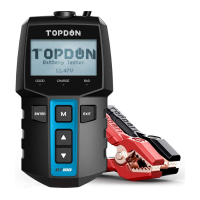
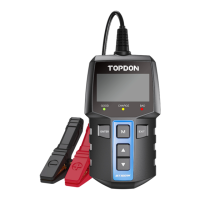
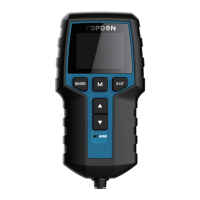
TOPDON BT200 will test each battery according to the
selected actual system standard and rating marked on
the battery, to get the accurate results.
1) The RED (+) Positive Battery Clamp is connected
to the (+) positive battery terminal, and the BLACK
(-) Negative Battery Clamp is connected to the (-)
negative battery terminal. Ensure that the clamps
have a rm, secure grip on the battery terminals for
accurate results.
2) The device will jump to main menu automatically
after 3 seconds, select "BATTERY TEST" and then press
"ENTER" to continue.
3) Press "▲" or "▼" to select the "BATTERY TYPE" (specied
on the battery rating label), then press "ENTER" to
continue.
1.1 Before Test
1.2 Steps
MAIN MENU
BATTERY TEST
CRANKING TEST
CHARGING TEST
REVIEW DATA
LANGUAGE
ABOUT


 To Next Page