12
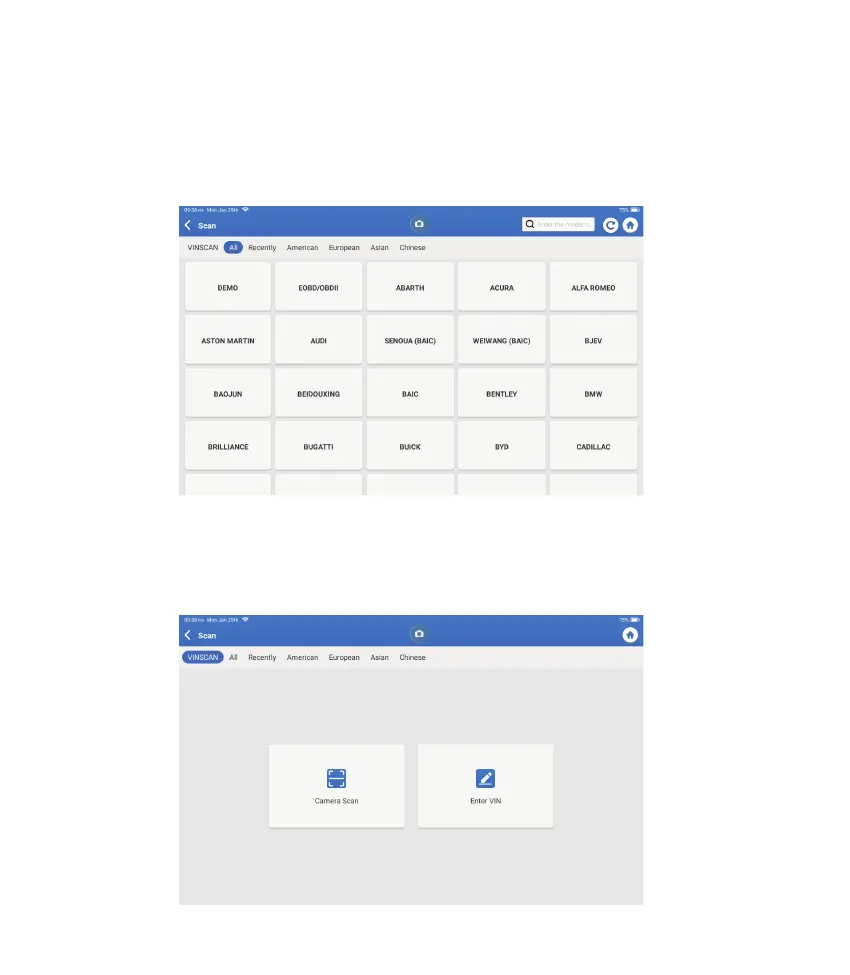
If Phoenix Plus 2 fails to get access to the vehicle VIN data automatically, tap “Scan” on
the Home Menu. The following page will appear:
Note: If the AutoScan can not identify the vehicle, please try to reconnect to the network.
Not all cars support the AutoScan function due to auto manufacturers settings.
2. Scan(Manual Diagnosis)
There are two ways to get access to vehicle diagnostic functions.
2.1 The fi rst way is using “VINSCAN."
Tap “VINSCAN." The following page will appear:











 To Next Page