15
EN
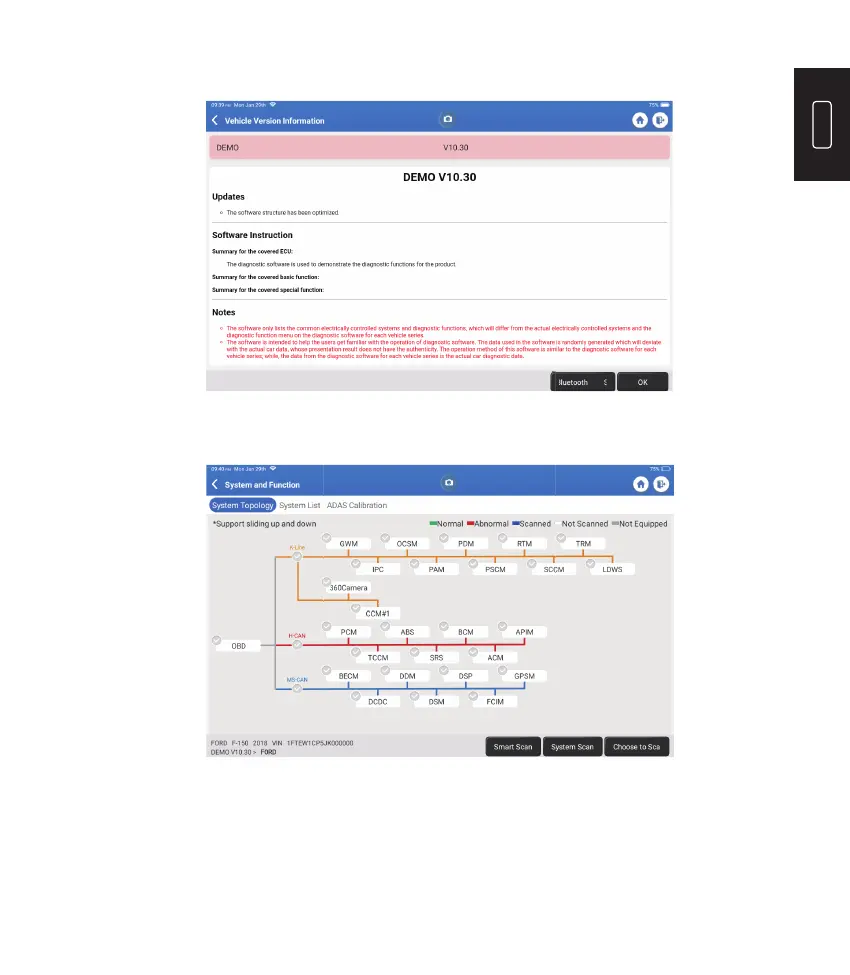
Select “Demo” as an example and the following page will appear:
Tap “OK." Select “Demo" from the pop-up Notes. Then select a vehicle make. The tablet
will automatically navigate to the Show Menu:
The interface has two display modes, one of system topology and one of system
list, both with the same functions. Select the display mode according to personal
preference.











 To Next Page