17
EN
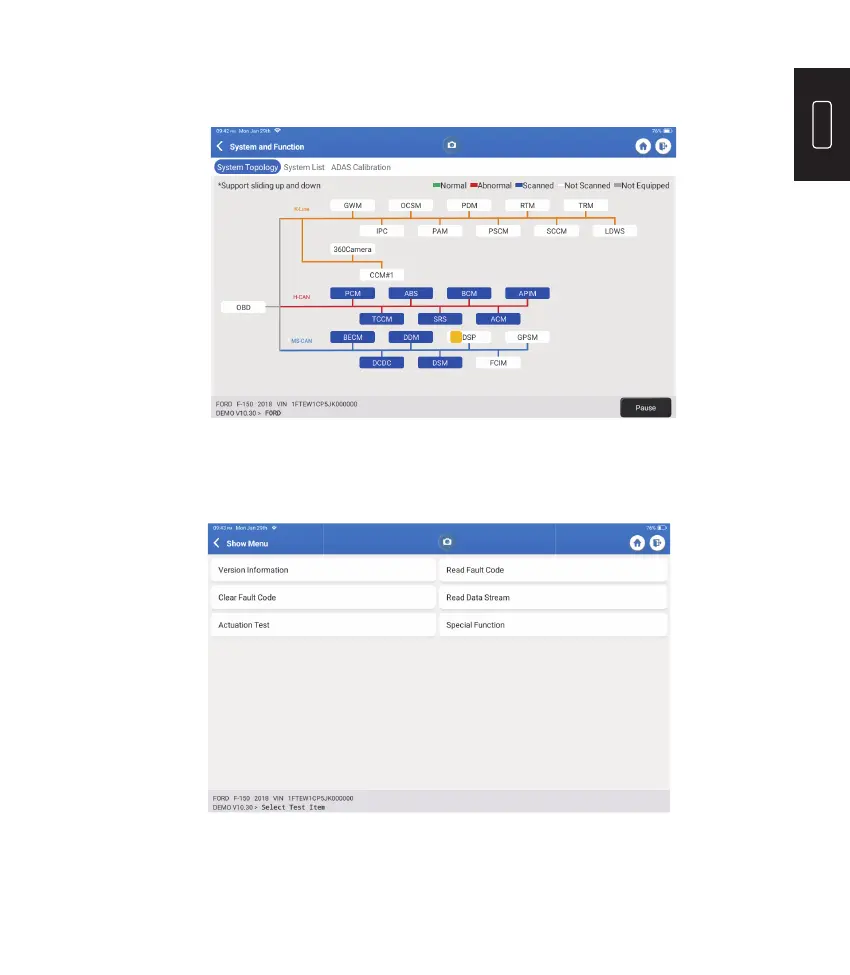
Scan the manually selected vehicle electronic control system. As an example, tap “PCM,"
then tap “Choose to Scan" to scan the system. Tap “PCM" and tap “Enter." The following
page will appear.
Note: This function will be available only if the diagnostic software supports it.
A. Version Information
This function reads the current version information of ECU.
2.2.2 System Scan
This function will scan all systems of the vehicle.
2.2.3 Choose to Scan











 To Next Page