31
EN
In this function, you can request remote assistance through third-party software. By
sending your device ID number to the remote technician or after-sales personnel, you
can authorize the other party to remotely operate the Phoenix Plus 2 device, to guide you
through the problems encountered in the process of using the device.
7. Support
Notes: These functions require additional hardware (optional), which needs to be purchased.
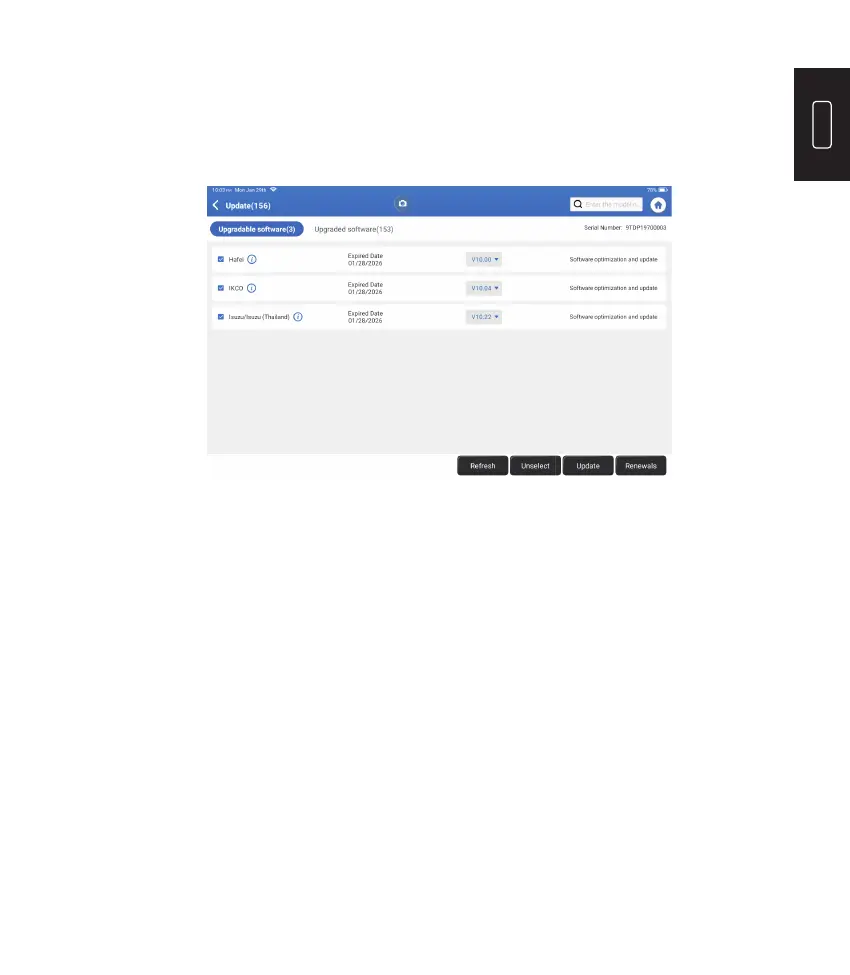
This module allows you to update the diagnostic software & App to the latest version.
Tap “Update” on the Home Menu. The following page will appear:
Tap “Update” to upgrade the selected software.
6. Update
Tap “Library” on the Home Menu. The following page will appear:
8. Library











 To Next Page