34
You can modify or add related information in this module or adjust settings.
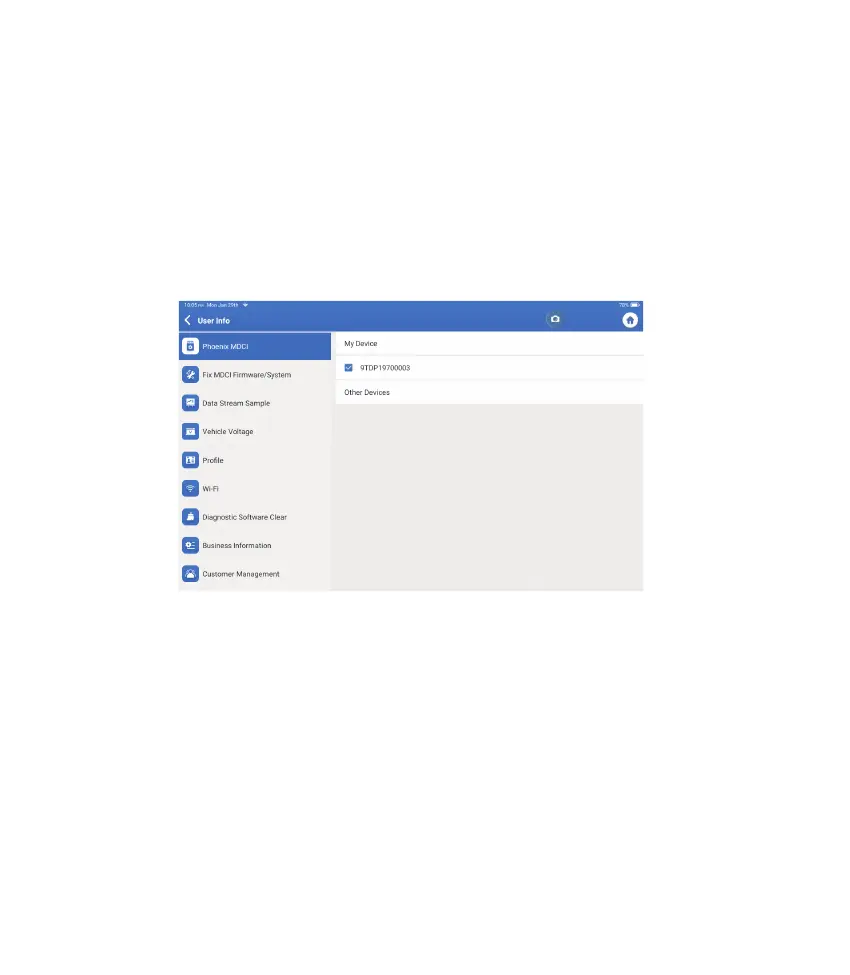
11. User Info
11.1 Phoenix MDCI
This option allows you to choose the suitable MDCI dongle if there are several dongles
registered on the tablet.
11.2 Fix MDCI Firmware/System
11.3 Data Stream Sample
This option can repair the MDCI rmware. Please don’t power off or switch interfaces
during this process.
This option manages the recorded data stream sample les.
*Explanation of terms:
Our technical support will handle your feedback as quickly as possible.
•
Feedback: To show the tested vehicle model list.
•
History: To view all diagnostic feedback and check the processes.
•
Offline-list: To display all diagnostic feedback logs which have not been submitted
successfully yet due to the network failure. The failed logs will be re-uploaded
automatically once the tablet gets a stable network signal.











 To Next Page