8EN
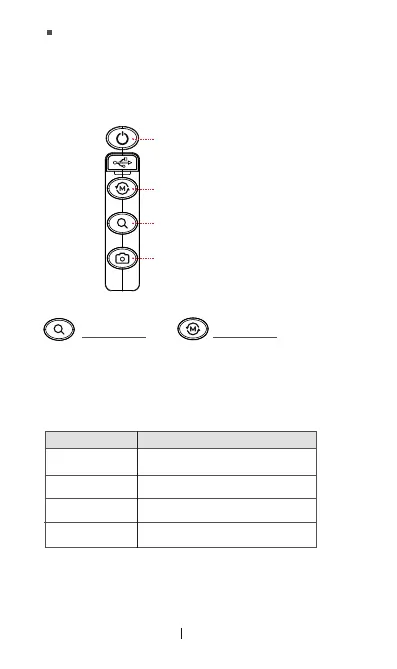
Zoom Button -> Previous Button
Camera Button -> Next Button
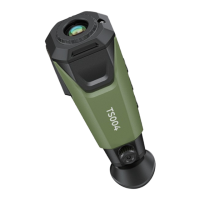
When TS004 is powered on, you can press and hold these two
buttons at the same time to measure the distance between the
thermal camera and the object.
ÀǘƵDz ٌ!ȯȌȲɈȌȁÀ²׀׀ׄǞȺɐȺƵƮǏȌȲƧǘƊȲǐǞȁǐƊȁƮ˛ǶƵɈȲƊȁȺǏƵȲـɨǞƊ
the supplied USB-A to USB-C cable).
Solid green
Solid red
Flashing green
Flashing red
TS004 is powered on and works well,
or TS004 is fully charged.
TS004 is being charged.
TS004 is in the standby status.
TS004 battery is running out (< 10%).
Zoom Button
+
Mode Button
4.2 LED Indicator
4.3 USB-C Port
Indicator Status Description
Power Button -> Back Button
Mode Button -> OK Button
You can press and hold this button to activate the system
settings.
You can see the system settings menu via the eyepiece. For
more information about system settings, please follow the
on-screen instructions.
In this case, the functions of these buttons will change as
follows.


 To Next Page