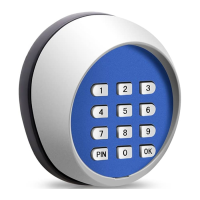
Thank you for purchasing the Wireless Keypad. The keypad has been integrated a LED backlight
key feature. It will bring you great pleasure and convenience while you use it to operate TOPENS
Gate
Opener. Be sure to read the manual carefully and completely before you permanently
mounting the keypad, please program the keypad and test its range.
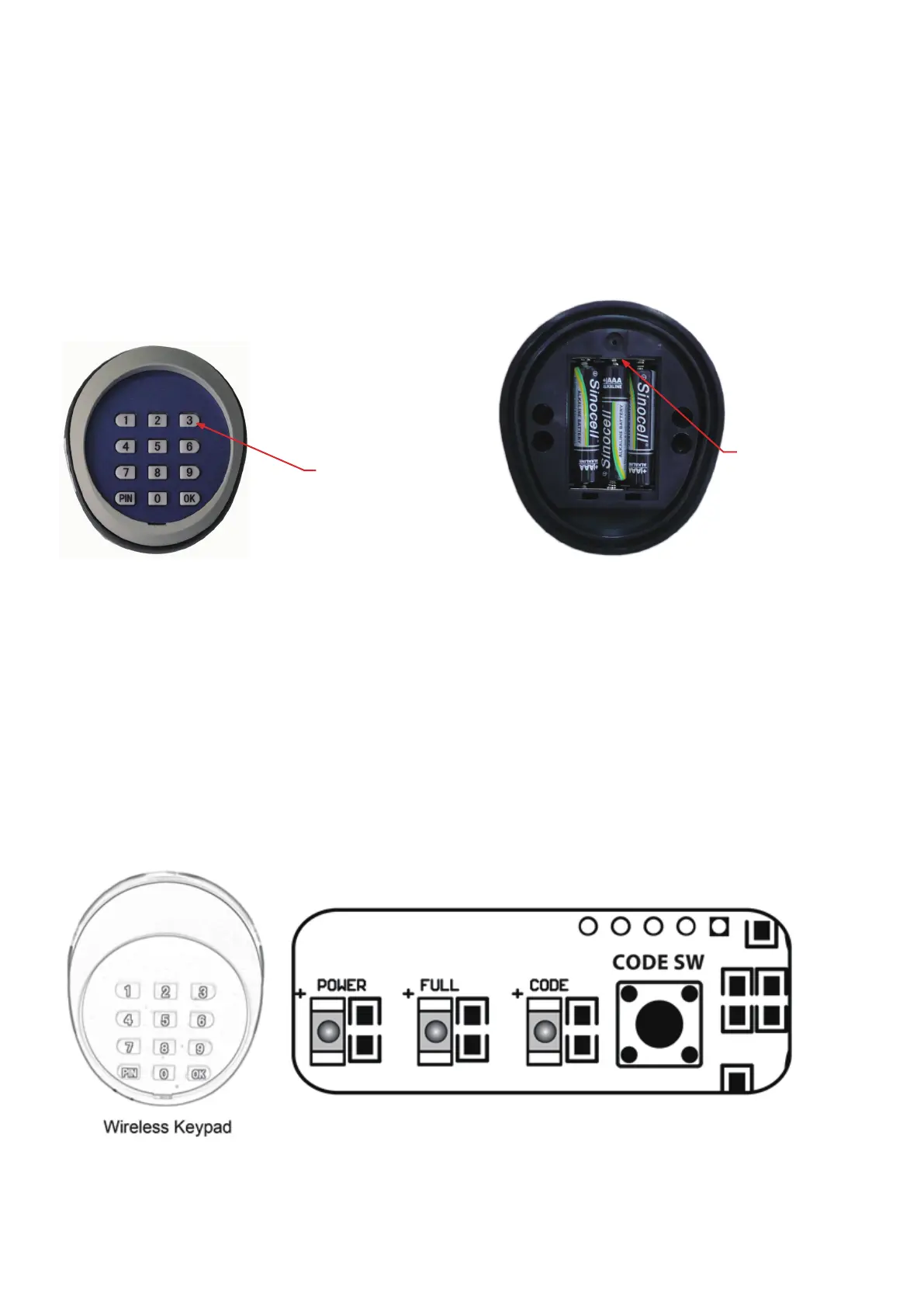
Battery Holder
Use 3×AAA(1.5V) battery
Keypad Description
Introduction
LED backlight key
1
Use for A/AD/PW Series SWING Gate Opener
You can follow the below steps to program wireless keypad to the opener. Press the CODE SW button until
the CODE LED is ON, then release the button. Then press "OK" button on keypad and CODE LED will flash
for 3 seconds and then be OFF which indicates the keypad has been programmed successfully. You can
use the default password “888888” to operate the opener after programming. You can press “PIN” “8 8 8 8 8
8” and then press “OK” to confirm to operate the opener.
Also you can change the password of the keypad follow the below steps. Press “PIN” and then input the six
digits old password and then press ”PIN” again, the CODE LED will be ON. Input the six digits new
password and then press the “PIN” to confirm the new setting, CODE LED will flash for 3 seconds and then
be OFF which indicates the password has been changed successfully. You can press “PIN” “6 digits new
password” and then press “OK” to confirm to operate the opener.
NOTE: Every step for pressing button during program must be finished within 1 second to ensure
successful programming.


 To Next Page
 Loading...