User Manual of MT06
-
20
-
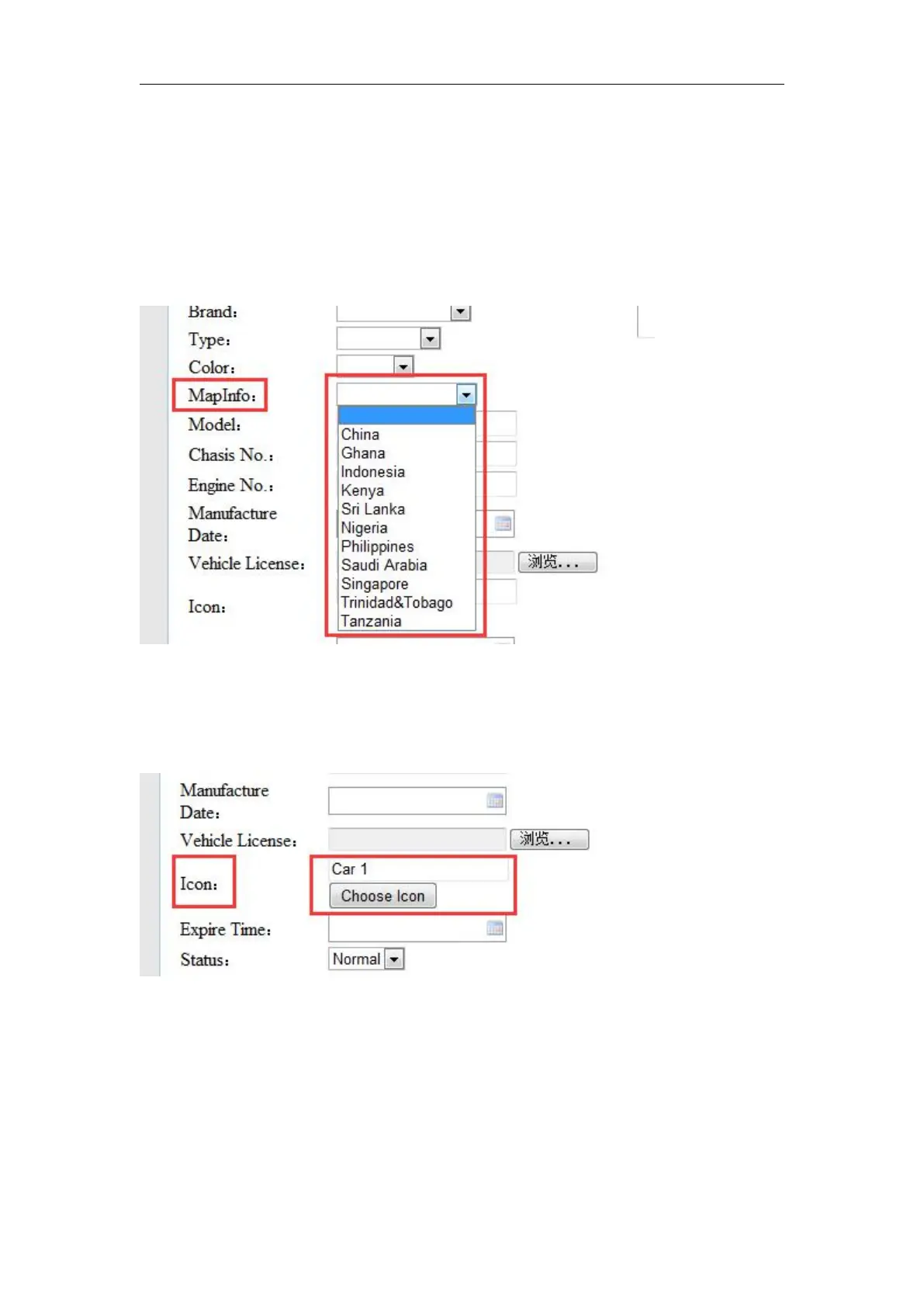
6. Choose map. If your country is in the drop-down list, please choose it.
It means there is local map of your country in our server, so you can see street name address
automatically in Main Track and History.
1. Choose a vehicle icon.
Pull the scroll bar to find the icon you like. Double click to finish
choosing



 To Next Page