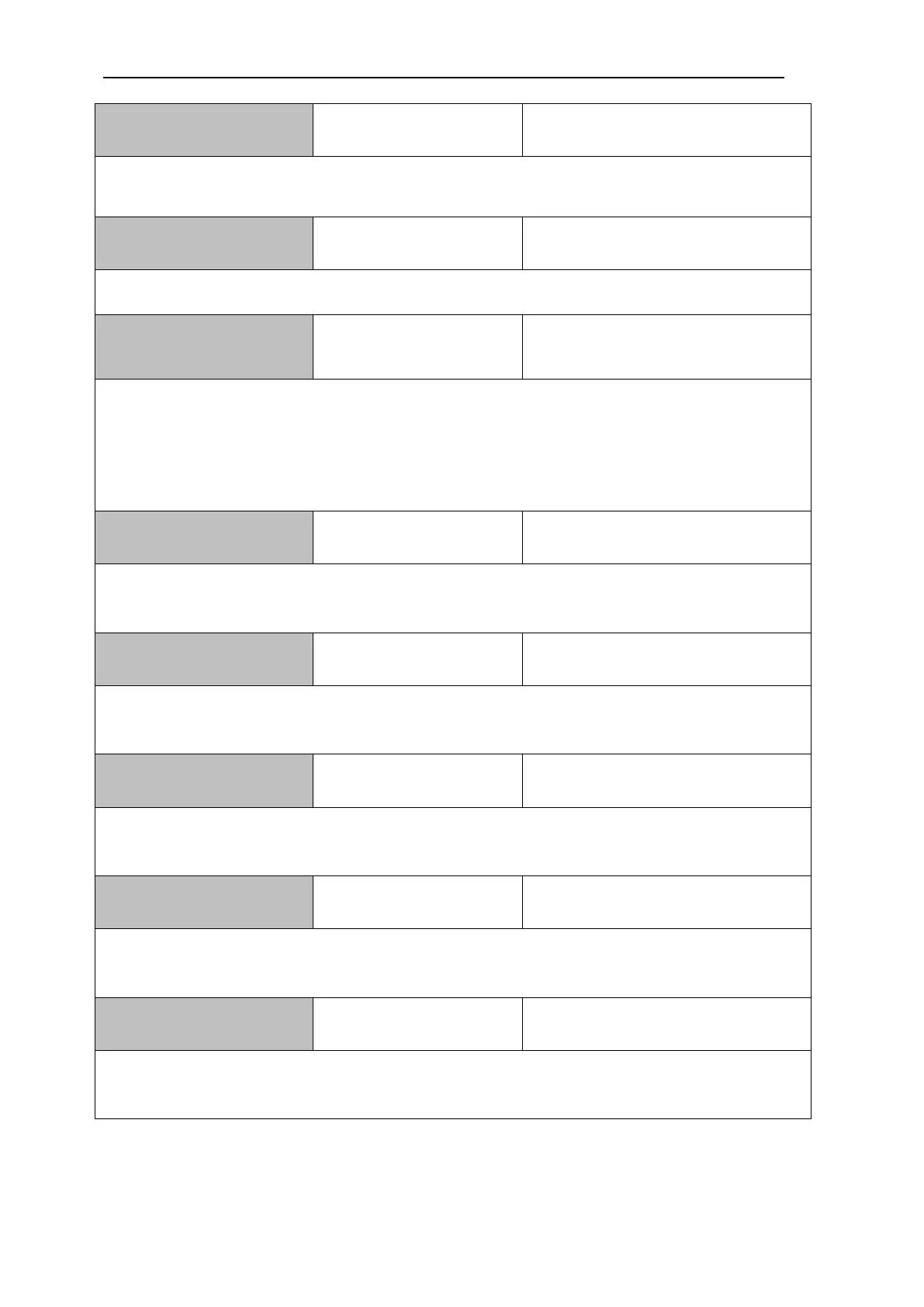
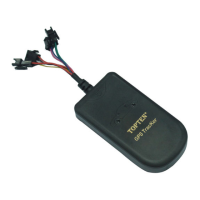
MT05S GPS Motorcycle/Vehicle Tracker User Manual
Page
It is to set the angle. When the car turns a corner over this angle, then it will sample a location
to optimize the routine.
It will reply the voltage of external power battery.
Adjust harsh brake &
acceleration threshold
X: is the speed(km/h), value range: 0~100 Km/h
If the change of car speed is larger than X between 2 seconds, it will be triggered as harsh
brake or harsh acceleration.
******USP:X : to set the threshold of harsh acceleration
******DSP:X : to set the threshold of harsh brake
It is to set the time interval of the tracker's heartbeat packet, default: 3minute. Maximum:
65535 minutes.
It is to clear the offline GPS data in the data logger
It is to check the GPRS settings.
Set the threshold of
smart engine detection
The default setting is 13.0. For big truck, it is suggested to set as 26.0. User can send
111111ADC to check the real value. the last number in the feedback SMS is vehicle's voltage.
Check firmware version
& IMEI, others
It is to check the firmware version, IMEI, device ID GPRS settings, time zone.


 To Next Page