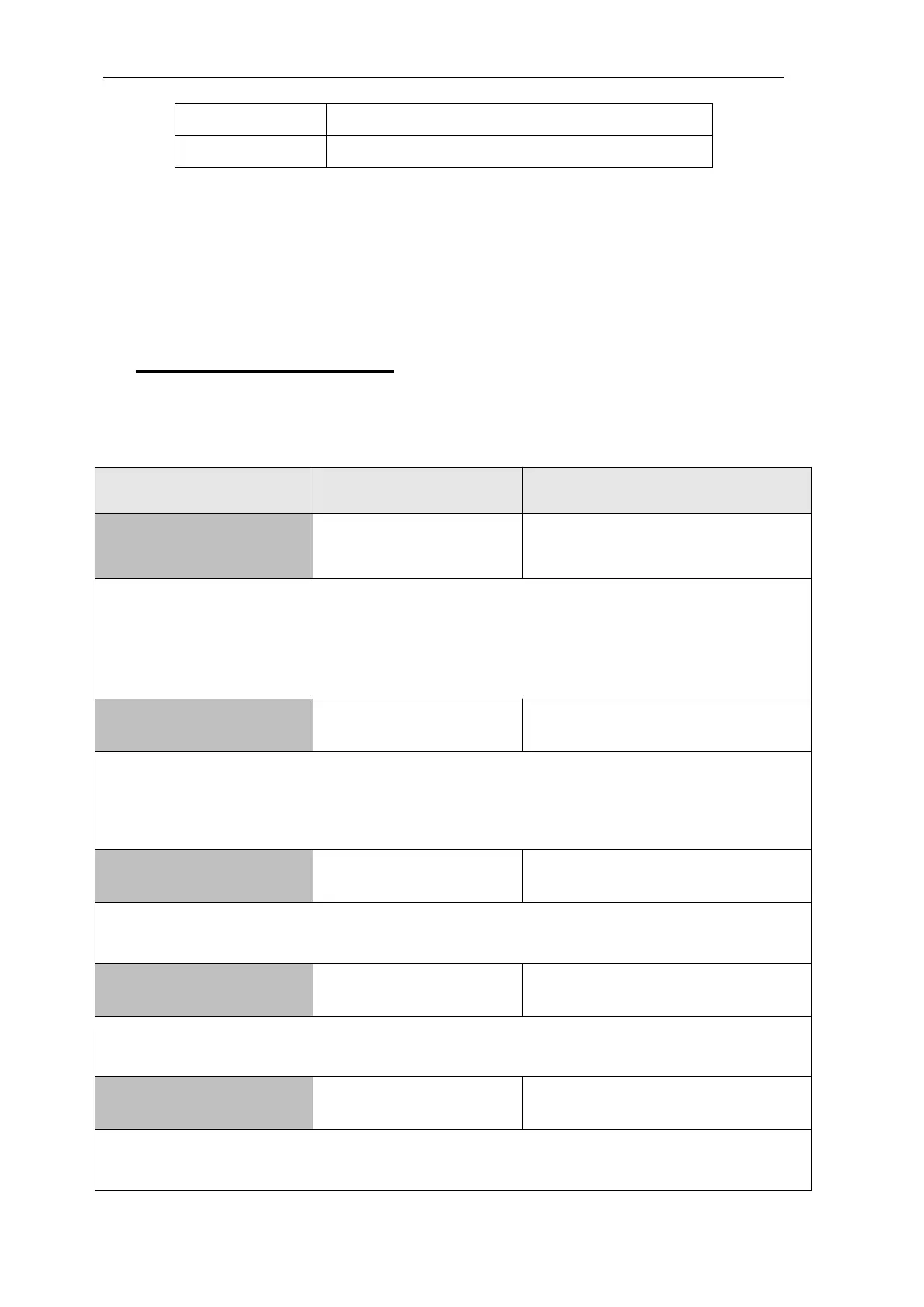
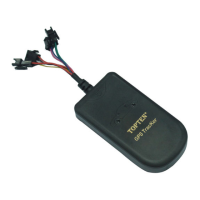
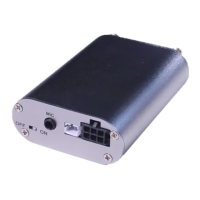
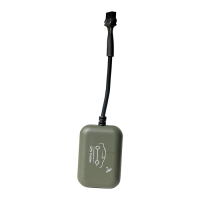
MT05S GPS Motorcycle/Vehicle Tracker User Manual
Page
Close GPRS connection, GPS module
After setting 111111PWR:2, if there is no vibration and ACC is turned OFF,
the tracker will go into power save mode after 5 minutes.
Once there is vibration or engine is turned ON, or incoming call/SMS, the
tracker will wake up from the power save mode immediately.
Other SMS Command List
Note: ****** is user’s password and the default password is 111111. The
tracker will only accept commands with the correct password.
Remarks: To set time interval for continuous automatic report via SMS.
X is the interval in minute. If X=0 to turn off tracking by time.
Example, the tracker will send location data back to 3rd alarm-received phone (XXX) every 5
minutes. 111111*10*20*30XXX*
X: X is the radius of the fence. default setting is 500 meters
=0: close the movement alarm (when tracker is armed, it will be activated automatically.)
Example: it is set the radius of movement alarm as 500meters.
It is to set the sensitivity of the shock sensor. X=1~5. (X=1, less sensitive; X=5, most
sensitive; default X=2).
Remarks: it will reset all the parameters to the default settings.
It will reboot the tracker immediately.


 To Next Page