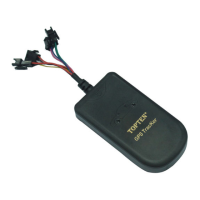
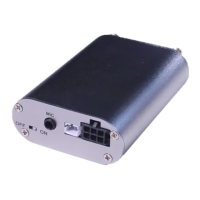
MT05S GPS Motorcycle/Vehicle Tracker User Manual
Page
It is used to restore the car to normal status after being stopped.
Check the Real Physical Address
SMS command: 111111ADD (or 111111add)
User can program the tracker to work with our platform. Once connected, user can
send this SMS command to get the actual address which is translated by the platform..
Remark: (1) The GPRS data service of the tracker’s SIM card must be activated, and
the correct GPRS setting is needed (refer to the chapter of the setting of GPRS
connection); (2) The physical address depends on the map of the platform..
Change User Password
SMS command: 111111PSWnnnnnn (or 111111pswnnnnnn)
This instruction is used to change the user password. The length of the
user’s password is 3~6 digits. Users are suggested to change to the new
password in use.
Example: User sends the SMS “111111PSW12345” to the system SIM card
number, and gets the confirmed SMS “111111PSW12345” in 3 seconds. It
means that the user password has been changed to 12345.
Remark: Please keep the password deep in mind if it is changed.
Odometer
SMS command: 111111ODO:
It is used to read the present odometer
SMS command: 111111ODO:X
It is used to set the basic value of odometer
Over-speed Alert
111111SPD:X x is the speed in KM/H , maximum value is 255KM/H
(For example: 111111SPD:120, if the car speed is over 120KM/H, it will
send alert SMS to warn you).
111111SPD:0 to disable the over-speed alert. It is the default setting.


 To Next Page