22” LCD Color Monitor Topview A2281Wd+
7
• +/Aspect control:
The shortcut for switching between Full and 4:3; used as a function key when the OSD directory is in the start
status.
• Auto Adjust button / Exit:
1. When OSD menu is in active status, this button will act as EXIT-KEY (EXIT OSD menu).
2. When OSD menu is in off status, press this button for 2 seconds to activate the Auto Adjustment function.
The Auto Adjustment function is used to set the HPos, VPos, Clock and Focus.
OSD Lock Function: To lock the OSD, press and hold the MENU button while the monitor is off and then press
power button to turn the monitor on. To un-lock the OSD - press and hold the MENU button while the monitor is off
and then press power button to turn the monitor on.
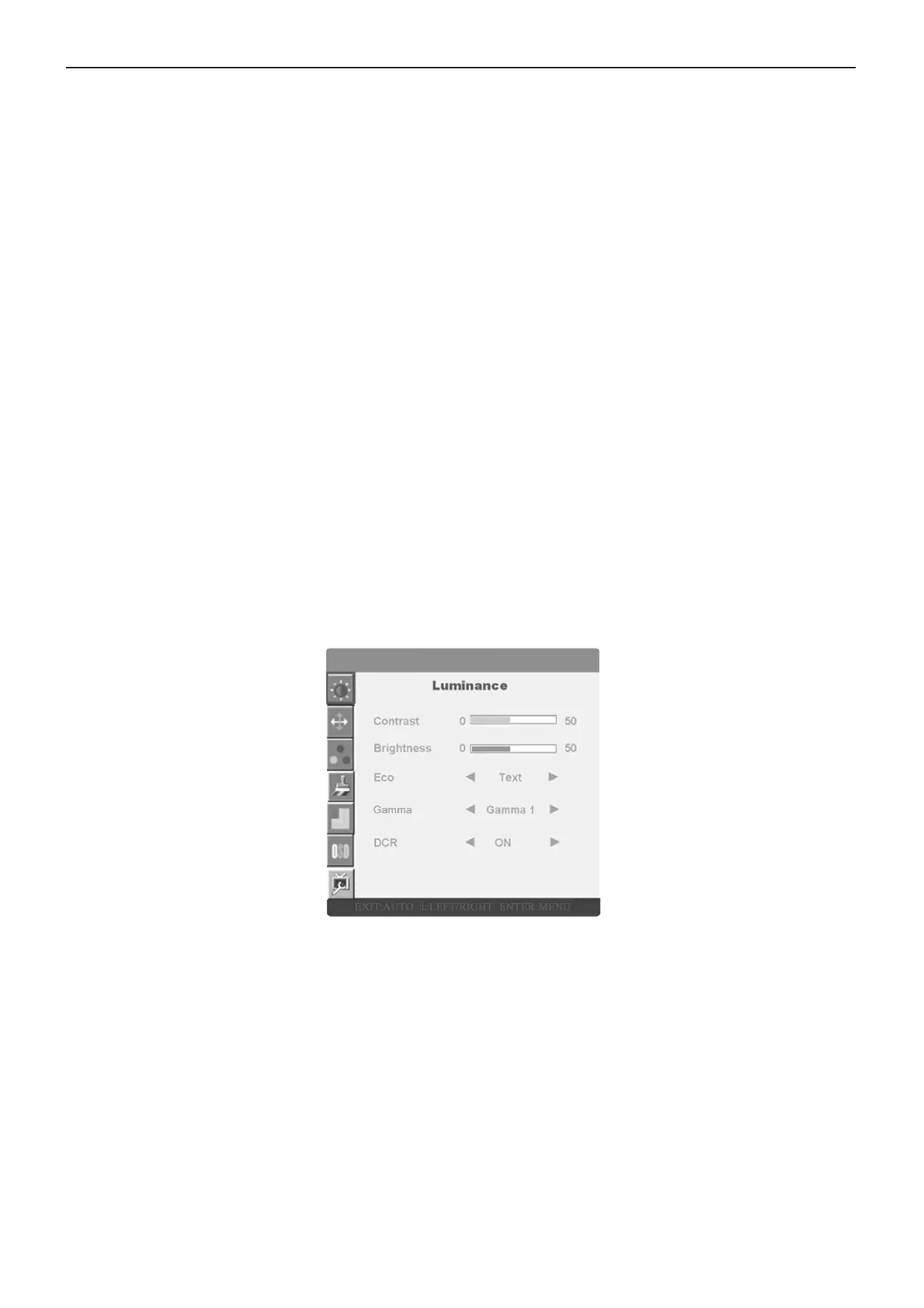
3.3 Adjusting the Picture
Adjustment steps:
• Press the MENU-button to activate the OSD window.
• Press < or > to navigate through the functions. Once the desired function is highlighted, press the MENU-button
to activate it. If the function selected has a sub-menu, press < or > again to navigate through the sub-menu functions.
Once the desired function is highlighted, press MENU-button to activate it.
• Press < or > to change the settings of the selected function.
• To exit and save, select the exit function. If you want to adjust any other function, repeat steps 2-3.
The OSD Message



 To Next Page