11
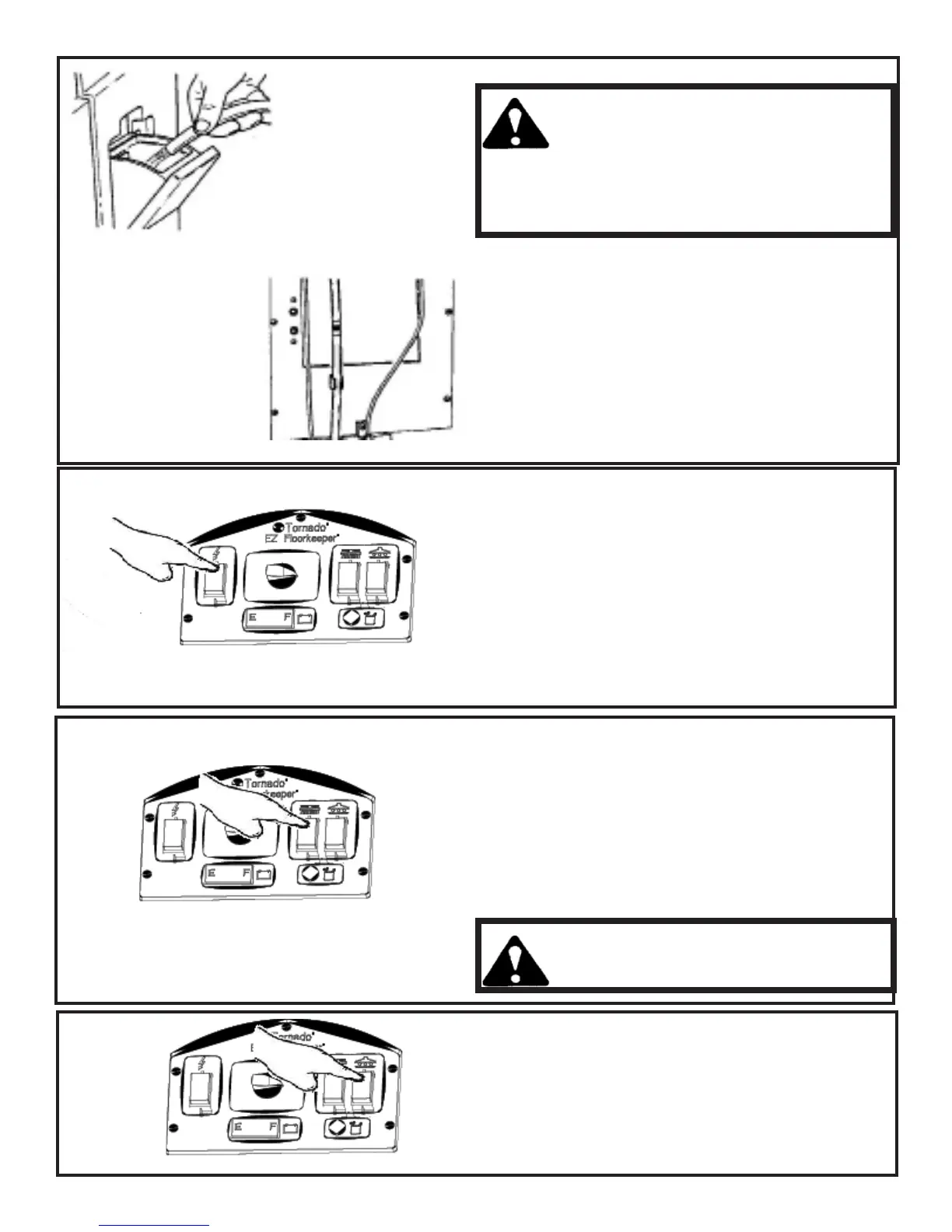
How To Fill the Soluon Tank
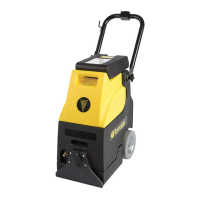
The EZ machine has a capacity of 13 gallons (50 liters).
1 Openthesoluonllchute.
2 Fillthetanktothedesiredlevelwithclean
water.
3 Addcleaningchemical.
4 Checkthelevelatthebackofmachine.
CAUTION: DO NOT overll. To
prevent overlling refer the clear
tube located at the back of the
machine. Never ll above the red
line. Fill with water to the BLUE
and GREEN line and then add your
cleaning soluon.
How To Operate The Machine
How To Turn the Machine ON and OFF
1 Pushthetophalfoftheleswitchdown.
ThisturnsthemainpowerswitchON.Ared
lightindicatesmachineisON.
2 ToturnthemainpowerswitchOFFpush
thelowerhalfoftheleswitchdown.The
redlightisnotlitwhenthemachinemain
powerisOFF
How to Turn the Brush Drive Motor ON and OFF
1 Pushthetophalfofthemiddleswitchdown.
ThisturnsthebrushdrivemotorON.
2 ToturnthebrushdrivemotorOFFpushthe
lowerhalfofthemiddleswitchdown.
Cauon:TurnOthebrushmotorwhenthe
brushdeckisintheUPposion
How to Turn the Vacuum Motor On and OFF
1 Pushthetophalfoftherightswitchdown.This
turnsthevacuummotorON
2 ToturnthevacuummotorOFFpushthelower
halfoftherightswitchdown.



 To Next Page