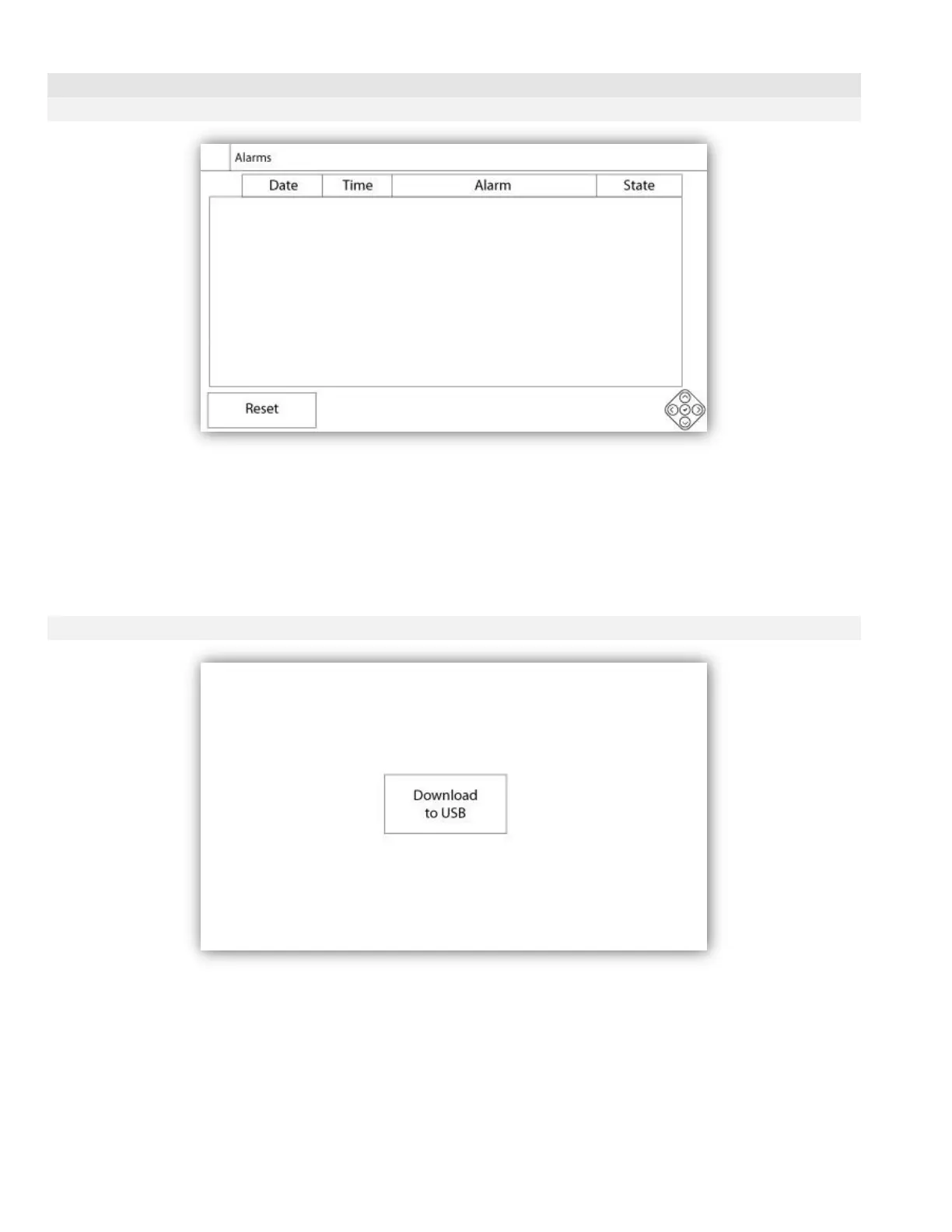
It shows the last 500 events which occurred in chronological order. The first column is the date, the second one is
the time of occurrence and the third column is the “Event message”. To obtain a log that is older than 500 events,
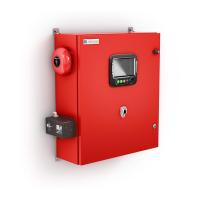
visit the “Download to USB Device” page and select “Events”. This method will generate a file containing all events
logs in the ViZiTouch history.
The contextual navigation pad is implemented in this page. It allows quick navigations functions, like “previous
page”, “next page”, “first page” and “last page”. As always, clicking on the Navigation Pad Icon in the lower right
corner of the screen will pop-up the Navigation Pad functions specific for this page.



 To Next Page