Operation
EN DE
page 32 / 117
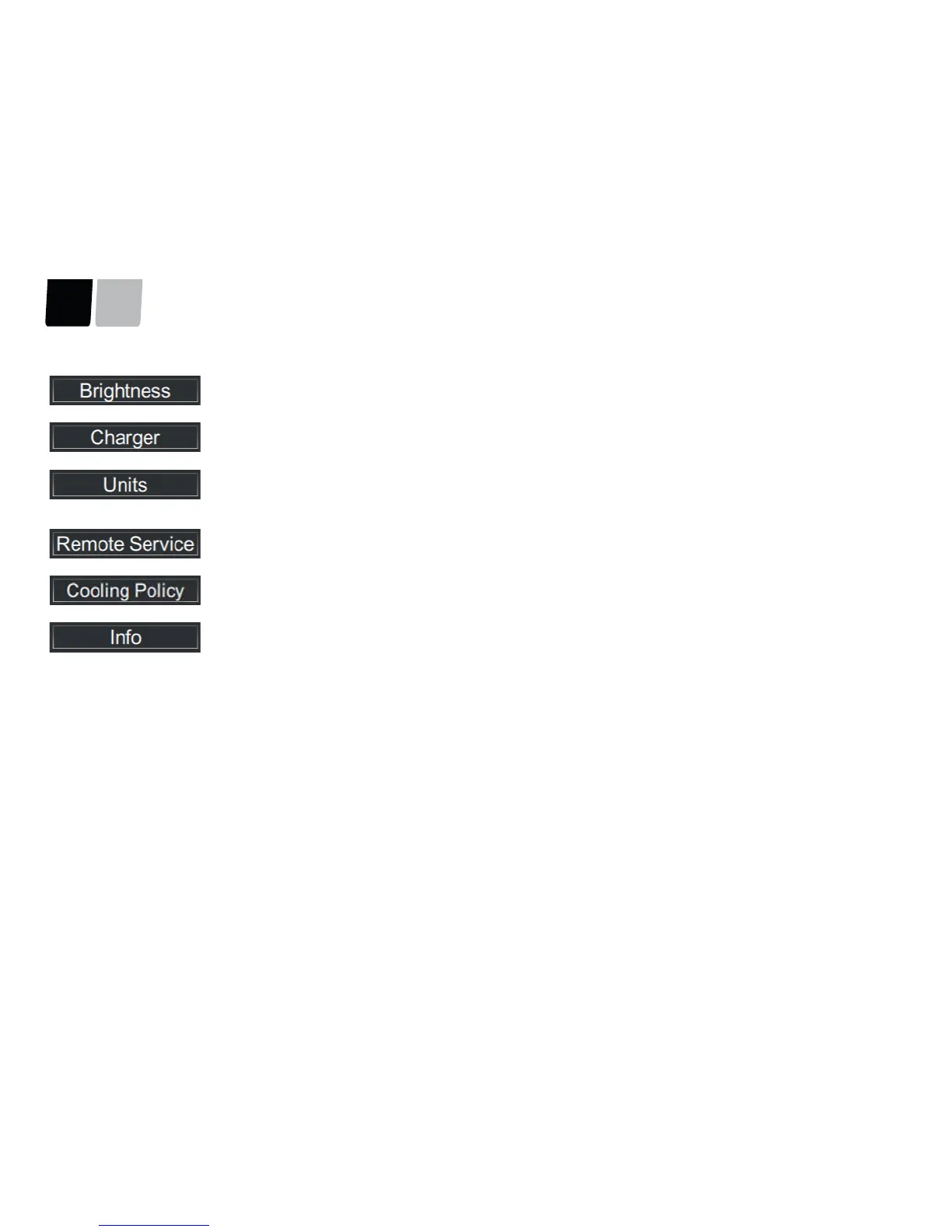
The Brightness tab can be used to manually adjust the basic brightness of the background illumination.
The Charger tab can be used to restrict the maximum output of each charger unit installed.
The Units tab can be used to set whether the speed, range, and distance travelled are displayed in metric, nautical, or Imperial
units of measure.
For liquids, the unit can be set for either litres or gallons.
The Remote Service tab can switch Remote Service on and off, carry out connection tests, and display the connection status. You
will find further information in Remote Service.
The Cooling Policy tab is used to set the temperature level from which the cooling water pumps start automatically.
For internal purposes - Torqeedo Service.





 To Next Page