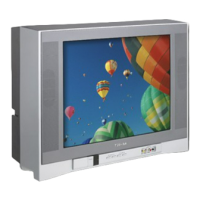
4
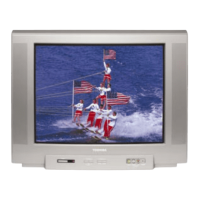
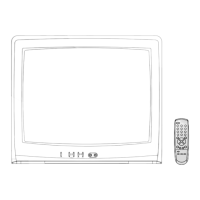
20AR21
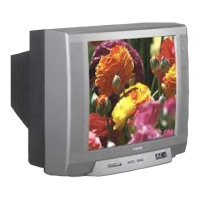
20AR31
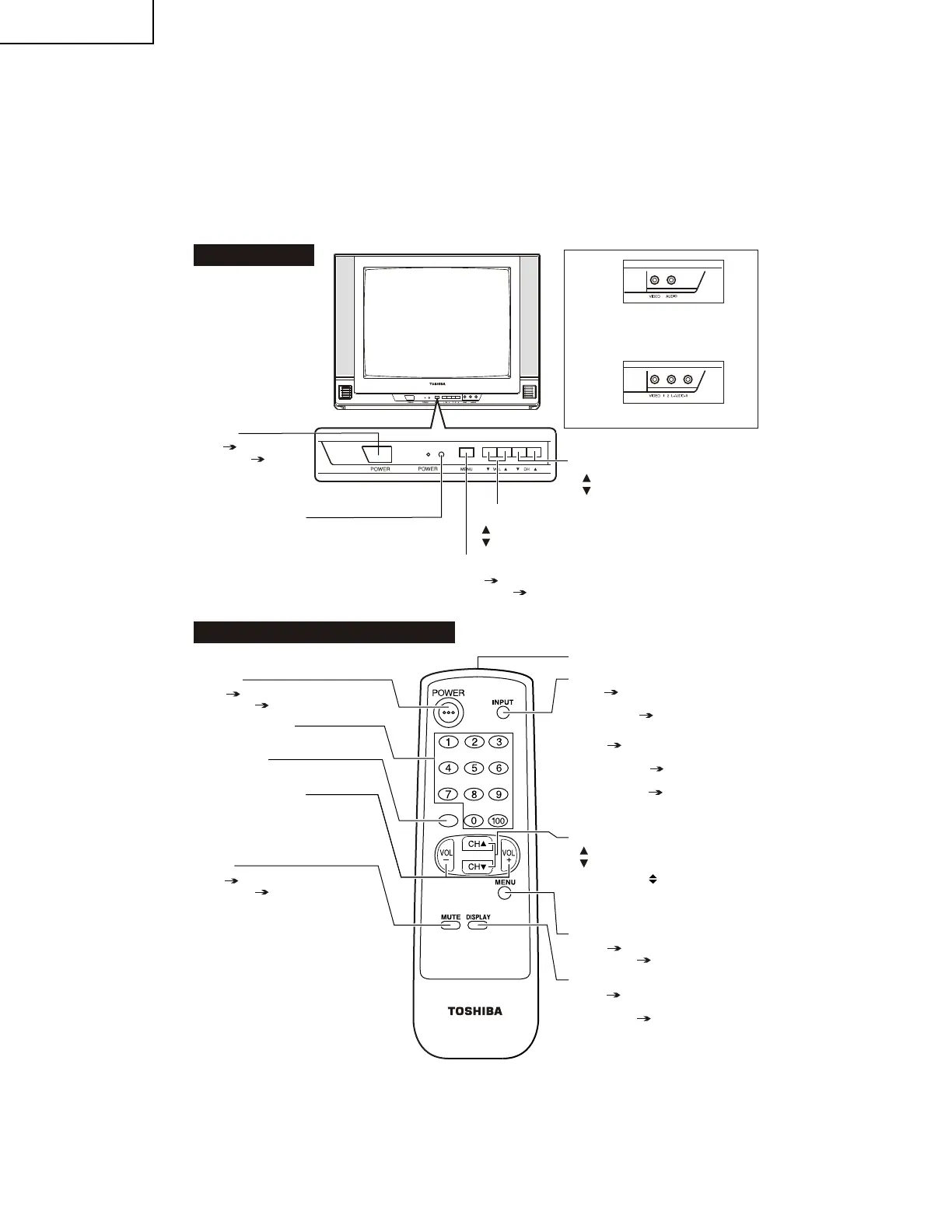
LOCATION OF USER'S CONTROL
MT S STER EO
AUT O VOLT AGE
Infrared Transmitter Window
INPUT
Press Switch to external video input
mode.
Press again Switch to TV mode.
(20AR31)
Press Switch to external video
INPUT 1 mode.
Press 2 times Switch to external
video INPUT 2 mode.
Press 3 times Switch back to the
original TV mode.
CHANNEL UP/DOWN
( ) Selects next higher channel.
( ) Selects next lower channel.
• Moves the “
” mark of the MENU
screen.
MENU
Press Accesses MAIN MENU.
Press again Exits MAIN MENU.
DISPLAY
Press Displays receiving channel for
4 seconds.
Press again Removes display.
• Temporarily displays receiving
channel when in Closed Caption
mode.
Front Panel
CHANNEL UP/DOWN
( ) Selects next higher channel.
( ) Selects next lower channel.
VOLUME UP/DOWN
( ) Increases sound.
( ) Decreases sound.
Basic Remote Control Functions
POWER
Press On.
Press again Off.
REMOTE KEYPAD
Accesses any channel from keypad.
RETURN
Returns to previous channel.
VOLUME UP/DOWN
(+) Increases sound.
(–) Decreases sound.
• In menu mode, changes or selects
the TV adjustments.
MUTE
Press Mutes sound.
Press again Restores sound.
• CLOSED CAPTION appears when
sound is muted.
MENU
Press Accesses MAIN MENU.
Press again Exits MAIN MENU.
(20AR21)
(20AR31)
SENSOR
AREA
FOR
REMOTE CONTROL
POWER
Press On.
Press again Off.
CT-818
RETURN
VIDEO/AUDIO TERMINALS
(VIDEO/AUDIO terminals are also
provided on the rear.)
VIDEO/AUDIO TERMINALS



 To Next Page