EasyManua.ls Logo

Toshiba BDK21KU - User Manual

Toshiba BDK21KU
52 pages
Print Icon
To Next Page IconTo Next Page
Loading...
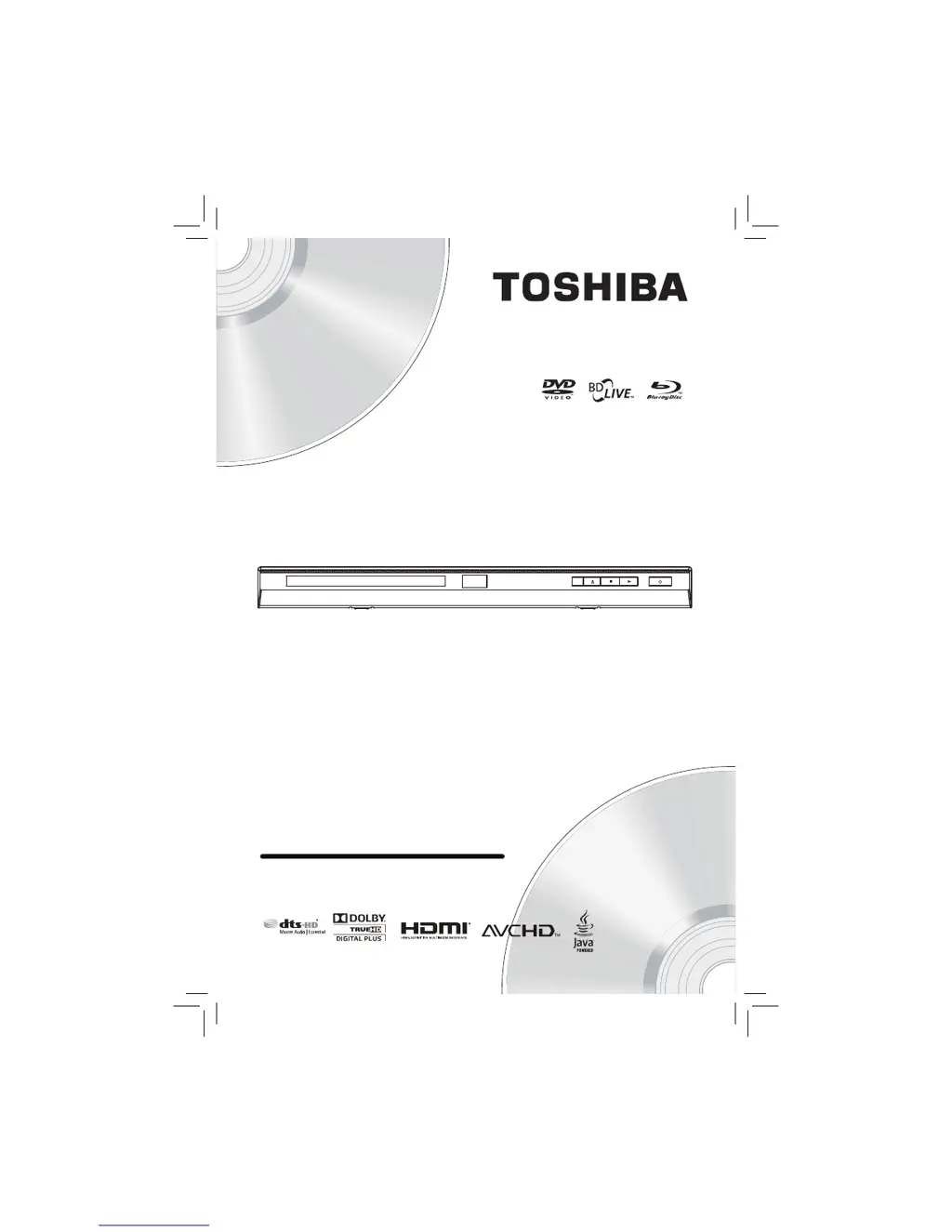
BDX2150KU/BDK21KU
Blu-ray Disc
Player
Owners Manual
TM
Blu-ray Disc™/DVD Player

Questions and Answers

  • J
    Jennifer MooreAug 19, 2025
    Why is there no sound or picture from my Toshiba Blu-ray Player?
    • N
      Nicole MaloneAug 19, 2025
      If you're not getting any sound or picture from your Toshiba Blu-ray Player, first, ensure that your TV is turned on. Then, verify that all connections are securely and correctly made. Also, check if your TV or connected device supports HDCP, as the unit requires it to output a video signal. Finally, check that the output format of the Blu-ray player (HDMI FORMAT) matches the supported input format of your connected device.
  • M
    Marissa LarsonAug 21, 2025
    What to do if Toshiba Blu-ray Player remote control not working?
    • J
      Jodi EvansAug 21, 2025
      If the unit does not respond to the remote control, aim the remote control directly at the infrared sensor window on the front panel. If this doesn't work, reduce the distance to the infrared sensor window or replace the batteries in the remote control, ensuring they are correctly inserted with the proper polarities (+ / - signs).
  • T
    Tammy SmithAug 25, 2025
    How to troubleshoot no sound or distorted sound on Toshiba Blu-ray Player?
    • N
      nicolemillerAug 25, 2025
      If you are experiencing no sound or distorted sound with your Toshiba Blu-ray Player, first adjust the volume. Then check if the speakers and HDMI connections are correctly connected. Finally, verify the settings in the “Audio” menu.
  • P
    parksdannyAug 26, 2025
    What to do if Toshiba BDK21KU Blu-ray Player buttons do not work?
    • T
      tharperAug 26, 2025
      If your Toshiba Blu-ray Player buttons do not work or the unit stops responding, unplug the AC cord from the AC outlet for 5-10 seconds to completely reset the unit.
  • T
    Thomas NguyenAug 27, 2025
    How to fix a Toshiba BDK21KU with no power?
    • S
      Susan KelleyAug 28, 2025
      If your Toshiba Blu-ray Player isn't powering on, ensure the AC cord is properly connected. If it is, try unplugging the AC cord, waiting 5-10 seconds, and then plugging it back in.
  • N
    Nancy DixonAug 29, 2025
    Why Toshiba BDK21KU cannot read Blu-ray Disc / DVD/ CD?
    • A
      Angela LunaAug 29, 2025
      If your Toshiba Blu-ray Player isn't reading discs, dew condensation may have formed inside the unit. In this case, do not use the unit for a few hours until it dries. Alternatively, try wiping any dirt off the disc or replacing the disc.
  • S
    scottmooreAug 31, 2025
    How to fix Toshiba Blu-ray Player picture freezes during playback?
    • L
      lorijonesAug 31, 2025
      If your Toshiba Blu-ray Player picture freezes momentarily during playback, check the disc for fingerprints or scratches. Clean the disc with a soft cloth, wiping from the center to the edge.
  • S
    Shane HallSep 2, 2025
    What to do if Toshiba BDK21KU Blu-ray Player disc cannot be played back?
    • F
      fordjoelSep 2, 2025
      If your Toshiba Blu-ray Player disc cannot be played back, clean the disc first. Ensure the disc label is facing up when you insert it. Try another disc to check if the original disc is defective. Also, you may need to cancel the ratings control or change the control level. Finally, make sure you are inserting a disc that can be played back on this unit.
  • G
    gkellySep 4, 2025
    Why is my Toshiba Blu-ray Player showing distorted picture with Blu-ray Disc / DVD?
    • D
      Dr. Alyssa ChapmanSep 5, 2025
      If your Toshiba Blu-ray Player is showing a completely distorted or black and white picture with a Blu-ray Disc or DVD, make sure the disc is compatible with the unit.
  • M
    mark52Sep 6, 2025
    How to resolve distorted picture on Toshiba Blu-ray Player?
    • C
      Christopher RandallSep 6, 2025
      If your Toshiba Blu-ray Player picture is distorted, connect the unit directly to the TV. Note that sometimes a small amount of picture distortion may appear, which is not a malfunction.

Summary

Important Safety Information

Safety Precautions and Instructions

Essential safety guidelines and instructions for user protection during operation.

Supplied Accessories and Trademarks

Supplied Accessories List

Lists items included with the Blu-ray Disc™™ player.

Symbols and Trademark Information

Explains manual symbols and lists registered trademarks.

Product Features

Core Playback and Media Features

Covers Blu-ray, HD playback, DVD upconversion, and media file support.

Interactive and Connectivity Features

Includes BD-Java, BD-Live, PIP, HDMI, and x.v.Color.

Controls and Operation

Front and Rear Panel Identification

Identifies unit controls and connection ports.

Remote Control Overview

Details buttons, functions, and battery installation.

Remote Control Usage and TV Connection

Effective remote operation and HDMI TV setup.

Player Connections

Connecting to AV Receiver;Amplifier

Connecting audio output to external sound systems.

Network Connection Setup

Steps for connecting the player to a home network via Ethernet.

Wireless and USB Connections

Connecting wirelessly and using USB flash drives.

Playback Functions

Playback Basics and Media Compatibility

Info on playback, supported/unsupported media, region codes.

Disc Structure and Basic Playback

How discs are organized and initial playback steps.

Advanced Playback Navigation

Variable speed, frame-by-frame, locating sections, chapters, tracks.

Specific Playback Features

Repeat, random order, PIP, camera angles, audio/subtitle selection.

Media File Playback

Playing AVCHD, MP3, WMA, JPEG files from discs and USB.

Media Player Operation

Using the player for media browsing and playback.

Customizing Player Settings

General Setup and Information

Basic operations, quick setup, and viewing system information.

Display and Resolution Settings

Configuring video output resolution and aspect ratio.

Audio and Language Customization

Configuring digital audio outputs and menu languages.

Parental and System Settings

Setting up content restrictions and system preferences.

Network and Firmware Updates

Configuring network connections and upgrading player firmware.

Connected Applications and Services

Online Movie Streaming Services

Accessing movies via Blockbuster, CinemaNow, Netflix, YouTube, and VUDU.

Online Music and Photo Services

Using Pandora for music and Picasa for photos.

Troubleshooting and Maintenance

Troubleshooting Common Issues

Solutions for common player problems and error conditions.

Player Maintenance and Care

Guidelines for cleaning and proper care of the unit and discs.

Glossary and Specifications

Glossary of Technical Terms

Definitions of terms used throughout the manual.

Product Specifications

Technical details including general and terminal specifications.

Limited Warranty Information

United States Limited Warranty Terms

Terms and conditions of the DAV product warranty.

Obtaining Warranty Services

How to get service and support for the product.

Warranty Disclaimer and Usage Notes

Limitations and requirements for warranty coverage and features.

Open-Source Software Information

Software Included in Player and Kernel

Lists open-source software used in the player and its kernel/rootfs.

Software License Appendices

Font and Component Licenses

Copyright and license terms for various software components.

General and Specific Software Licenses

License terms for XML, zlib, Freetype, and Openssl.

GPL and LGPL License Agreements

GNU General Public and Lesser General Public License terms.

BSD and Third-Party Licenses

BSD-New license and CinemaNow third-party requirements.

Toshiba BDK21KU Specifications

General IconGeneral
BD ProfileProfile 2.0
Ethernet PortYes
HDMI Output(s)1
Component Video Output(s)1
Composite Video Output(s)1
USB Port(s)1
Built-in Wi-FiNo
3D PlaybackNo
TypeBlu-ray Disc Player
Supported FormatsDVD, CD
Internet ConnectivityEthernet
ConnectivityEthernet
Analog Audio Output(s)1 (2ch)

Related product manuals