EasyManua.ls Logo

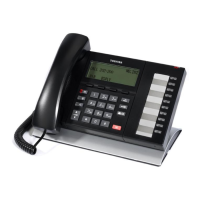
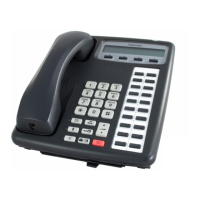
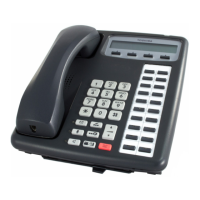
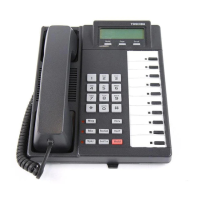
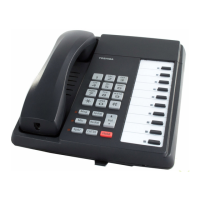
Toshiba DP5000 - User Manual

Toshiba DP5000
2 pages
Print Icon
To Next Page IconTo Next Page
Loading...
Handset Key Description
Voicemail Notification Key
Mute Key
Redial Key
Hands free / Loudspeaker Key
Volume Up / Volume Down
Transfer Key
Hold Key
Speed Dial Key
Issue 6 20.11.14
Toshiba
Supervisor Handset
Quick Guide
(DP5000 Handsets)
Responding to a help request
The supervisor can accept or deny the agent’s call
by pressing their soft keys in the display. If the
supervisor accepts help the agent can then choose
to talk to the supervisor keeping the caller on hold,
press Join to conference or return to go back to the
caller.
Call Back
When you have dialed a busy extn, press the ACB
key above key to set an automatic call back on
the extn. Your phone will ring when they are free.

Question and Answer IconNeed help?

Do you have a question about the Toshiba DP5000 and is the answer not in the manual?

Toshiba DP5000 Specifications

General IconGeneral
BrandToshiba
ModelDP5000
CategoryHandsets
LanguageEnglish

Related product manuals