4 SETTINGS AND MANAGEMENT OF EQUIPMENT
74 Switching Operation Sound On/Off
Switching Operation Sound On/Off
You can switch the operation sound of the equipment on or off.
1
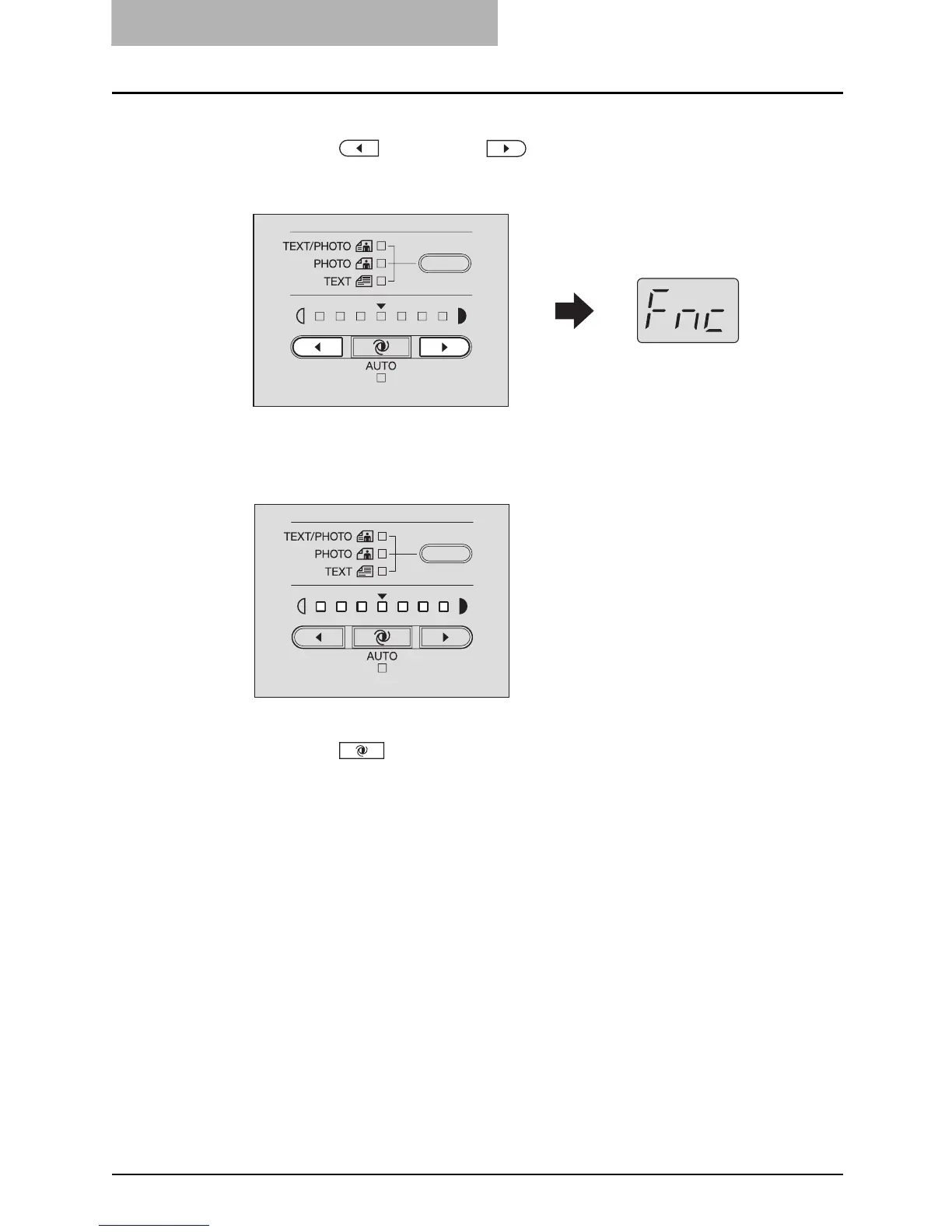
Press the (light) and (dark) buttons simultaneously for
more than two seconds.
“Fnc” appears on the LED display.
The density adjustment lamps show the sound status as follows:
All lamps on: Sound on
All lamps off: Sound off
2
Press the (AUTO) button to switch the sound on or off.
3
Press the [START] button.
The equipment returns to its normal status.



 To Next Page
 Loading...











