Preparation 1 - Turning Power ON 29
Preparation 1 - Turning Power ON
Turning power ON
1
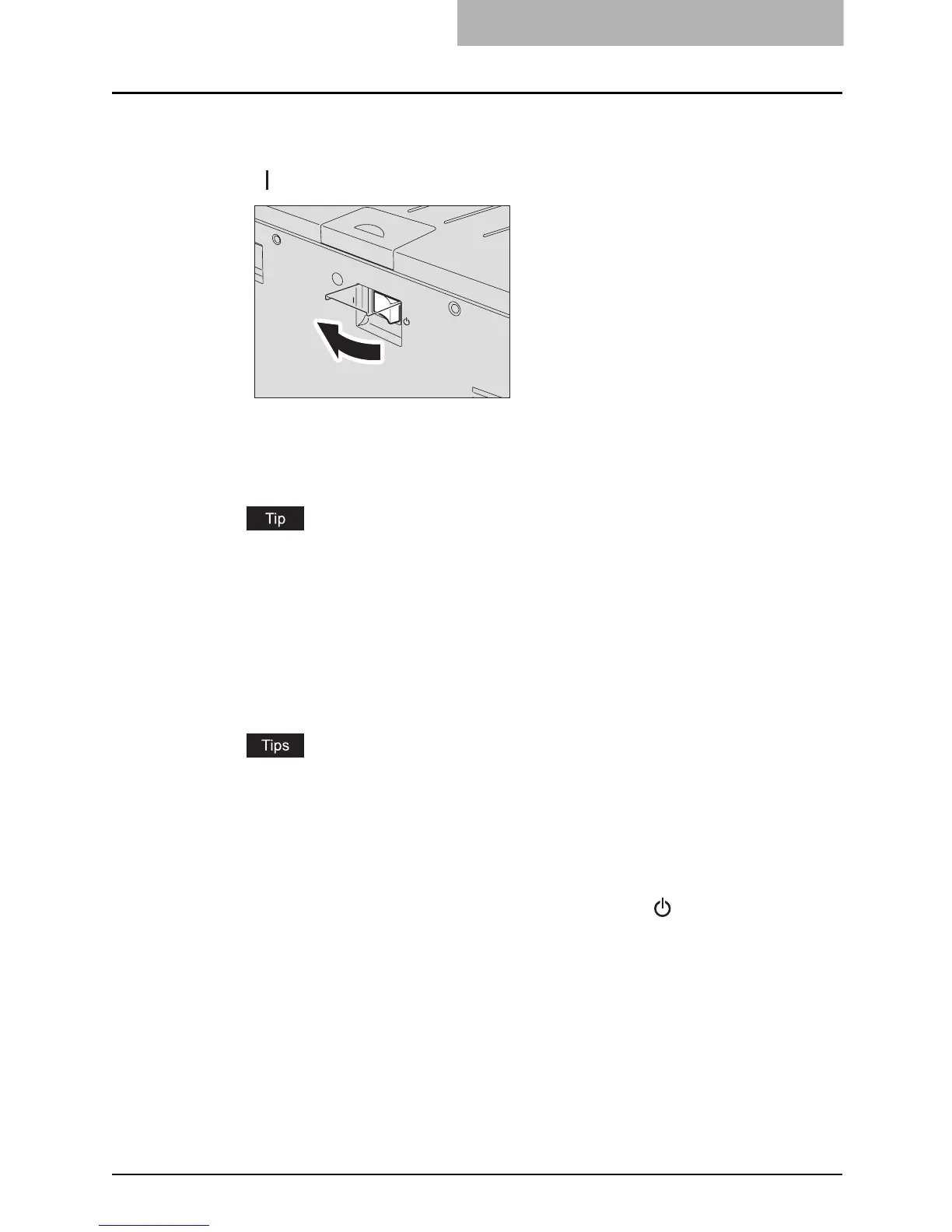
Open the power switch cover, and then press the power switch to
“ ” (ON) side.
The equipment starts warming itself up. The warm-up time takes approx. 25 seconds.
When the warm-up has finished, the [START] lamp is lit to show that the equipment is
ready for copying.
If you place an original and press the [START] button during the warm-up, copying auto-
matically starts when the warm-up has finished (= auto job start). The [START] lamp
keeps blinking from when you press the [START] button to when the warm-up finishes.
2
Key in the access code if the equipment is managed under the
access code function.
Key in the 3-digit access code, and then press the [START] button. Then the equipment
is ready for copying.
y If the access code function is enabled, press the [FUNCTION CLEAR] button after
any operation has been finished to prevent unauthorized use of the equipment.
y For the details of the access code setting, ask your service technician.
Turning power OFF
Open the power switch cover, and then press the power switch to “ ” (OFF) side.



 To Next Page
 Loading...









