2 PRINTING FROM WINDOWS
82 Setting Up Print Options
4) [Restore Defaults]
Click this button when you want to reset all the settings back to the defaults.
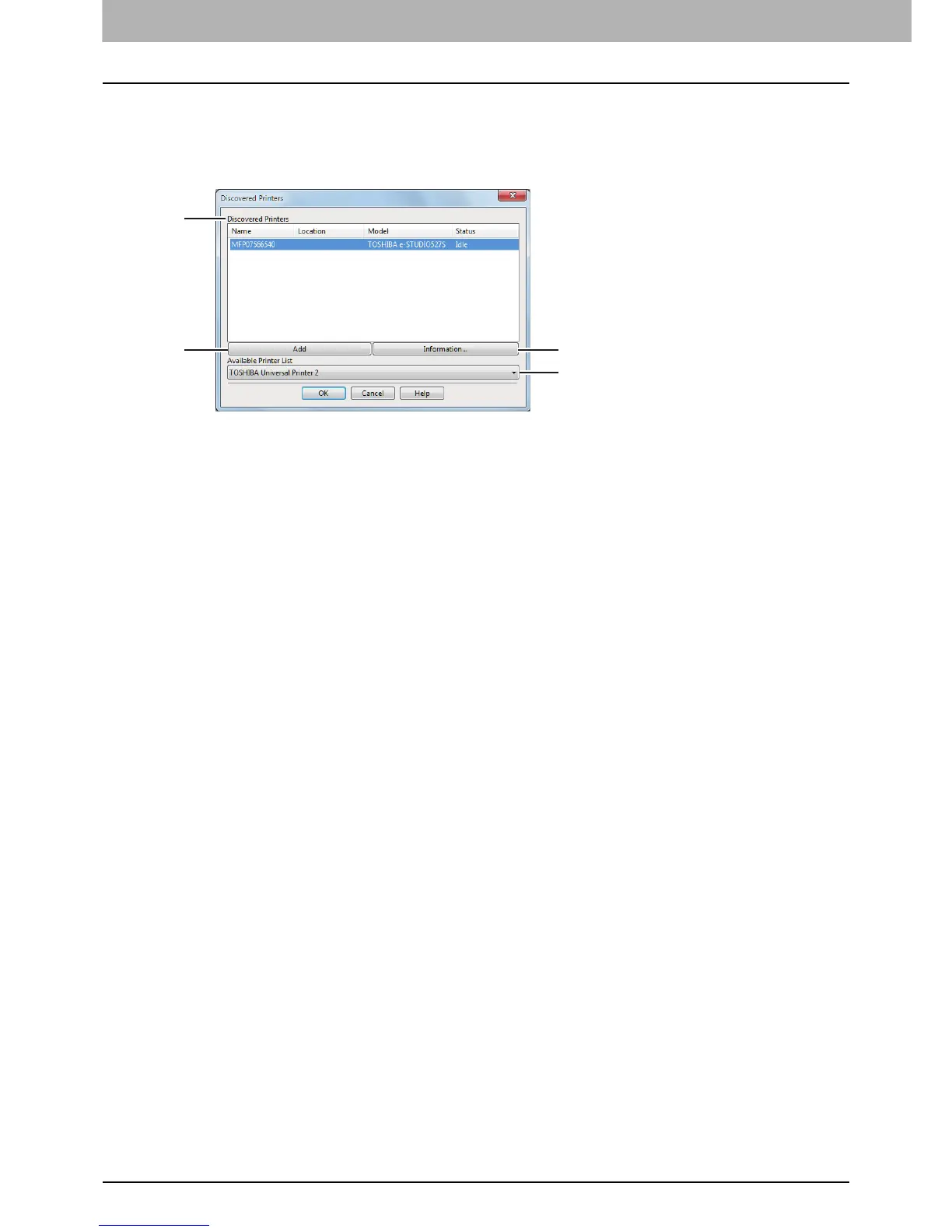
Add Printer
1) Discovered Printers
This displays the e-STUDIO Series discovered over a network. You can check its name, installation site,
model name and status.
2) [Add]
This adds the printers selected in the [Discovered Printers] box to [Printer Folder].
3) [Information]
This indicates the basic information of the printer selected in the [Discovered Printers] box. You can check
the availability of color printing, 2-sided printing or stapling, its copying speed, resolution and the type of
paper placed.
4) Available Printer List
This indicates the e-STUDIO Series printers registered in [Printer Folder].









 To Next Page