55
Getting Started
Connecting an external device
Connecting an external device
You can easily attach an external device to your device.
To do this:
1 Read the directions that came with the external device
to see if you first need to install new software.
2 Connect the external device’s video or USB cable to the
port on your device and to the external device.
3 Connect the external device’s power cable to a live
electrical outlet (if applicable).
4 Turn on the external device (if applicable).
Your device may automatically detect the external
device.
Using external display devices
Your device comes with a built-in display, but you can also
connect an HDMI™-compatible television or external display
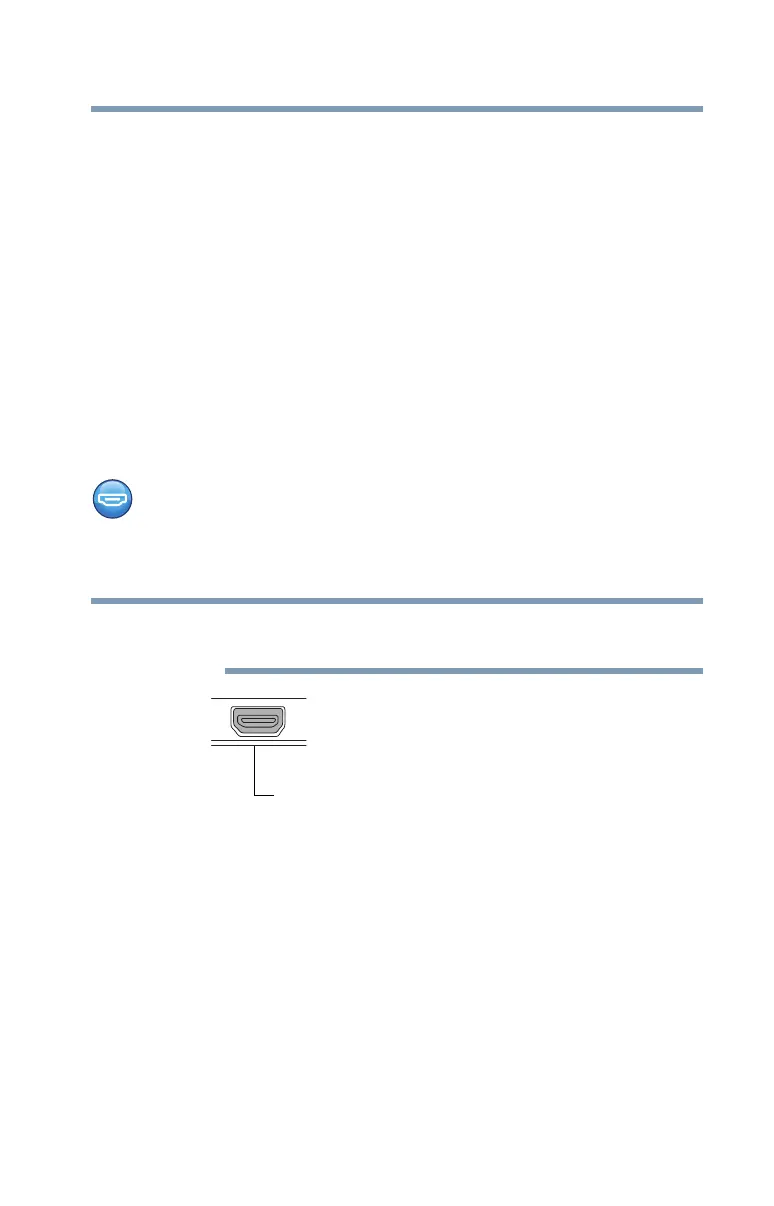
device via the Micro HDMI™ Out port.
To locate your Micro HDMI™ Out port, please refer to
your Quick Start document.
(Sample Illustration) Video port
Selecting video cables
To connect a device to the Micro HDMI™ Out port, you must
purchase the appropriate cable.
NOTE
Micro HDMI™ Out port on display panel/tablet



 To Next Page
 Loading...








