77
Utilities
Desktop Assist
Desktop Assist
The TOSHIBA Assist provides quick access to computer
functions and allows you to customize a range of computer
settings.
To access Desktop Assist from the Start screen begin typing
Desktop Assist, or while in the Desktop screen double-
click or touch the
Desktop Assist, icon.
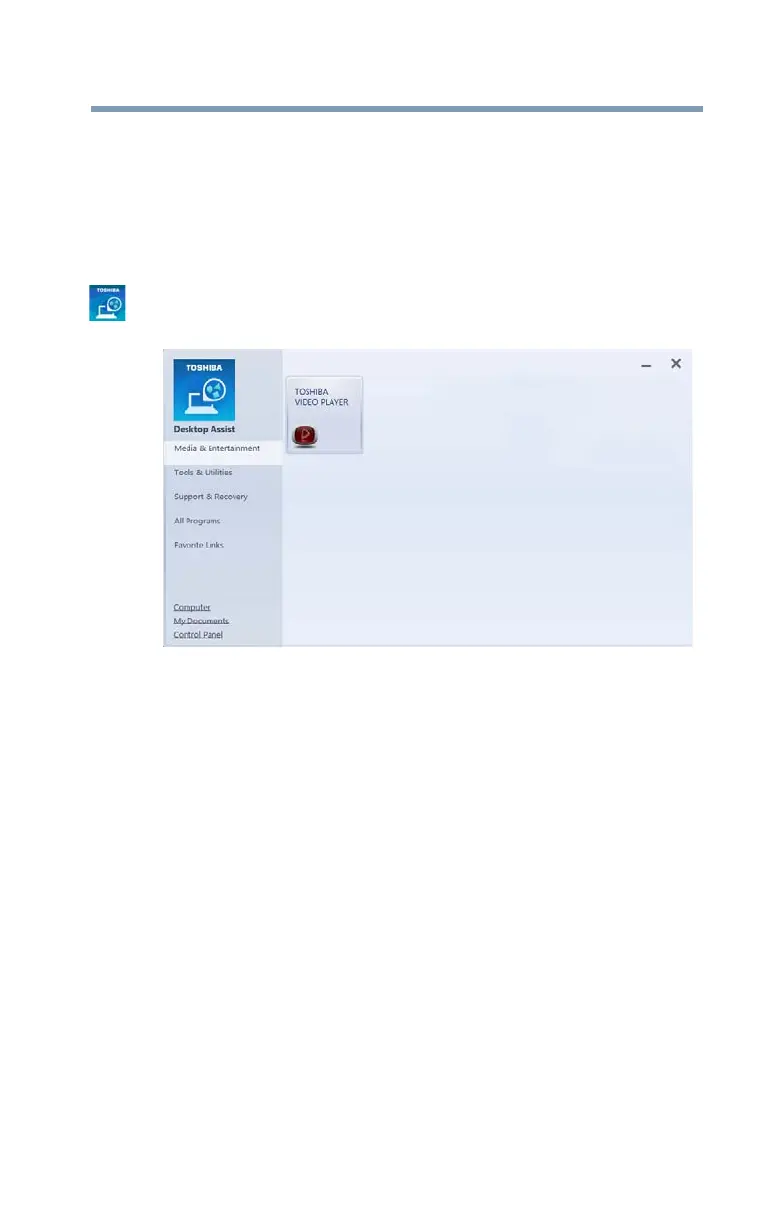
The Desktop Assist window appears.
(Sample Image) Desktop Assist window
The Desktop Assist offers several options:
❖ Media & Entertainment
❖ Tools & Utilities
❖ Support & Recovery



 To Next Page
 Loading...








