86
Utilities
System Settings
System Settings
System Settings is the TOSHIBA configuration management
tool available through the Windows
®
operating system. To
access it:
1 To access System Settings from the Start screen begin
typing
System Settings, or while in the Desktop screen
double-click or touch the
Desktop Assist icon.
2 Click or touch
Tools & Utilities.
3 Click or touch
System Settings.
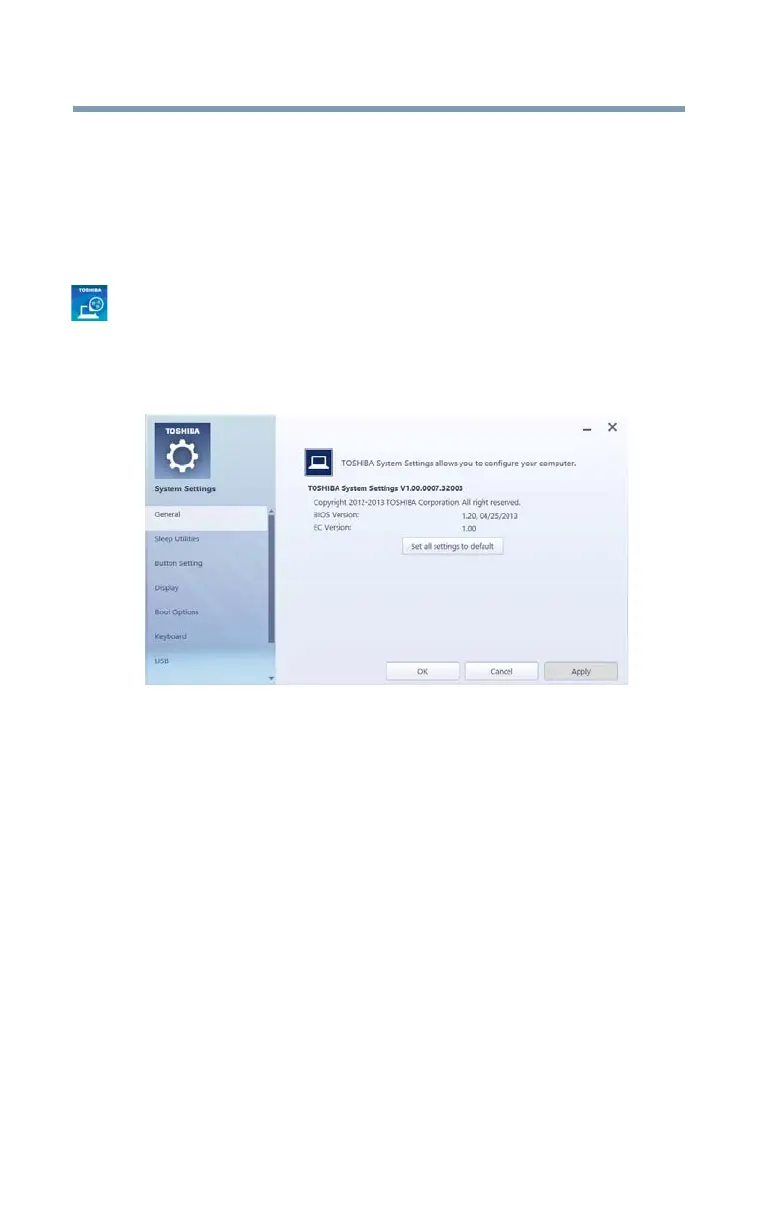
The System Settings screen appears.
(Sample Image) System Settings screen – General tab
options
The System Settings screen may have the following tabs:
❖
Boot Options—Allows you to change the sequence in
which your computer searches the drives for the
operating system
❖
Boot Speed—Reduces the time needed for the
BIOS to initialize, using either the Fast or Normal
settings.
❖
Button Setting—Allows you to customize the function
buttons, such as updating and assigning other
applications to the function buttons.



 To Next Page
 Loading...








