EasyManua.ls Logo

Toshiba RAS-13PKVP-ND - User Manual

Toshiba RAS-13PKVP-ND
32 pages
Print Icon
To Next Page IconTo Next Page
Loading...
ENGLISH EN
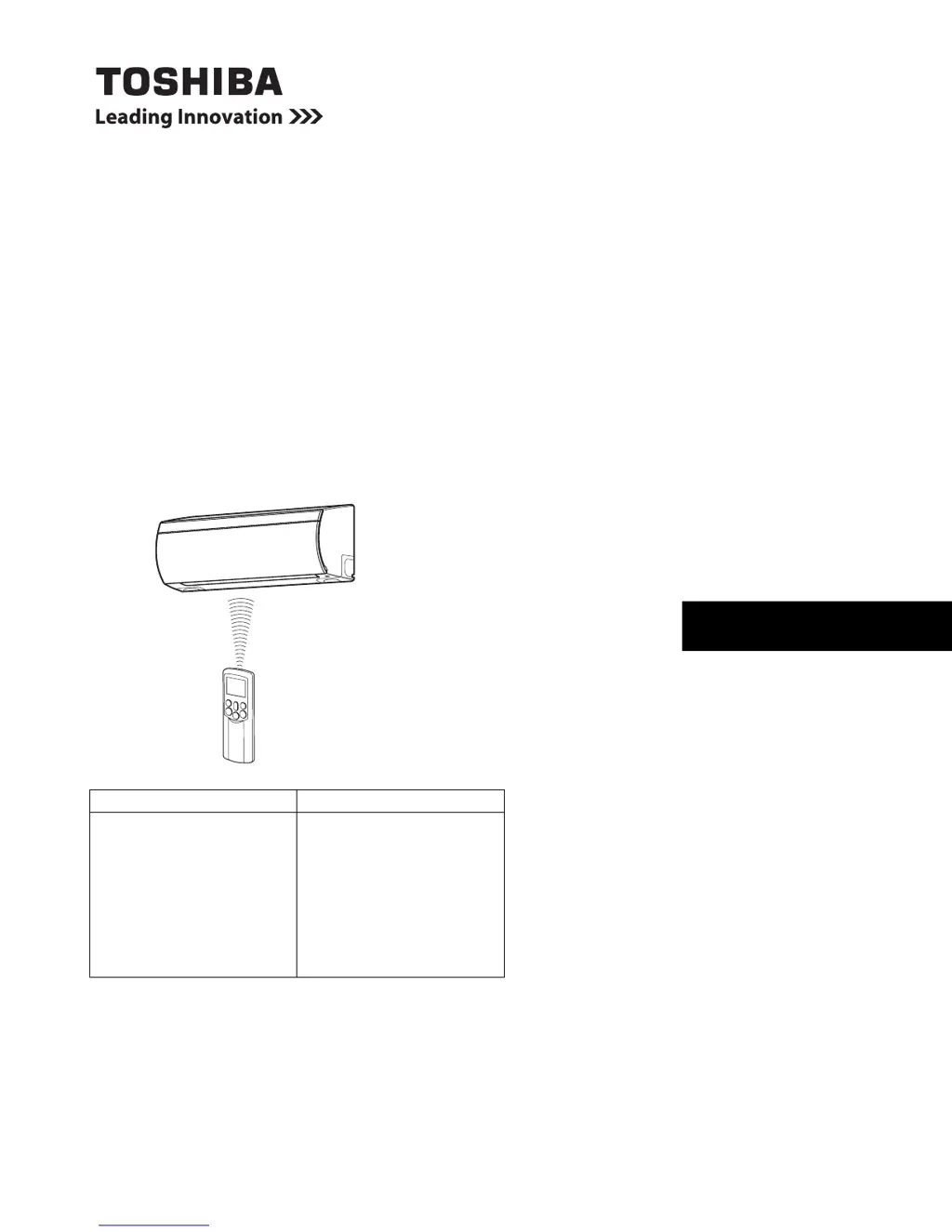
AIR CONDITIONER (SPLIT TYPE)
OWNER’S MANUAL
For general public use
Indoor Unit Outdoor Unit
RAS-07PKVP-E
RAS-10PKVP-E
RAS-13PKVP-E
RAS-16PKVP-E
RAS-18PKVP-E
RAS-07PKVP-ND
RAS-10PKVP-ND
RAS-13PKVP-ND
RAS-16PKVP-ND
RAS-18PKVP-ND
RAS-07PAVP-E
RAS-10PAVP-E
RAS-13PAVP-E
RAS-16PAVP-E
RAS-18PAVP-E
RAS-07PAVP-ND
RAS-10PAVP-ND
RAS-13PAVP-ND
RAS-16PAVP-ND
RAS-18PAVP-ND

Other manuals for Toshiba RAS-13PKVP-ND

Questions and Answers

Summary

Accessories

Precaution for Safety

General Safety Warnings and Symbols

Essential safety warnings, symbols, and their meanings for correct usage.

Electrical and Installation Hazards

Critical warnings regarding electrical hazards and proper installation procedures.

Operational Safety Precautions

Warnings related to operating the air conditioner safely and avoiding damage.

Usage and Maintenance Safety

Safety guidelines for using, maintaining, and handling the air conditioner.

Names of Parts

Outdoor Unit Components

Identification and description of components of the outdoor unit.

Indoor Unit Components

Identification and description of components of the indoor unit.

Indoor Unit Indicators and Controls

Indoor Unit Display Panel

Explanation of the operating status indicators on the indoor unit's display.

Indoor Unit RESET Button

Description of the RESET button's functions, including temporary operation.

Remote Controller Functions

Remote Controller Buttons and Usage

Detailed explanation of each button on the remote controller and its operation.

Automatic and Sleep Mode Operations

How to use the automatic and sleep modes for comfort.

Remote Controller Indicators

Remote Display Indicators Explained

Explanation of the various indicators shown on the remote controller's display.

Remote Controller Switching Function

Information on using the remote controller switching function for multiple units.

Preparation and Check Before Use

Remote Controller Battery Installation

Instructions for inserting and removing batteries from the remote controller.

Setting the Remote Clock

Step-by-step guide to setting the clock on the remote controller.

Clock Adjustment Procedure

Using the Remote Controller

Remote Signal Reception and Placement

Considerations for signal reception and optimal remote controller placement.

Signal Tones and Basic Settings

Understanding signal tones and default settings after operation resets.

Automatic Operation Modes

Standard Automatic Operation

How to start and use the standard automatic operation mode.

Auto Changeover Operation

How to use the auto changeover mode for automatic cooling or heating.

Cooling, Heating, and Dry Operation

Cooling and Heating Operation

Instructions for starting and stopping cooling or heating operations.

Dry Operation

Steps to start and stop the dry operation mode for dehumidification.

8°C Heating Operation

Starting 8°C Heating (Stopped Unit)

How to start 8°C heating when the unit is stopped.

Starting 8°C Heating (Operating Unit)

How to switch to 8°C heating when the unit is already operating.

Stopping 8°C Heating

How to stop the 8°C heating operation.

Pure and Hi Power Operation

Pure Operation

Instructions to start and stop the electrical air purifying operation.

Hi Power Operation

How to activate and deactivate the high power operation mode.

Timer Operation

Setting ON and OFF Timers

Step-by-step guides for setting the ON and OFF timers.

Timer Operation Combinations

Combined ON;OFF Timer Sequences

Setting sequences for combined ON and OFF timers.

Daily Combined Timer Setting

How to set timers for daily recurring operation.

Cancelling Timer Operation

How to cancel any active timer settings.

Memory and My Comfort Operation

Storing Operation Settings (MEMO)

How to store frequently used operation settings using the MEMO button.

Recalling Stored Settings (MY COMFORT)

How to recall and use stored settings with the MY COMFORT button.

Air Flow Direction Control

Setting Vertical Air Flow Direction

How to set the vertical louver position using the remote.

Setting Horizontal Air Flow Direction

How to set the horizontal louver position using the remote.

Automatic Air Flow Swing Function

How to activate automatic swing for air flow direction.

Auto Restart Operation

Setting the Auto Restart Function

Instructions for enabling the automatic restart function after power loss.

Cancelling the Auto Restart Function

Instructions for disabling the automatic restart function.

Air Conditioner Operation Principles

Automatic Operation Principles

How the unit automatically selects operation modes based on temperature.

Hi POWER and Sleep Mode Principles

How Hi POWER and Sleep modes function for comfort and efficiency.

Dry Operation Principles

How the dry mode operates for dehumidification.

Economical Operation and Cleaning

Tips for Economical Operation

Advice on operating the unit efficiently and saving energy.

Temporary Operation Guide

How to operate the unit when the remote is unavailable.

Cleaning Operation Function

Explanation of the cleaning function to dry the indoor unit.

Usual Maintenance Procedures

Cleaning Indoor Unit and Remote Controller

Instructions for cleaning the indoor unit and remote controller.

Unit Storage Procedure

Steps for storing the unit when unused for an extended period.

Air Filter Cleaning

How to clean the air filters for optimal performance.

Air Filter Cleaning Steps

Air Conditioner Operation and Performance

Protection and Heating Characteristics

Explanation of protection features and heating operation details.

Operating Conditions and Power Failure

Recommended temperature ranges and power failure behavior.

Troubleshooting Guide

General Troubleshooting Precautions

Important cautions before starting troubleshooting.

Inoperative Unit Troubleshooting

Checks to perform if the air conditioner is not operating.

Performance Issue Troubleshooting

Checks for issues with cooling or heating performance.

Normal Operation Observations

Common Operation Observations

Explanations for normal observations like condensation, noises, and air flow changes.

Indicator and Sound Explanations

Explanations for the PURE indicator and various operational sounds.

Remote Controller Troubleshooting

Remote Controller Malfunctions

Troubleshooting steps for when the remote controller malfunctions.

Remote Display and Signal Issues

Solutions for remote display errors and signal receiving tone problems.

Technical Specifications

Model-Specific Specifications

Technical specifications for different model types and capacities.

Performance Data Conditions

EMC Directive Information

Manufacturer and Importer Details

Information about the manufacturer and importer as per EMC directive.

Toshiba RAS-13PKVP-ND Specifications

General IconGeneral
Cooling Capacity3.5 kW
Heating Capacity4.0 kW
Power Supply220-240V, 50Hz
RefrigerantR410A
Indoor Unit Weight9 kg
TypeWall Mounted
Noise Level (Outdoor)50 dB

Related product manuals