
 Need help?
Do you have a question about the Toshiba RBC-AMT31-E and is the answer not in the manual?
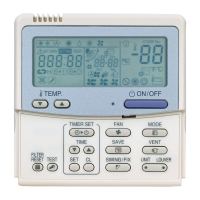
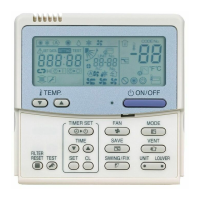
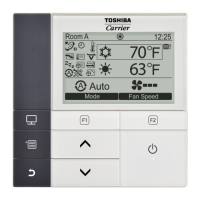
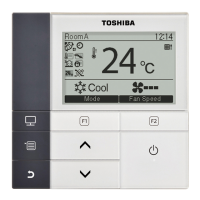
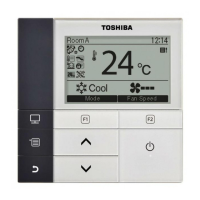
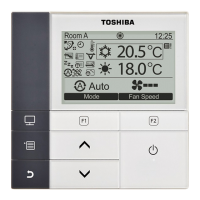
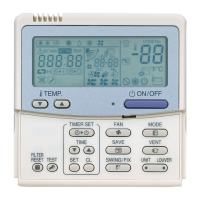
Details the indicators and icons shown on the remote controller's display panel for operational status.
Explains the buttons and their functions in the remote controller's operation panel for user control.
Steps for initial setup and power connection, plus essential operational requirements.
Procedure to initiate automatic operation mode for heat recovery systems.
Method to halt automatic operation, typically by pressing the ON/OFF button.
Guide to setting OFF timer, Repeat OFF timer, and ON timer functions.
Instructions on how to cancel active timer settings using the CL button.
 General
| Brand | Toshiba |
|---|---|
| Model | RBC-AMT31-E |
| Category | Remote Control |
| Language | English |


 To Next Page