EasyManua.ls Logo

Toshiba RDXV49DTKF - User Manual

Toshiba RDXV49DTKF
84 pages
Print Icon
To Next Page IconTo Next Page
Loading...
1
EN
SECAMPA L
OPEN/CLOSE
DUBBING
VCR REC
ON/STANDBY
VCR HDD DVD HDD DVD
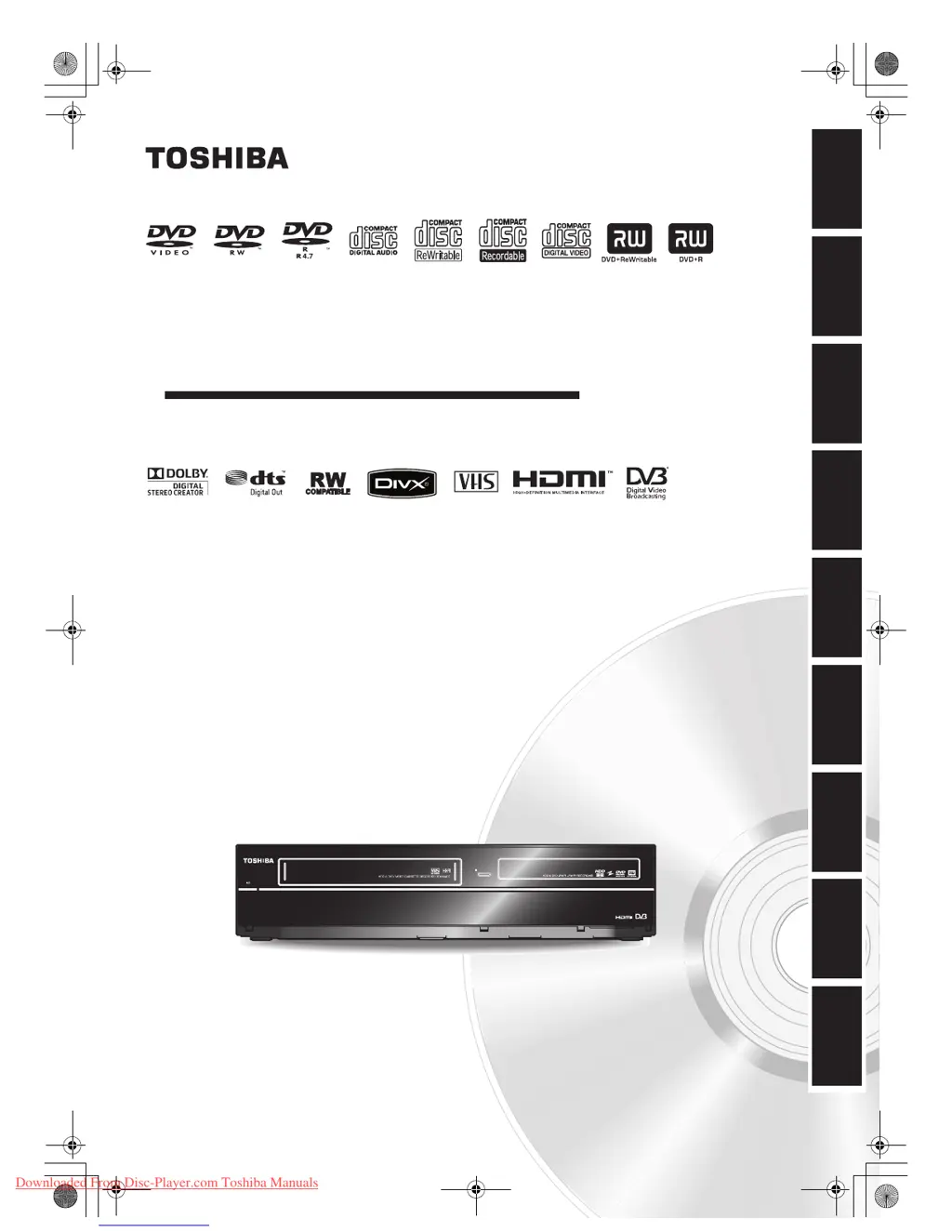
HDD & DVD / VIDEO CASSETTE RECORDER
RDXV49DTKF
OWNER’S MANUAL
Introduction Connections Playback Editing OthersFunction SetupRecording VHS Functions
Basic Setup /
TV View Operation
© 2009 Toshiba Corporation
For Customer Use:
Carefully read the Model No. and Serial No. located at the
back of the unit and enter the information below. Retain
this information for future reference.
Model No. __________________________
Serial No. __________________________
E3TK0FD_EN.book Page 1 Monday, March 9, 2009 10:00 AM
Downloaded From Disc-Player.com Toshiba Manuals

Table of Contents

Questions and Answers

  • G
    Gloria RamosAug 19, 2025
    How to troubleshoot Toshiba RDXV49DTKF DVD VCR Combo when there is no picture, sound or menu on the screen?
    • L
      Lori PerezAug 19, 2025
      If you're experiencing a blank screen with no picture, sound, or menu, first check that all connections are securely and correctly made. Inspect the cables for any damage. Ensure that you've selected the correct external input channel on your TV. Also, verify that you have completed the “Channel” setting.
  • M
    Michelle PorterAug 21, 2025
    Why won't my Toshiba RDXV49DTKF DVD VCR Combo turn on?
    • D
      Daniel ScottAug 21, 2025
      If your Toshiba DVD VCR Combo isn't powering on, make sure the AC power cord is securely connected. Also, check the remote control batteries, as weak batteries can prevent the unit from turning on.
  • L
    Leslie LambertAug 23, 2025
    Why does my Toshiba DVD VCR Combo turn on automatically?
    • S
      Stephen RodriguezAug 23, 2025
      The Toshiba DVD VCR Combo might be turning on automatically because it is set to turn on 2 seconds before a timer recording.
  • T
    tammie67Aug 26, 2025
    Why can't I switch the DV audio signal on my Toshiba RDXV49DTKF?
    • W
      weavergeorgeAug 26, 2025
      When recording with the DVC, the recording audio signal can be set to 12 bits or 16 bits. However, when 16-bit recording mode is selected, the audio signal cannot be switched. To record an audio signal, set it to 12 bits.
  • H
    Heidi AndersonAug 28, 2025
    Why certain DVC functions do not operate on my Toshiba DVD VCR Combo?
    • J
      James LeeAug 28, 2025
      Some functions may not operate depending on the type of DVC. For example, if the DVC does not support slow playback mode, the slow playback function is disabled. With DV (AV3), the disc display menu does not appear unless disc playback is executed.
  • M
    Maria TurnerAug 30, 2025
    Why can't I perform clock and channel settings on my Toshiba RDXV49DTKF?
    • M
      Mr. Michael CarrAug 30, 2025
      If you are unable to set the clock or channel, it may be because a recording is currently in progress. These operations are disabled during recording.
  • D
    diananicholsSep 1, 2025
    How to fix disc error on Toshiba RDXV49DTKF?
    • T
      tiffany14Sep 1, 2025
      If you see a 'Disc Error' message on your Toshiba DVD VCR Combo, it could be due to a couple of reasons. First, you might have inserted a disc that the unit can't play. Make sure you're using a standard disc. Another common issue is inserting the disc upside down. The labeled side should always face up.
  • C
    cleeSep 3, 2025
    What to do if my Toshiba RDXV49DTKF says disc is full?
    • A
      Allison CooleySep 3, 2025
      If your Toshiba DVD VCR Combo displays a 'Disc is full' error, it means there's no more space to record on the disc. The solution is to insert a recordable disc that has enough free space. Alternatively, you can delete any unnecessary original titles from the disc to free up space.
  • D
    Daniel VanceSep 5, 2025
    Why does my Toshiba DVD VCR Combo say region error?
    • S
      Steven WilliamsSep 5, 2025
      If your Toshiba DVD VCR Combo shows a 'Region Error,' it means the DVD-video you're trying to play is not authorized for playback in your region. To resolve this, use a DVD-video with region codes 2 or ALL.
  • H
    heatherclarkeSep 7, 2025
    What to do if Toshiba RDXV49DTKF DVD VCR Combo says cannot record on this disc?
    • A
      Angela BeckerSep 7, 2025
      If your Toshiba DVD VCR Combo displays the message 'Cannot record on this disc,' there are several possible reasons: * You might be trying to record onto a disc that isn't recordable or doesn't meet the recording requirements. Ensure you're using a recordable disc that meets the necessary requirements. * The disc could be dirty. Try cleaning it with a cleaning cloth. * The disc might be damaged. In this case, you'll need to replace it. * If you're trying to record onto a VR mode DVD-RW disc that already contains recordings from another recorder, the disc may need to be formatted.

Toshiba RDXV49DTKF Specifications

General IconGeneral
BrandToshiba
ModelRDXV49DTKF
CategoryDVD VCR Combo
LanguageEnglish

Related product manuals