EasyManua.ls Logo

Toshiba SD-KV540SU - User Manual

Toshiba SD-KV540SU
43 pages
Print Icon
To Next Page IconTo Next Page
Loading...
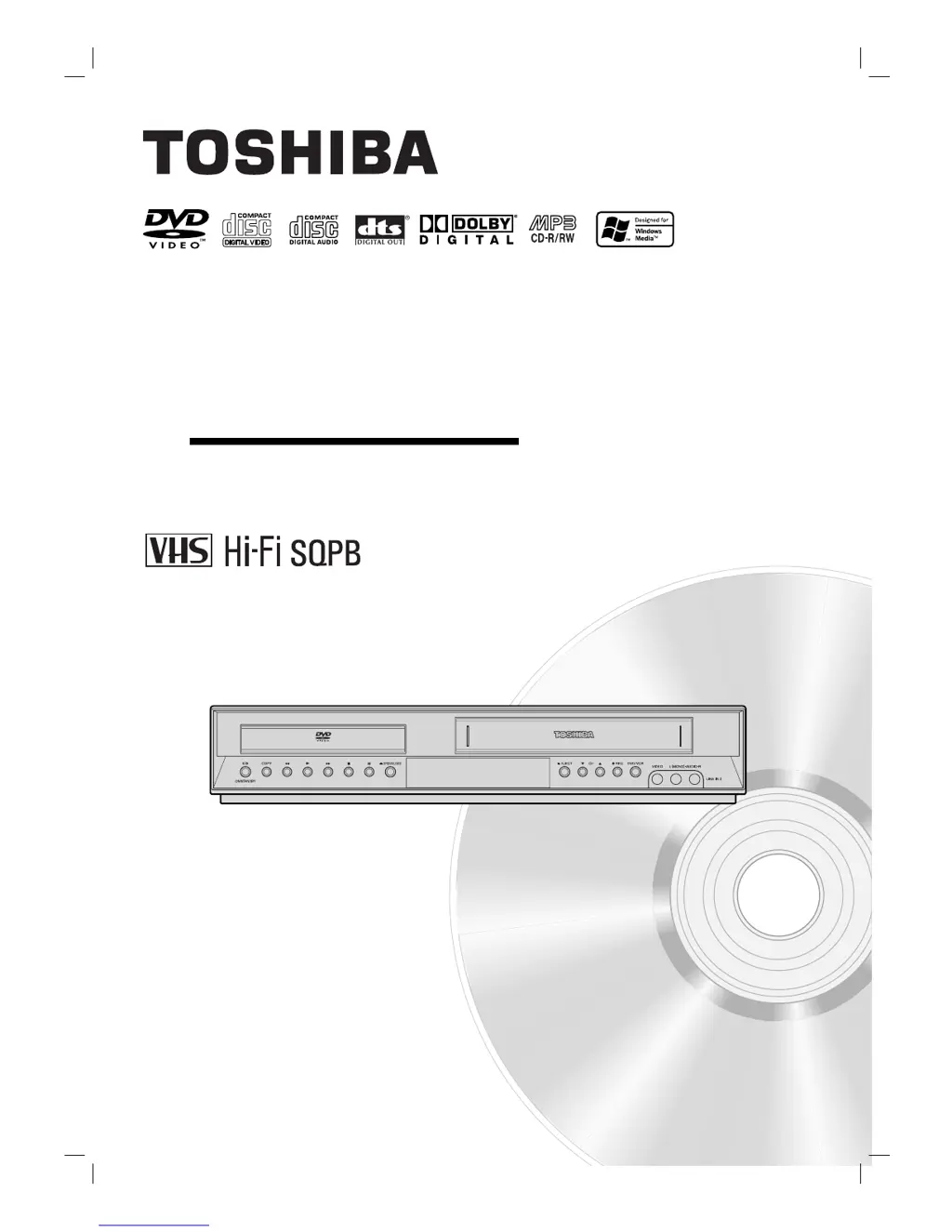
SD-KV540SU
OWNER’S MANUAL
DVD VIDEO PLAYER &
VIDEO CASSETTE RECORDER
Before connecting, operating or adjusting this product,
please read this instruction booklet carefully and completely.
©2005 Toshiba Corporation
This device does not tape-record copy protected DVD Video Discs.
VB9060CMZ.NA1UTT_RV0004T_ENG

Table of Contents

Questions and Answers

  • T
    Tanner Lewis Jr.Jul 30, 2025
    Why is my Toshiba SD-KV540SU DVD VCR Combo remote control not working?
    • T
      Tracy SchultzJul 30, 2025
      If your Toshiba DVD VCR Combo remote control isn't working, there might be a few reasons. First, check for any obstacles between the remote and the unit and remove them. Second, the batteries in the remote might be dead, so replace them with new ones. Ensure that you are pointing the remote control at the remote sensor of the DVD+VCR within a distance of 23ft (7m). Also, remember that the remote uses the same buttons for VCR and DVD functions, so press the VCR button when using a VCR or the DVD button when using a DVD.
  • A
    Angela DavisAug 4, 2025
    What to do if camcorder image is not shown on Toshiba DVD VCR Combo?
    • R
      Robert GilmoreAug 4, 2025
      If the camcorder image isn't showing on your Toshiba DVD VCR Combo, first ensure that the camcorder is turned on and operating correctly. Next, verify that the DVD+VCR SOURCE SELECT is set to LINE1 or LINE2 by pressing INPUT SELECT to select the appropriate LINE AV input channel.
  • S
    Stacey EdwardsAug 8, 2025
    What to do if my Toshiba SD-KV540SU DVD VCR Combo does not start playback?
    • N
      Natalie SandovalAug 8, 2025
      If your Toshiba DVD VCR Combo isn't playing, several factors could be the cause. Ensure that you've inserted a playable disc, verifying both the disc type and regional code. Make sure the disc is placed correctly, with the playback side facing down, and positioned properly within the guide on the disc tray. A dirty disc can also prevent playback, so clean it carefully. Lastly, check if the Rating level is set, and if so, cancel the Rating function or adjust the rating level.
  • R
    rossjoanAug 14, 2025
    How to fix timer recording on my Toshiba SD-KV540SU?
    • Z
      zharrisAug 14, 2025
      If timer recording isn't working on your Toshiba DVD VCR Combo, first make sure the clock is set to the correct time. If the time is correct, the timer might have been programmed incorrectly, so reprogram it. Also, after programming the timer, make sure to turn the DVD+VCR off to enable the timer; check if the indicator light appears after programming.
  • R
    Robert NelsonAug 19, 2025
    How to get Hi-Fi sound on Toshiba SD-KV540SU DVD VCR Combo?
    • C
      Connor FrancoAug 19, 2025
      If you're not getting Hi-Fi sound on your Toshiba DVD VCR Combo, the audio mode may not be set properly. Try selecting STEREO by repeatedly pressing the AUDIO button on the remote control.
  • D
    Devin WalkerAug 25, 2025
    Why video tape cannot be inserted into Toshiba DVD VCR Combo?
    • J
      Jessica MurphyAug 25, 2025
      If a video tape cannot be inserted into your Toshiba DVD VCR Combo, check if the cassette compartment is empty. If there's a tape inside, eject it first.

Summary

Safety Precautions

Electrical, Fire, and Moisture Safety

Covers warnings about electrical hazards, fire risks, and the importance of avoiding moisture for safe operation.

Installation and Laser Safety

Provides guidance on safe installation, connection advice for cable installers, and laser system precautions.

Important Safety Instructions

General Usage and Environmental Safety

Emphasizes reading instructions, safe usage environments, and proper ventilation to prevent hazards.

Plug, Cord, and Accessory Safety

Covers safe handling of power plugs, cords, and using approved accessories for secure operation.

Lightning Protection and Servicing

Advises on unplugging during storms, protection of cords, and seeking professional servicing for repairs.

Front Panel Controls and Indicators

Front Panel Button Functions

Explains the operational functions of the buttons and input jacks located on the front panel.

Rear Panel Connections

Input and Output Terminals Overview

Details all input and output terminals on the rear panel for connecting various devices and signals.

Remote Control Functions

Power, Source, and Menu Controls

Covers buttons for power, source selection, display access, menu navigation, and confirmation.

Playback, Recording, and Search Controls

Explains controls for playback, recording, searching, and special playback modes like slow motion.

VCR Initial Setup

General Setup Navigation

Outlines the procedure for accessing and navigating the VCR Setup menu using the remote control.

Clock and Time Settings

Details automatic and manual methods for setting the unit's clock, including Daylight Savings and Time Zone.

Program Recording Setup

Introduces the Timer Recording feature for scheduling unattended recordings.

VCR Tuning and Audio Configuration

Automatic Channel Tuning

Guides on performing automatic channel scanning and tuning for TV and CATV reception.

Audio Mode and Broadcast Type Settings

Configures audio modes (Hi-Fi/Normal) and broadcast types (Stereo/SAP) for optimal sound.

DVD Initial Setup and Language

Language and Region Settings

Allows selection of menu language, disc audio, subtitle language, and disc menu language.

DVD Display and Video Output Settings

Progressive Scan and Video Output Setup

Guides on enabling progressive scan and selecting video output type (S-VIDEO/YPbPr) for connected TVs.

DVD Audio and Other Configuration

Audio Format Selection

Configures audio formats, sample frequency, and dynamic range control for various audio outputs.

DVD Parental Control and Area Code

Lock Settings: Password and Rating

Allows setting a password and parental control rating to restrict access to specific content.

Security Code Reset and Area Code

Provides steps to reset a forgotten password and configure the area code for DVD compatibility.

VCR Tape Playback Operations

Advanced VCR Tape Playback Features

VHS Hi-Fi Stereo and MTS Broadcast

VCR Tape Recording Operations

Basic Recording Procedures

Provides step-by-step instructions for basic recording, pausing, and recording while viewing other channels.

Timer Recording Preparation

Details the necessary preparations, including clock setting, before setting up timer recordings.

Timer Recording Setup Details

Programming Timer Settings

Explains how to set channel, recording speed, and repeat options for scheduled timer recordings.

VCR Recording Methods

DVD to VCR Copying and VCR Displays

DVD and Video CD Playback Basics

DVD;VCD Playback Navigation and Modes

DVD Special Features and Playback Options

Playing Audio CDs and MP3;WMA Discs

Audio CD and MP3;WMA Playback Features

Programmed Playback for Audio Discs

Troubleshooting Common Issues

Power and Picture Problems

Addresses issues related to the unit not powering on, not responding, or displaying no picture.

Sound and Playback Quality Issues

Troubleshoots problems with no audio output or poor picture quality, including tracking issues.

Progressive Scan Mode Display

Resolves issues where the progressive scan mode message persists on the screen or is incorrectly displayed.

Troubleshooting Advanced Issues

Disc and Tape Playback Errors

Addresses problems with disc playback, tape insertion, and Hi-Fi sound reception.

Remote Control and Camcorder Issues

Troubleshoots malfunctions with the remote control and issues displaying camcorder images.

Timer Recording Setup Problems

Resolves issues preventing timer recordings, such as incorrect clock settings or programming errors.

Toshiba SD-KV540SU Specifications

General IconGeneral
TypeDVD VCR Combo
BrandToshiba
ModelSD-KV540SU
DVD PlayerYes
VCR PlayerYes
VHS PlaybackYes
Video FormatNTSC
Audio OutputStereo
Recordable Disk TypesDVD-R, DVD-RW, DVD+R, DVD+RW
Number of Discs1
Progressive ScanYes
Remote ControlYes
Recording CapabilityYes
DVD FormatsDVD-R, DVD-RW, DVD+R, DVD+RW
ConnectionsComposite Video Out, Audio Out
Playable Disk TypesDVD, CD
DVD TypeDVD Player/Recorder

Related product manuals