19
Check and Change of Group Address of Indoor Unit
In group control or twin, triple, double twin operation, the group address is allocated to indoor unit by automatic
address setup after the system power supply has been turned on. From these addresses, “Header unit”: “1”
and “Follower unit”: “2” can be recognized. As the central control device (remote controller) communicates with
“Header unit” only, set up the group address from wired remote controller so that the indoor unit attached with
the interface becomes “Header unit”.
• Check method for Header unit
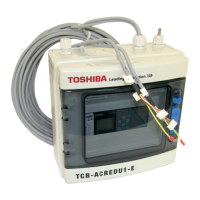
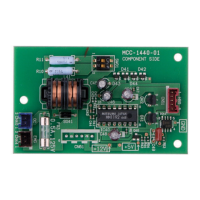
Beforehand check the indoor unit attached with this interface.
During stop of the Set.
<Procedure>
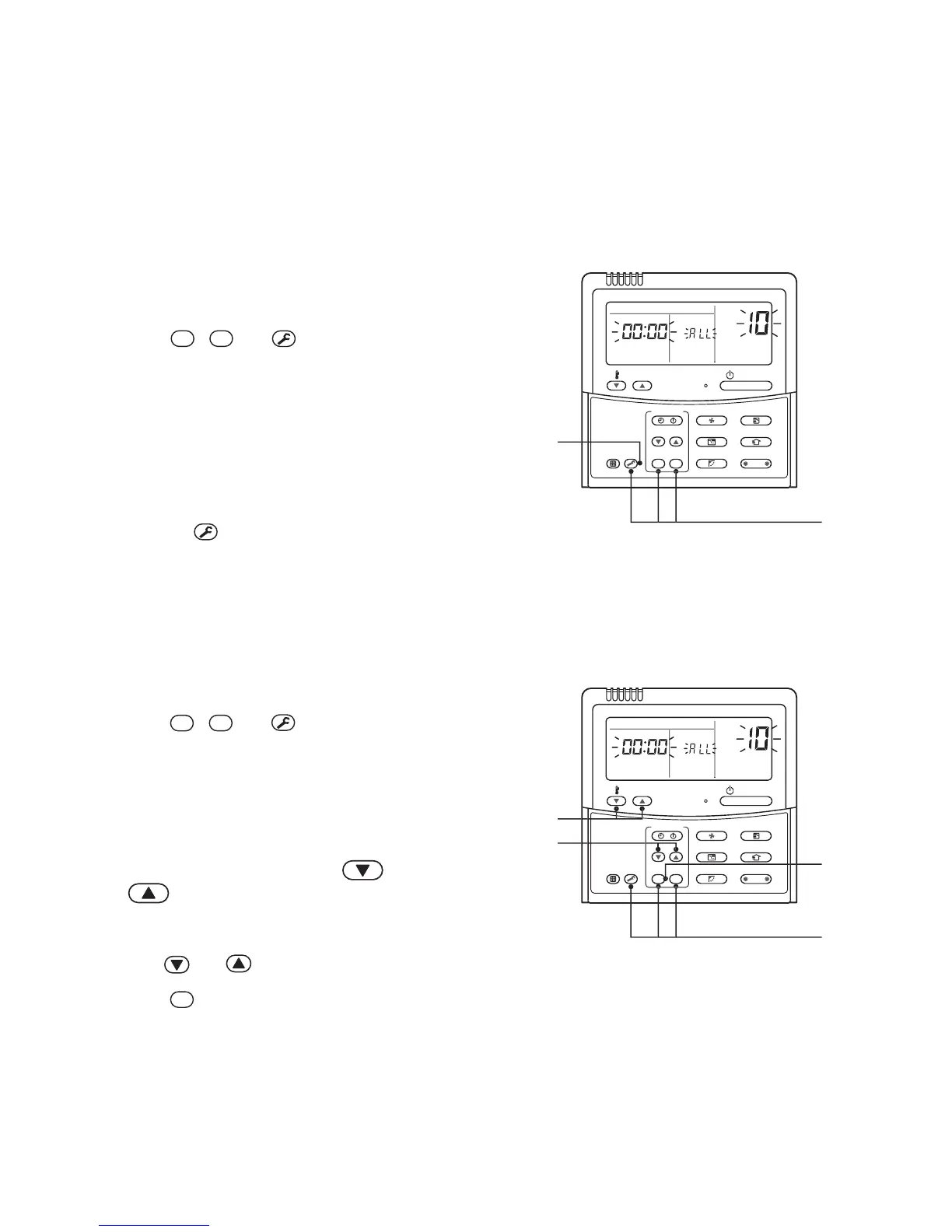
1 Push
SET
,
CL
and
TEST
buttons simultaneously
for 4 seconds or more.
(The firstly displayed unit No. is the header indoor unit
No. in the group control.)
2 The indoor unit of which fan was turned on is
the header indoor unit.
If the header unit is not one with this interface,
change it according to “How to set up Header unit”.
3 Pushing
TEST
button returns the mode to normal
mode.
• How to set up Header unit
(In case when the indoor unit of which fan was turned on is not one attached with interface)
Change address in the following procedure.
<Procedure>
1 Push
SET
,
CL
and
TEST
buttons simultaneously
for 4 seconds or more.
(The firstly displayed unit No. is the header indoor unit
No. in the group control.)
2 The indoor unit of which fan was turned on is
the header indoor unit.
3 Using the setup temperature and
buttons, select CODE No. “14”.
4 Check that the setup data is 0001, and then
change the setup data to 0002 using the timer
time
and buttons.
5 Push
SET
button. In this time, the setup ends
if display changes from flashing to lighting.
Ø
(To be continued)
3
1




 To Next Page