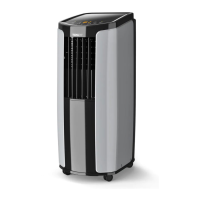
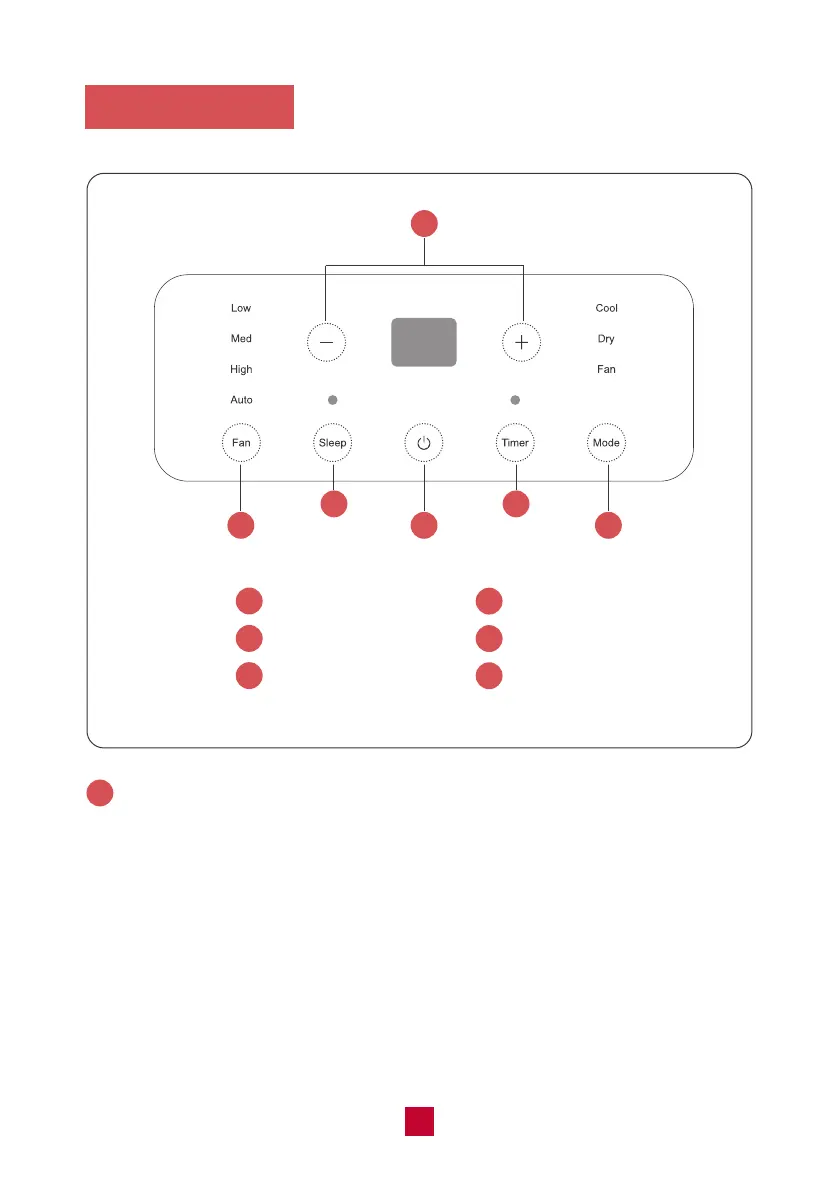
Control Panel
1
2
2
3
3
4
4
5
5
6
6
1
+/- Button
Fan Button
Sleep Button
ON/OFF Button
Timer Button
Mode Button
+/- Button
● Pressing this button will allow you to change the temperature setting.
● After pressing the timer button, the +/- buttons will adjust the timer setting from
0.5-24 hours in 0.5-hour increments. After the 10-hour mark, the +/- button will
adjust the timer setting in 1-hour increments. It will take 5 seconds for the timer
settings to be confirmed by the machine.
Note: This button is not valid under dry and fan model.
1
07


 To Next Page
 Loading...