
 Need help?
Do you have a question about the Tosot TW09HQ3D6D and is the answer not in the manual?
Provides a brief overview of the product's key features.
Details the technical specifications of the air conditioning unit.
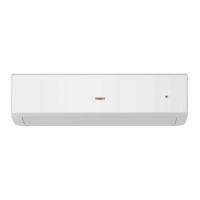
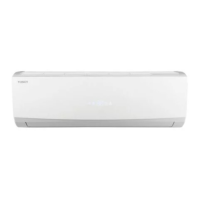
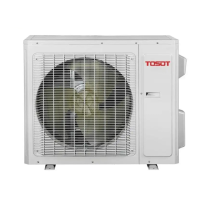
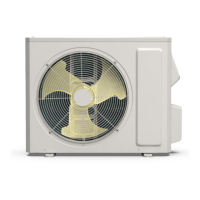
Illustrates the physical dimensions of the indoor and outdoor units.
Shows the flow of refrigerant within the system.
Covers the electrical components and wiring of the unit.
Explains the operational modes and control functions of the unit.
Graphs showing operation performance characteristics.
How capacity changes with outdoor temperature.
Performance data at rated frequency.
Graph showing noise levels at different speeds.
Physical dimensions and diagrams for the indoor unit.
Physical dimensions and diagrams for the outdoor unit.
Shows the flow of refrigerant within the system.
Diagrams showing electrical connections for the unit.
Printed circuit board layouts for the unit.
Details the buttons and display of the remote controller.
Guide for using the smart app for control.
Explains various operating modes and special functions.
Important safety and general precautions for installation and maintenance.
Instructions for properly installing the air conditioning unit.
Diagrams showing required clearances for installation.
A flowchart outlining the installation steps.
List of components to check before installation.
Guidelines for choosing optimal installation sites.
Electrical safety and connection requirements.
Detailed steps for installing the indoor unit.
Detailed steps for installing the outdoor unit.
Procedures for vacuum pumping and detecting refrigerant leaks.
Final checks and operational tests after installation.
List of error codes and their possible causes.
Step-by-step troubleshooting guides for common issues.
Solutions for common issues like unit not starting or poor performance.
Illustrated parts list for the indoor unit.
Illustrated parts list for the outdoor unit.
Detailed steps for removing indoor unit parts.
Detailed steps for removing outdoor unit parts.
 General
| Cooling Capacity | 9000 BTU/h |
|---|---|
| Refrigerant Type | R32 |
| Power Supply | 220-240V, 50Hz |
| Type | Split |
| Noise Level (Indoor) | 24 dB |
| Noise Level (Outdoor) | 50 dB |
| Features | Sleep Mode |
| Operating Temperature (Cooling) | 18°C to 43°C |
| Operating Temperature (Heating) | -15°C to 24°C |


 To Next Page