- 22 -
DIRECTION OF FLOW
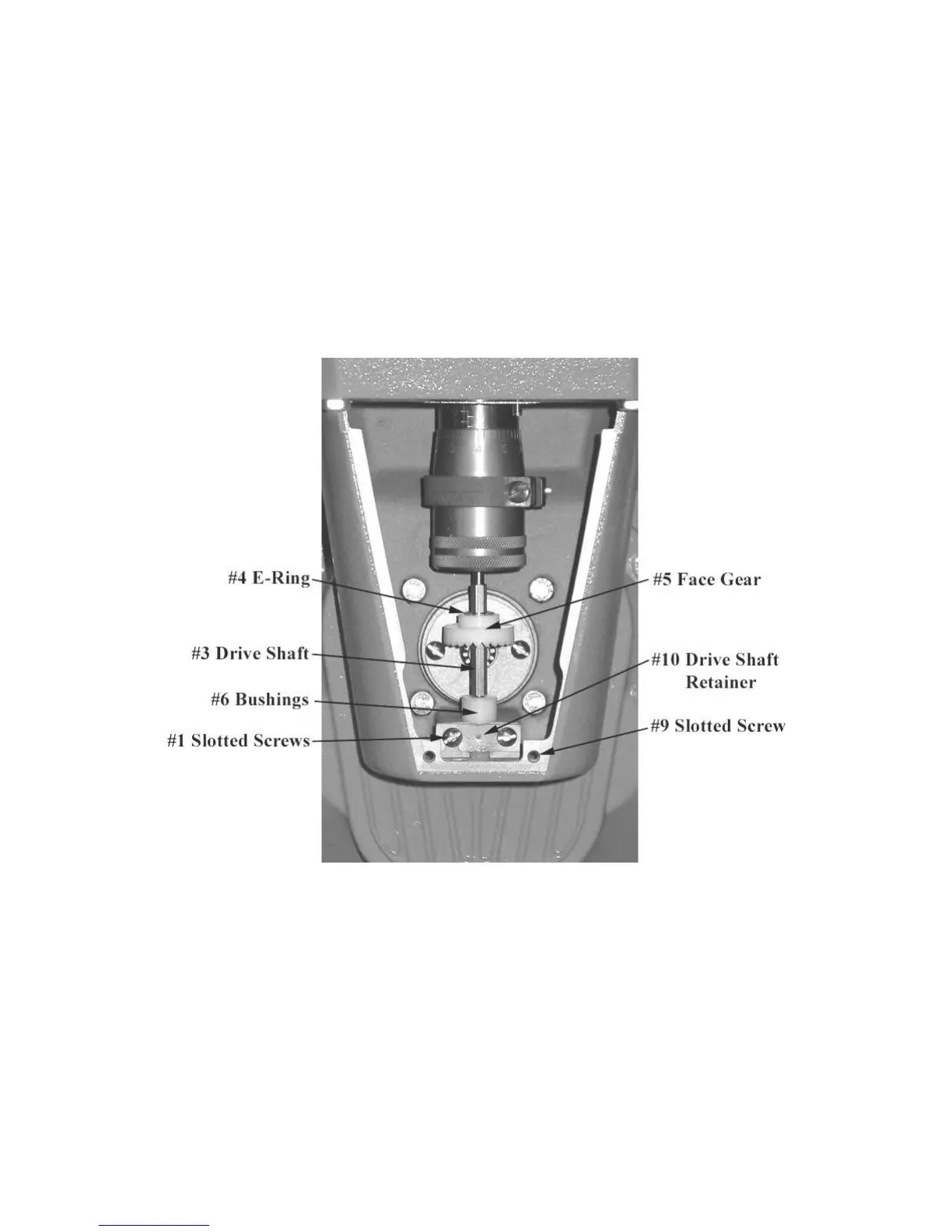
The meter is set up at the factory for left to right flow. To change the meter to right to left flow, begin by
removing the screws (#9 on the Meter Assembly Breakdown in Service Manual) and the adjuster cover
plate (#7) on the front of the meter. Remove both the screws (#1), the drive shaft retainer (#10), the
bushings (#6), the drive shaft (#3), the e-ring (#4) and the face gear (#5). Reinstall the gear on the shaft
with the gear teeth facing up. Snap the e-ring back into place to hold the gear in place. Reinstall the
shaft, mating the face gear with the drive gear of the packing capsule assembly. Reinstall the screw and
cover plate. The meter will now be set up for right to left flow.



 To Next Page