Occupied 2, Occupied 3, Unoccupied) time periods. Each occupied time pe-
riod has a start time, stop time, heating set point, and cooling set point. The
unoccupied time period has a heating set point and a cooling set point.
The unoccupied time period is active whenever an occupied time period is
not active. Fill in Table 1 on page 12 as an aid to programming the daily
schedules.
PROGRAMMING MODE — To program the daily schedules, perform the
following procedure:
1. Enter programming mode by pressing the Mode and UP ARROW but-
tons at the same time. The Occupied 1 annunciator will appear on the
thermostat display. See Fig. 5. Use the UP ARROW and DOWN AR-
ROW buttons to set the maximum number of Occupied periods avail-
able. The thermostat can be set to 1, 2, or 3. After the number of Oc-
cupied periods has been selected, press the Mode button.
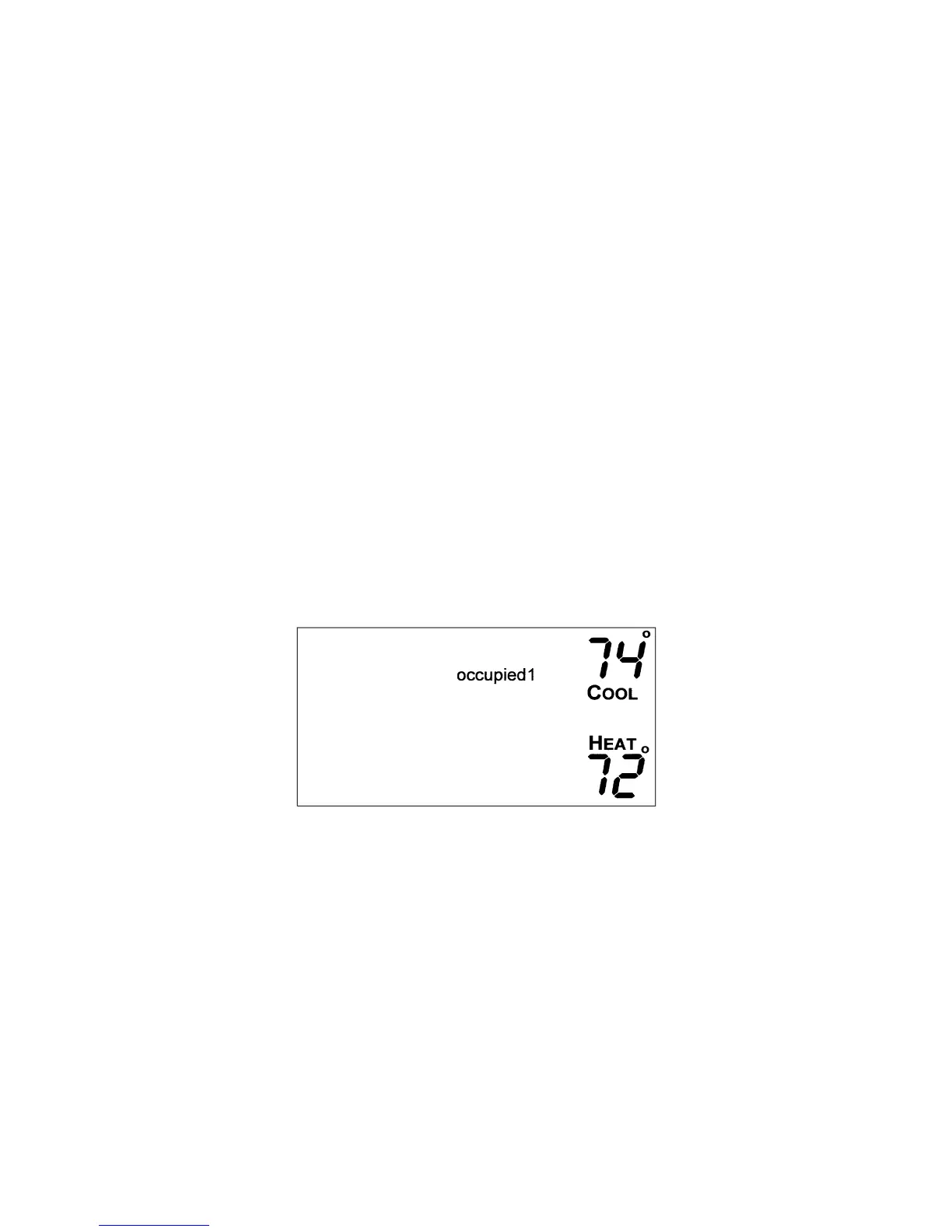
2. The cooling set point for Occupied 1 will be displayed. Use the UPAR-
ROW and DOWN ARROW buttons to raise or lower the cooling set
point until the desired temperature is shown. The range of acceptable
values is 35 to 99 F (1 to 37 C). Press the Mode button to continue. See
Fig. 4.
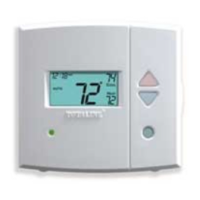
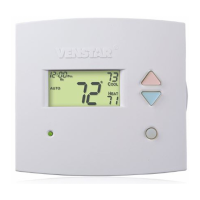
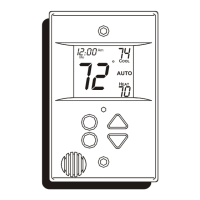
Fig. 4 — Setting Occupied 1 Set Points
8




 To Next Page