Three-channel Amplifier
13
Three-channel Amplifier
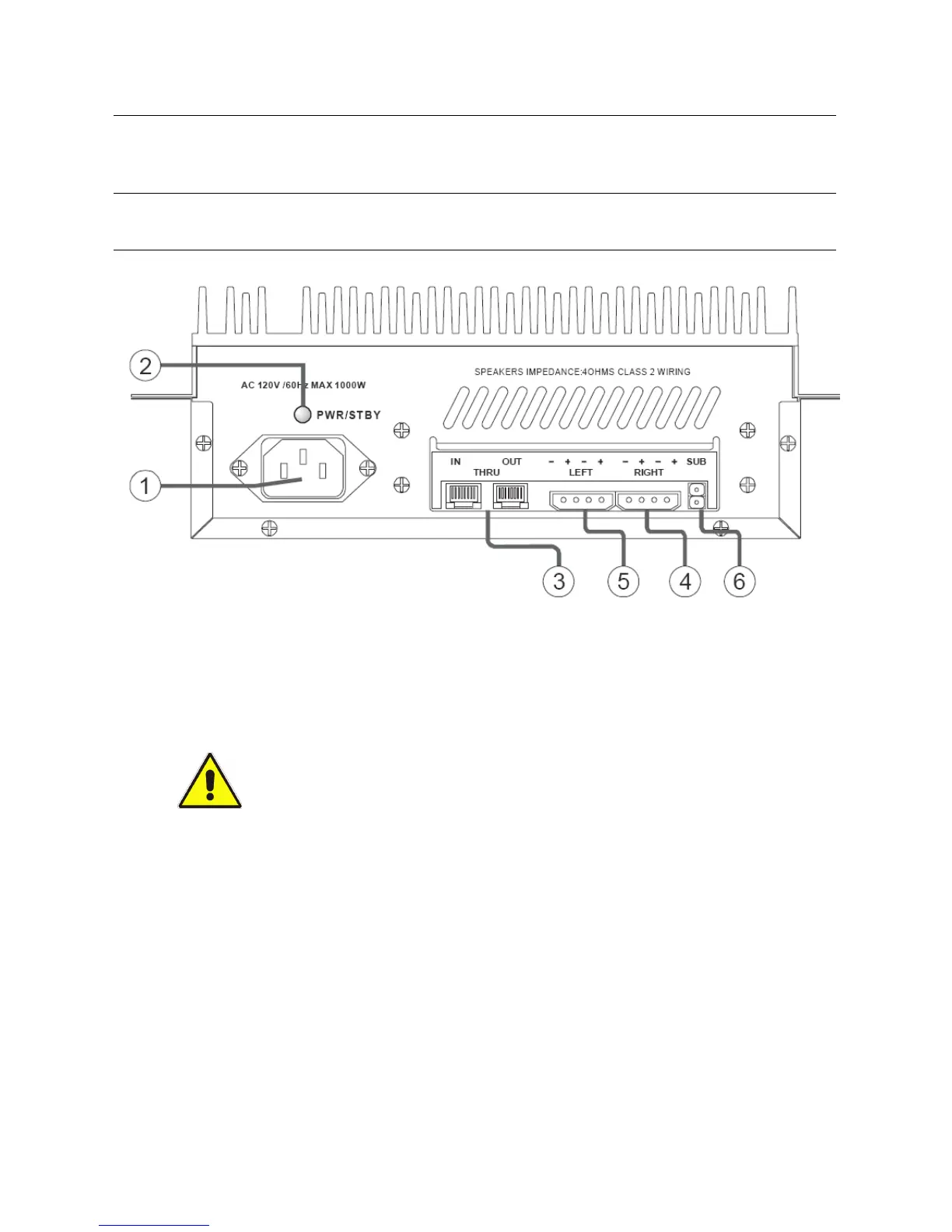
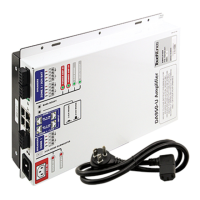
The DA415 3-channel amplifier is shown in the figure below.
Note: The 3-channel amplifier provides RJ45 input and output connectors to enable daisy-
chaining of components.
DA415 Three-channel Amplifier
1. Power connector
Connect the supplied power cord here. The DA415 will automatically start when the power
c
ord is plugged into a wall outlet (AC 120V /60Hz MAX 1000W). There is no power switch.
CAUTION: Do
not connect the AC power cord to a wall outlet until all audio
connections have been completed.
2. Power/Standby light
• Green: Indicates that the DA415 is operating normally.
• Red: Indicates that the amp is in standby or that an abnormal cond
ition has been encountered,
and that protection mode has been activated.
3. Balanced audio input/output connectors
Two RJ45 connectors are provided to connec
t the DA415 to other audio equipment via
standard category 5 cable.



 To Next Page