10
Installing the Ovation Jukebox
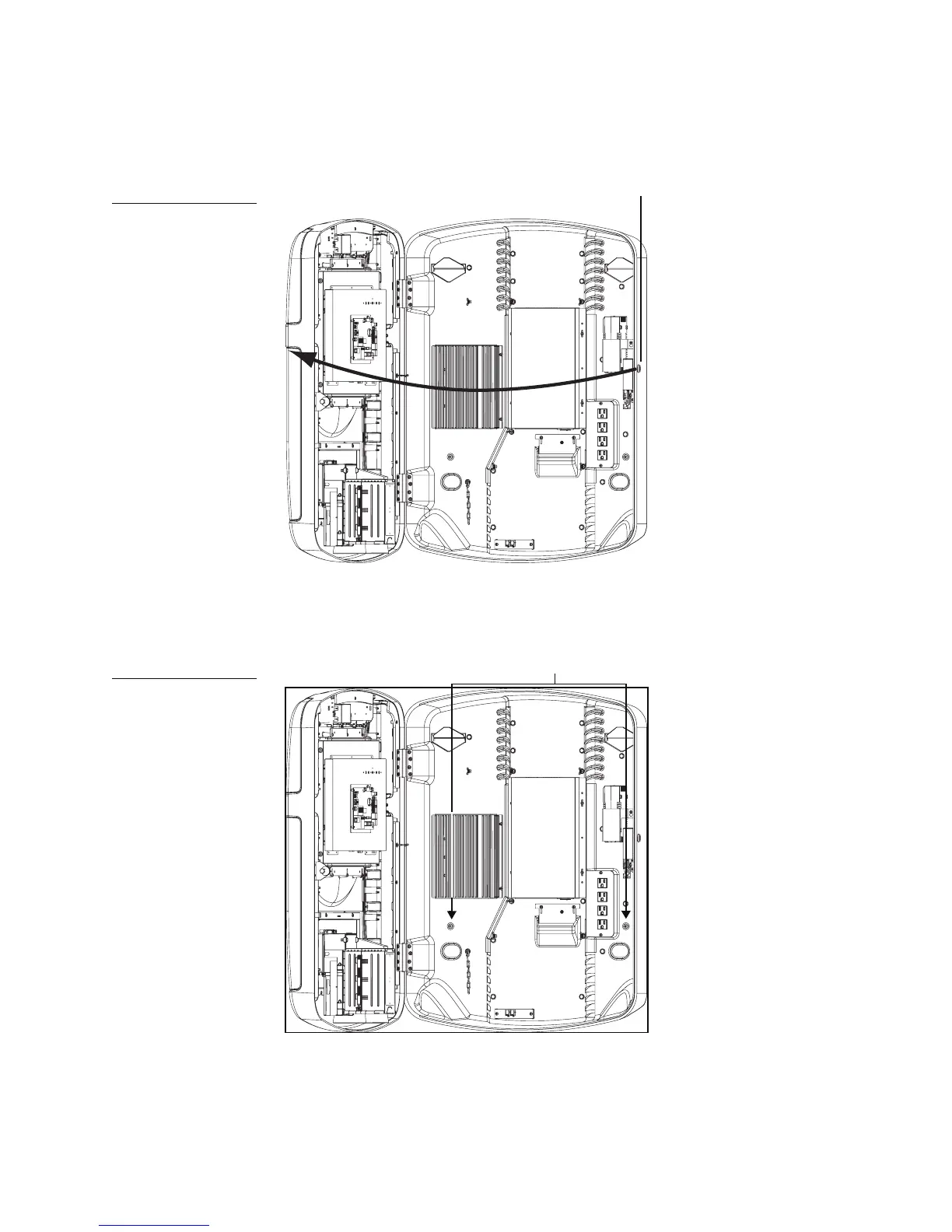
2. Unlock the Ovation from the lock on the right side of the jukebox and then slowly swing open
the Ovation case.
3. Using the diagram below, identify the location of the holes for the wall bracket screws used
to secure the jukebox to the wall bracket.
Figure 3
Opening the jukebox
Figure 4
Location for wall bracket
screws
Lock
Holes for wall bracket screws



 To Next Page