Installing the Hard Drive
13
The hard drive (and its enclosure) are shipped separately from the main jukebox hardware. If
the hard drive has not yet arrived at the location, contact the vendor or distributor.
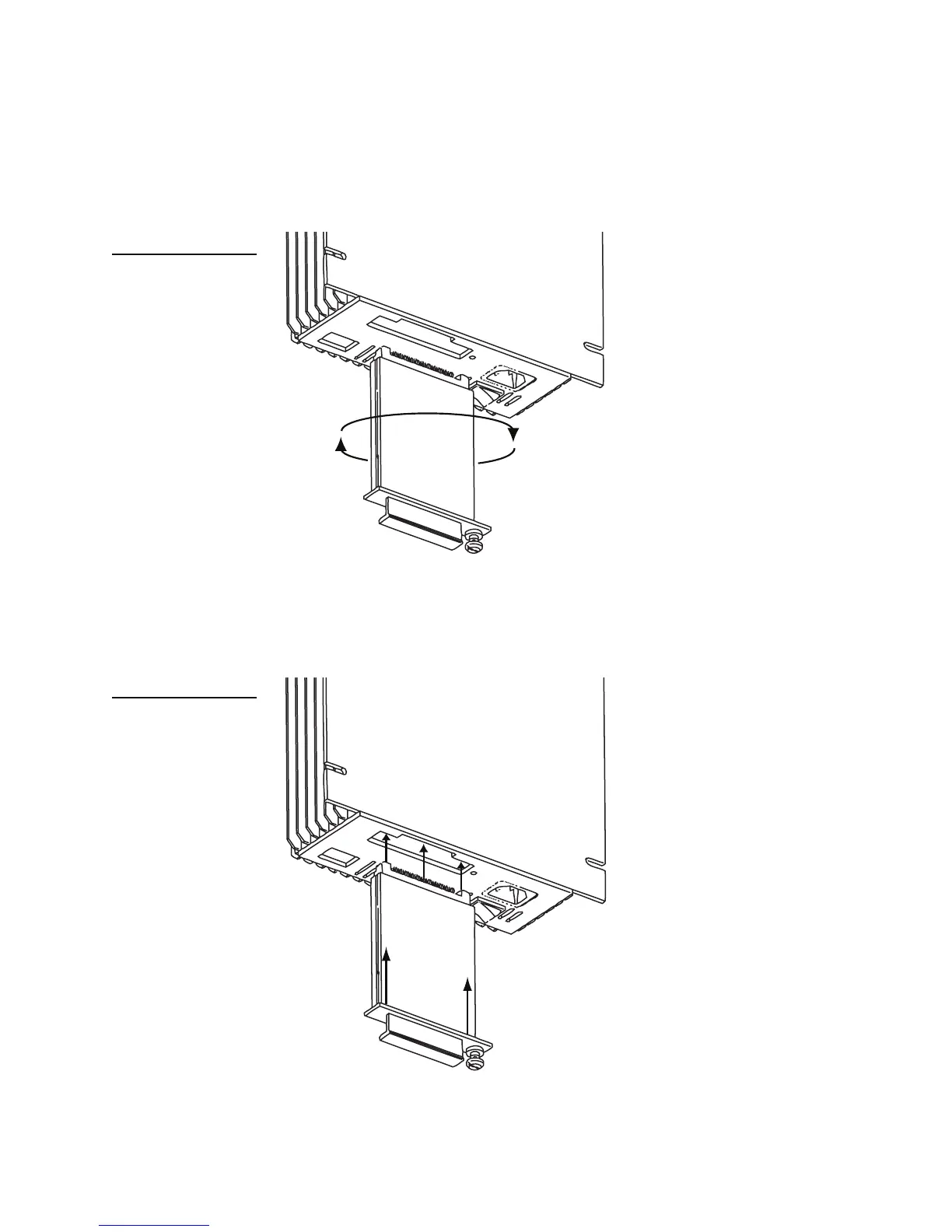
2. Align the hard drive enclosure with the slot labelled REMOVEABLE HARD DISK on the
bottom panel of the MJS.
The hard drive enclosure cannot be inserted in its slot until it is properly aligned.
3. Insert the hard drive enclosure in the slot and then gently push the enclosure in until it is
completely seated.
Figure 7
Aligning the hard drive with
its slot in the MJS
Figure 8
Inserting the hard drive to
the MJS



 To Next Page