22
Installing the Ovation Jukebox
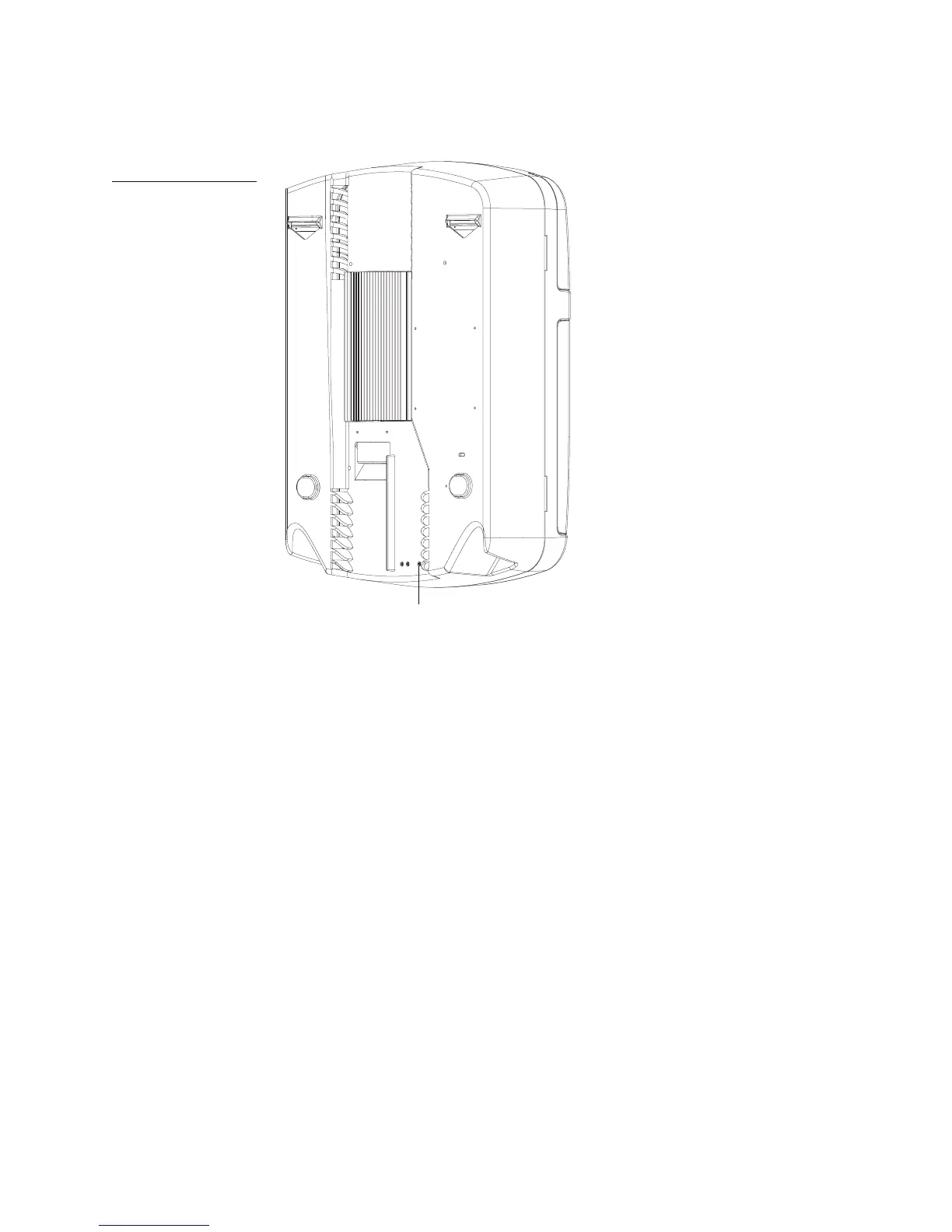
1. Press the Night Mode button on the rear of the jukebox.
Note: Buttons may be slightly recessed.
When you press this button, the touchscreen, lights and audio system for the jukebox are
activated. You can now use the touchscreen to activate the jukebox and configure its settings
using the system software.
2. Follow the procedure in “Activating the Jukebox” to configure and initiate communications
with the TouchTunes server and activate the jukebox.
Figure 17
Locating the Night Mode
button
Night Mode
button



 To Next Page