Activation Procedure
25
Note: If there is a corruption in the jukebox’s iButton or other serious error, the Calibration
screen will not appear but rather an error will be indicated. See “Encountering a Serious System
Error” on page 16.
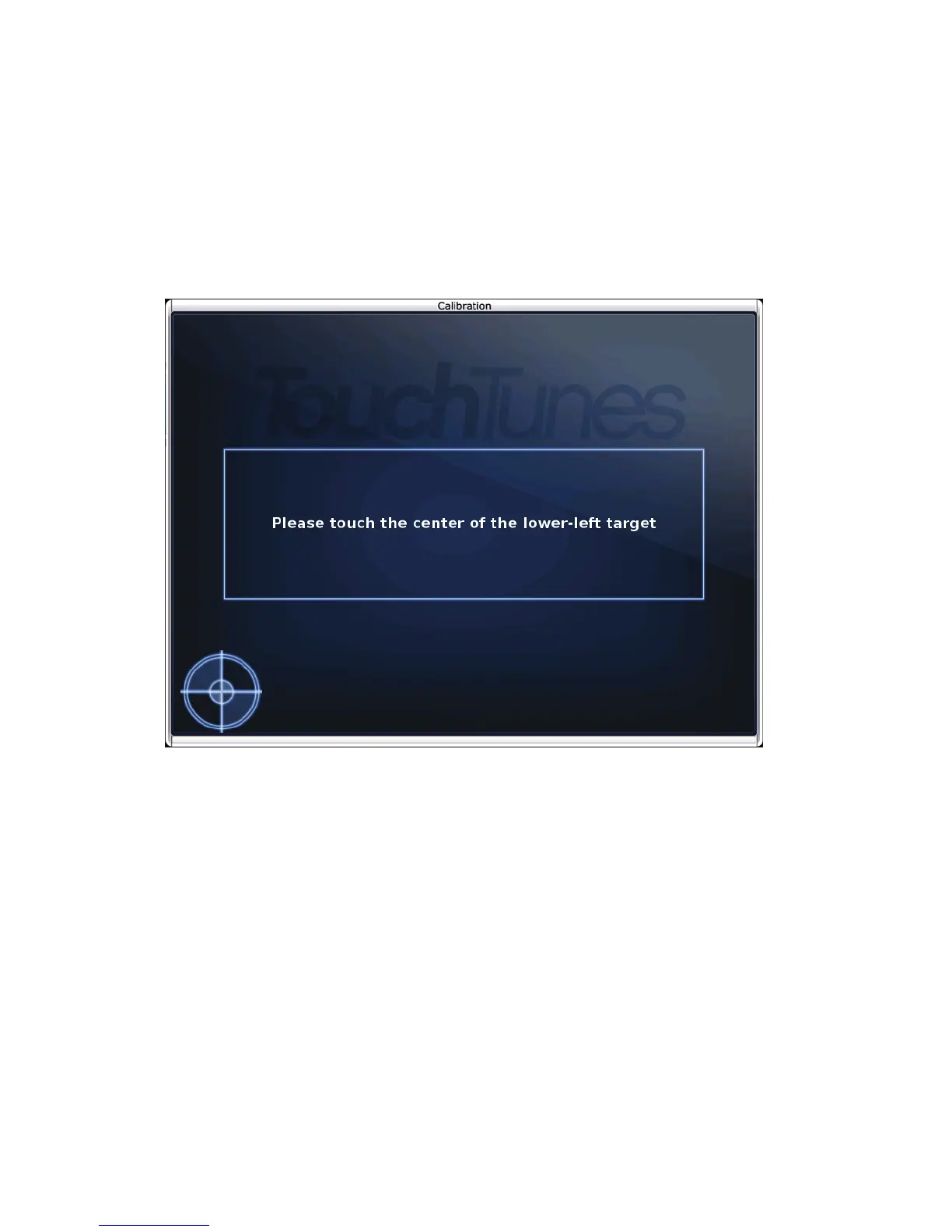
Calibrate the Touchscreen as Required
1. Touch the center of the target that appears on the upper-left of the screen.
2. Touch the center of the target that appears on the lower-right of the screen.
3. Touch the center of the target that appears on the lower-left of the screen.
Calibration Screen
The Settings screen appears.
Select Settings to Use
In the Settings screen, you select where to get the jukebox settings from. Settings include mixer
levels, credit rules, the remote ID, and the other configurable options available from the
Operator interface or via the TouchTunes Dashboard.



 To Next Page