05
WORKING WITH THE LED LIGHTS
S
o
la
r
U
SB I
USB
S
INPUT
1
0
0
%
7
5
%
5
0
%
2
5
%
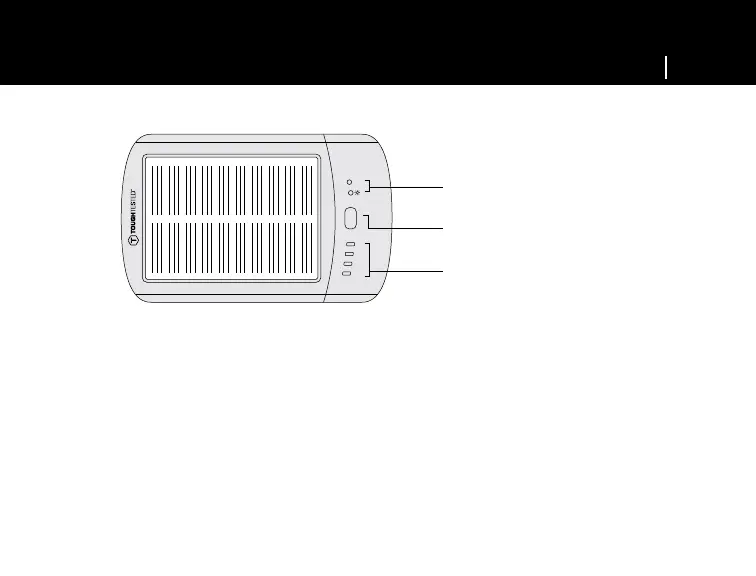
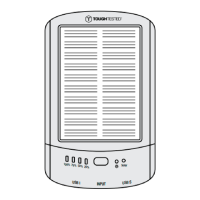
To check that your TT-SOLAR is fully charged, press the power button – the blue power level indicator will
light 25%-100%. If all lights are blue on the power level indicators, battery has a full charge.
• When all 4 LED lights are on = 100% battery charge
• When only 3 LED lights are on = 75% battery charge
• When only 2 LED lights are on = 50% battery charge
• When only 1 LED light is on = 25% or less battery charge
Solar indicator
Power button
Power level indicator


 To Next Page