06
Charging your portable devices
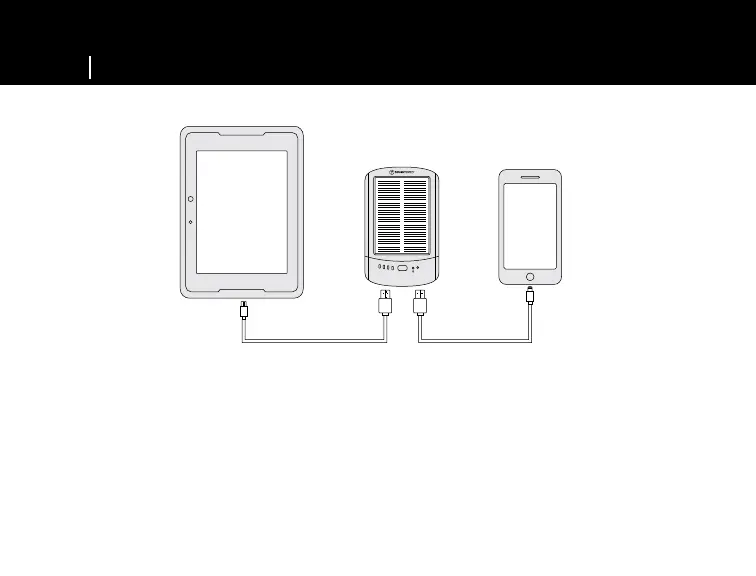
• Using your USB charging cable that came with your phone, plug it into the USB I or USB S port (see
illustration under “Using optimized USB ports” on page 8).
• The Micro USB charging cable included in the box can also be used with your devices that use Micro USB
to charge.
• Hold the power button for 3-5 seconds until the LED light comes on.
• To shut off the device, press down the power button for 3-5 seconds until the LED light turns off.
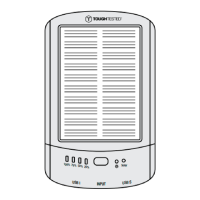
CHARGING YOUR DEVICES WITH THE TT-SOLAR BATTERY PACK
Solar
U
S
B
I
U
S
B
S
INPUT
1
0
0
%
7
5
%
5
0
%
2
5
%


 To Next Page