7
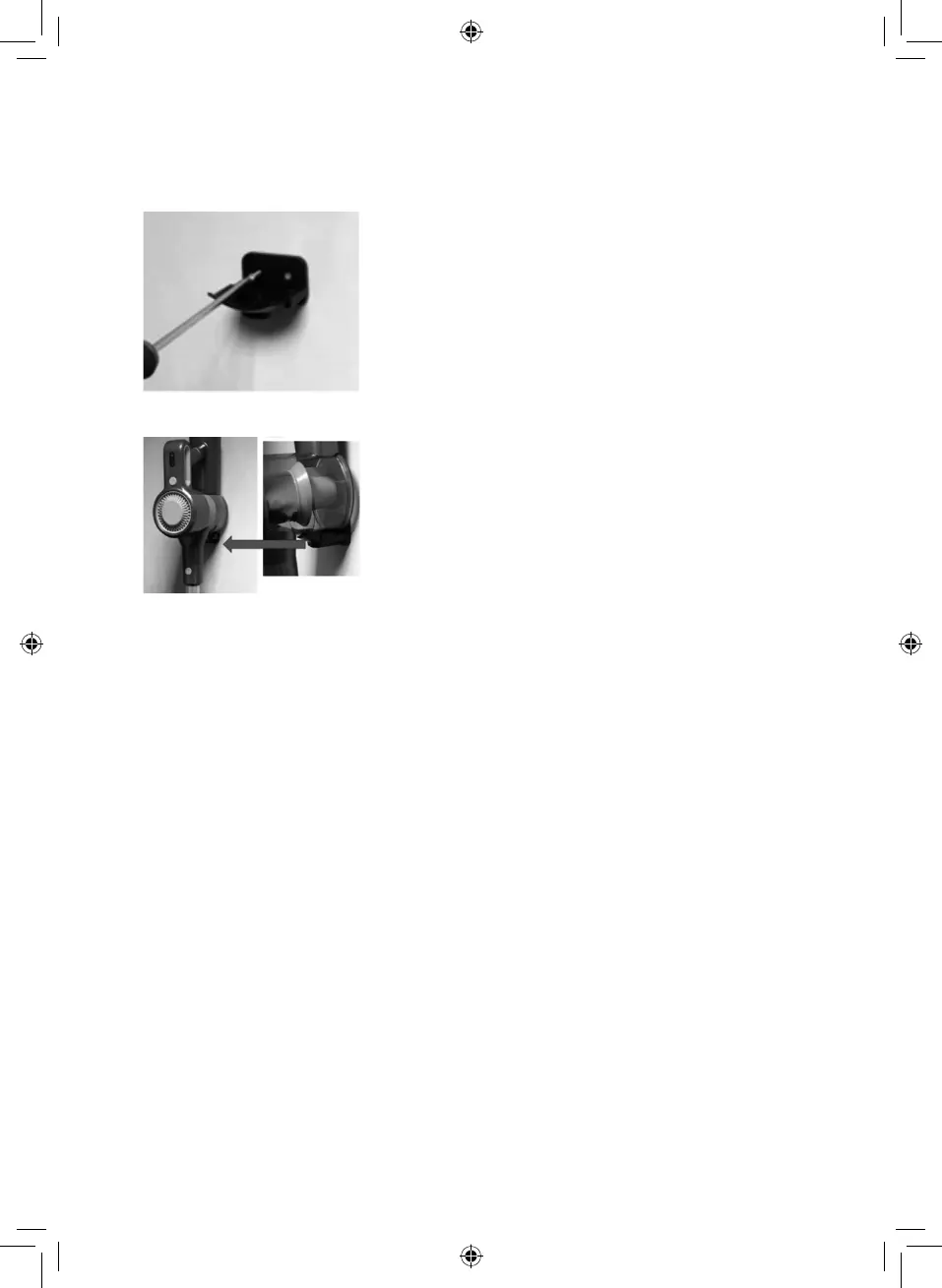
5. When both wall plugs have been securely fitted, place the wall bracket over them and use the
included screws to affix it to the wall, as shown on Figure 3. Ensure the wall bracket is firmly
secured into place before proceeding.
6. Your appliance can now be wall-mounted, as shown in Figure 4.
Turning the Appliance ON/OFF:
1. To use the appliance, begin by plugging it into a suitable mains outlet.
2. Once the appliance is plugged into the mains, press the ON/OFF button located on the handle
to turn the unit on.
3. Press this button again while the unit is in operation to turn it off.
Using the Floorhead:
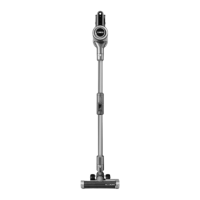
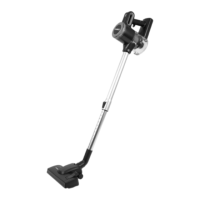
This unit comes complete with a 2-in-1 floorhead, suitable for a wide variety of floors and surfaces.
• To connect the floorhead to the vacuum cleaner, push it into the corresponding slot on the
main body of the unit until it locks into place. Ensure the floorhead is securely attached to the
unit before attempting to use the vacuum cleaner.
Once the floorhead is securely attached to the unit, select the correct brush bar for the floor type, as
detailed below:
• Soft brush for smooth, hard surfaces such as wood, ceramic, tiles and marble;
• Hard brush for soft surfaces such as carpets and rugs.
To Change The Brush Bar:
• Slide the brush selector switch on the floorhead to change the brush bar at any time.
Note: Use only on short-haired carpet. It should NOT be used on long-haired carpets as the fibres
will damage the system.
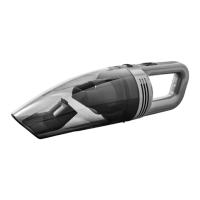
To remove the floorhead and use the vacuum cleaner as a handheld cleaner, simply pull it out of
its slot and away from the main body of the unit. Ensure the unit is turned off before attempting to
detach the extension pole.



 To Next Page