’05MY CELICA U (L/O 0409)
137
2005 CELICA from Sep. ’04 Prod. (OM20888U)
Defogging and defrosting
The inside of the windshield
For best results, set controls to:
Fan speed—Any setting except “OFF”
Temper at ur e—Towards WARM (red
zone) to heat; COLD
(blue zone) cool
Air intake—FRESH (outside air)
Air flow—WINDSHIELD
Turning the air flow selector to the wind-
shield position turns on the defogging
function with the purpose of clearing the
front view.
Vehicles with “A/C” button—
Press the “A/C” button for dehumidified
heating or cooling. This setting clears the
front view more quickly.
! On humid days, do not blow cold air
on the windshield—the difference be-
tween the outside and inside tempera-
tures could make the fogging worse.
The outside of the windshield
For best results, set controls to:
Fan speed—Any setting except “OFF”
Temper at ur e—Towards WARM
(red zone)
Air intake—FRESH (outside air)
Air flow—WINDSHIELD
Turning the air flow selector to the wind-
shield position turns on the defogging
function with the purpose of clearing the
front view.
Vehicles with “A/C” button—
Press the “A/C” button for dehumidified
heating or cooling. This setting clears the
front view more quickly.
! To heat the vehicle interior while de-
frosting the windshield, choose floor/
windshield air flow.
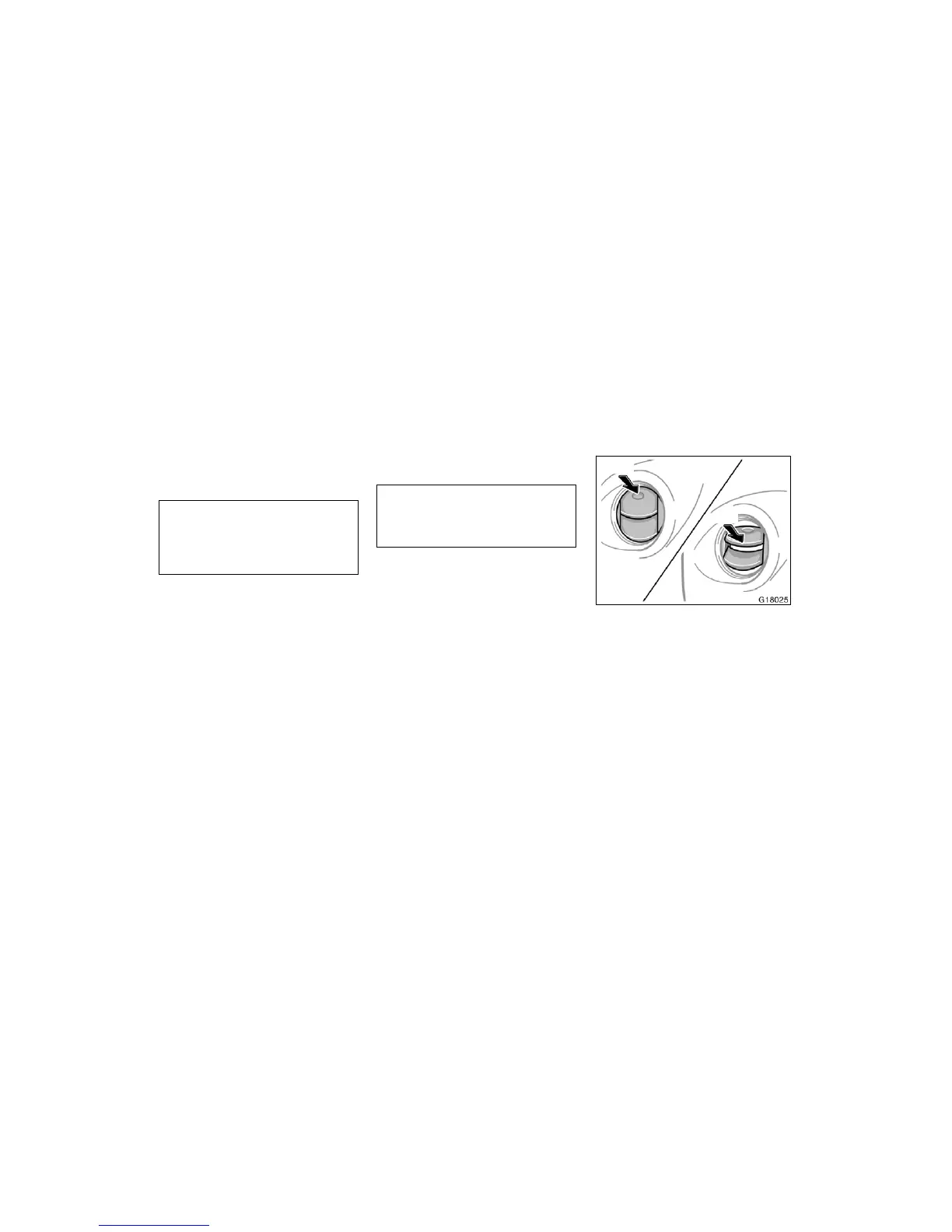
Open
Close
If air flow control is not satisfactory, check
the instrument panel vents. The instrument
panel vents may be opened or closed as
shown.
Instrument panel vents


 To Next Page
 Loading...